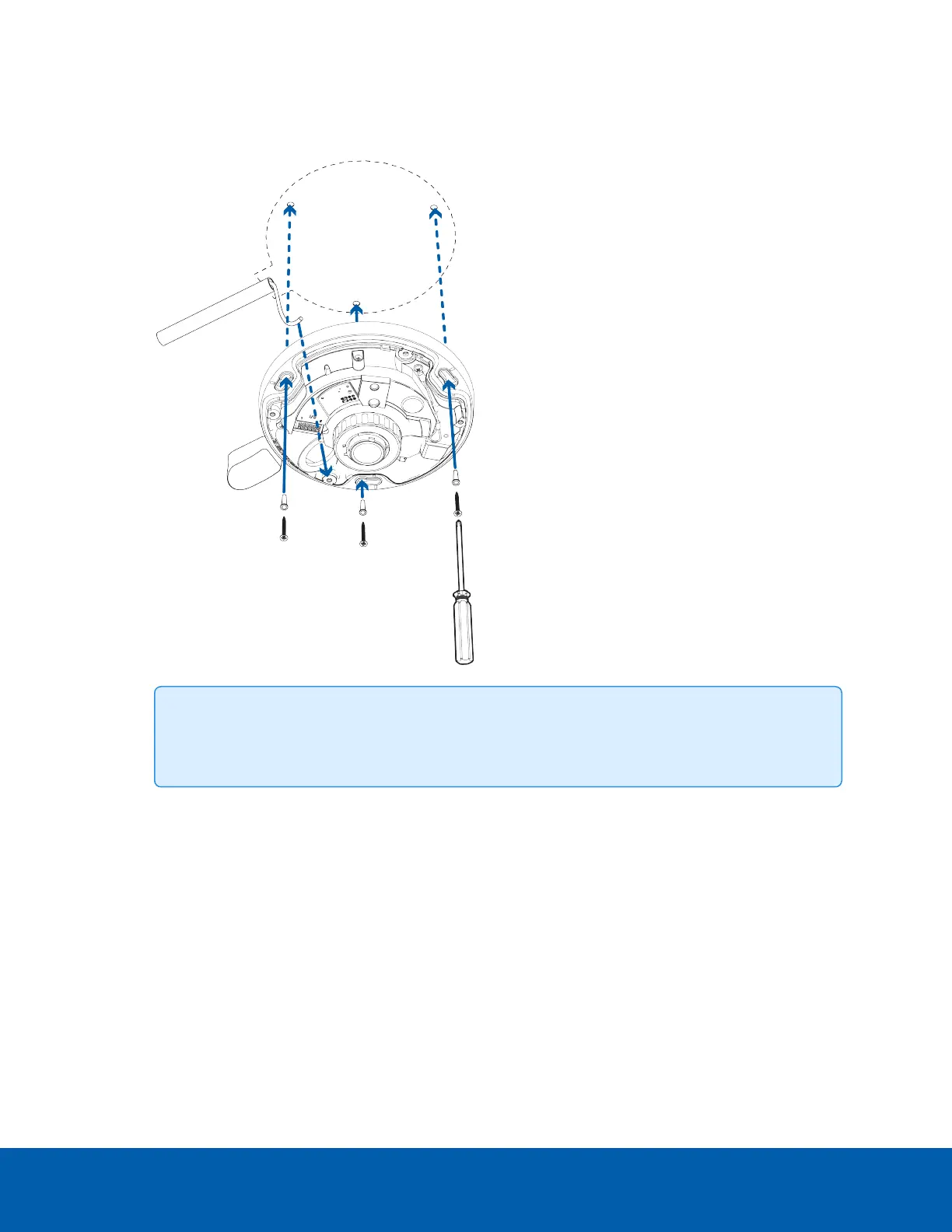
8. Align the up orientation arrow on the camera base with the arrow on the mounting template. Align the
mounting slots on the camera base to the drilled pilot holes and use the provided self-tapping screws
to secure the camera to the mounting surface.
Tip: Make sure the cables run through the space provided by the conduit shroud and that
they are not pinched.
9. Pull the required cables through the rubber sealing grommet. For more information, see Preparing
the Cables on page13.
Mounting the Camera Using the Side Conduit Entry Hole 24



 To Next Page
 Loading...



