4.15 User guide
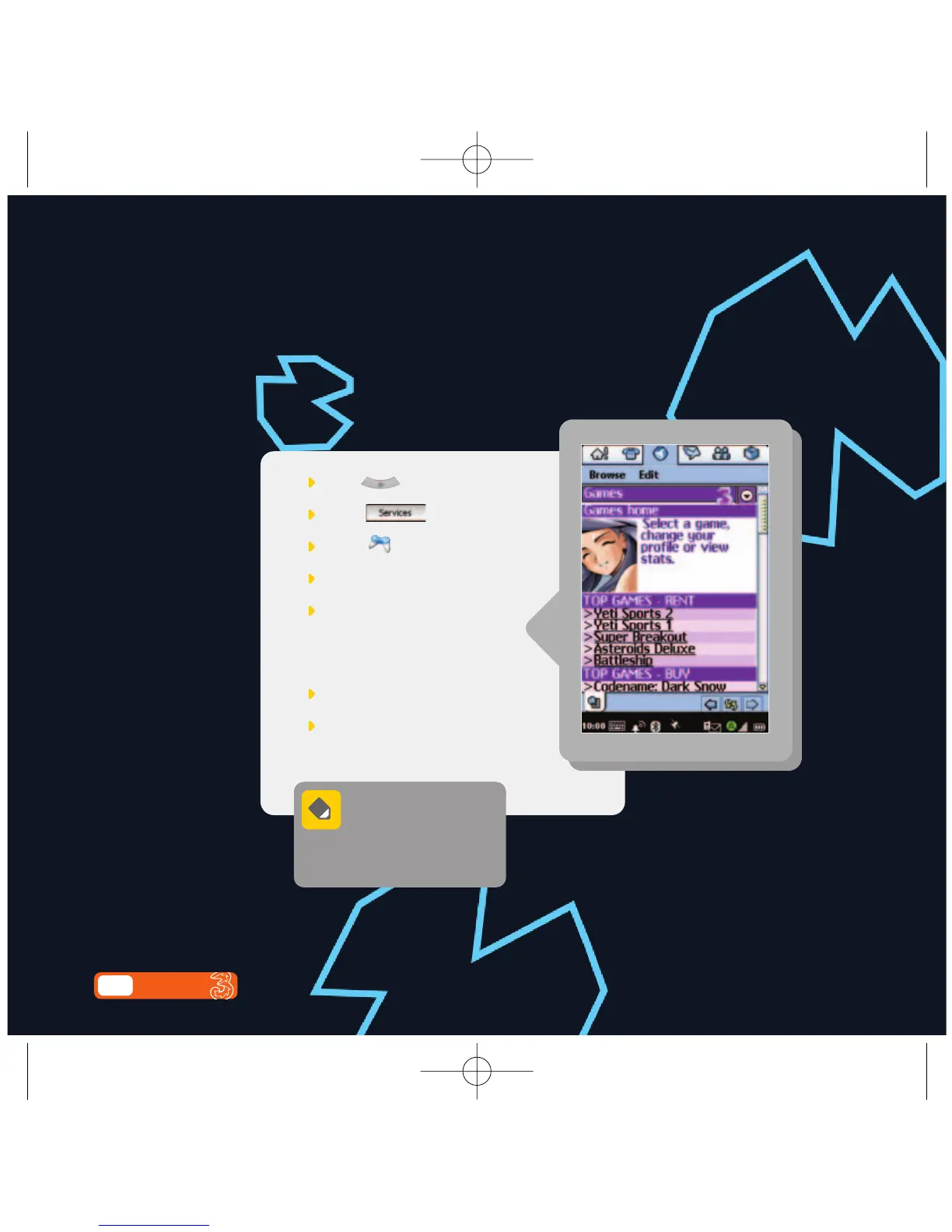
Finding a game
Download a game to your mobile. Pick anything from fast-paced
shoot-’em-ups to classic brainteasers.
Press
Select
Select
Select your preferred game
Select Download games
Your game will now download
to your mobile.
Press Install
Press Done
Each game has specific
information about what
constitutes a single play
of that game. Check the game
information page for your game.



 To Next Page
 Loading...








