ioLogik E1200 Series Using the Web Console
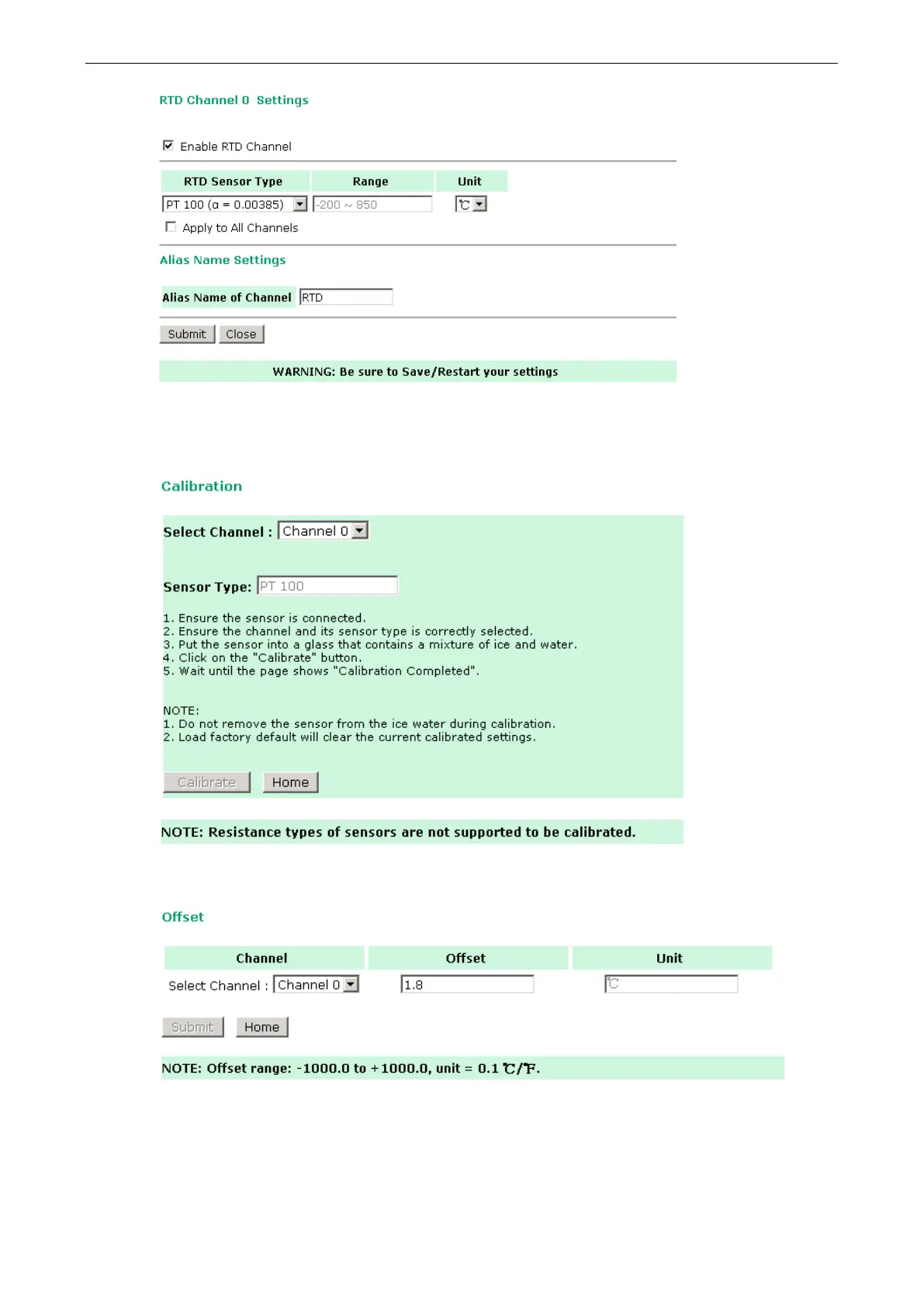
The ioLogik E1200 allows you to calibrate the temperature sensors. In each channel configuration section,
follow the instructions and click the Calibrate button to start the RTD sensor calibration. Each calibration
requires around 30 seconds per channel.
The ioLogik E1200 allows you to manually adjust the current temperature reading. In each channel
configuration section, select the channel, apply the offset value, and click the Submit button.







 To Next Page