7 Commissioning
Messko GmbH 202052 BA4001150/10 ENMSENSE
®
DGA 2/3
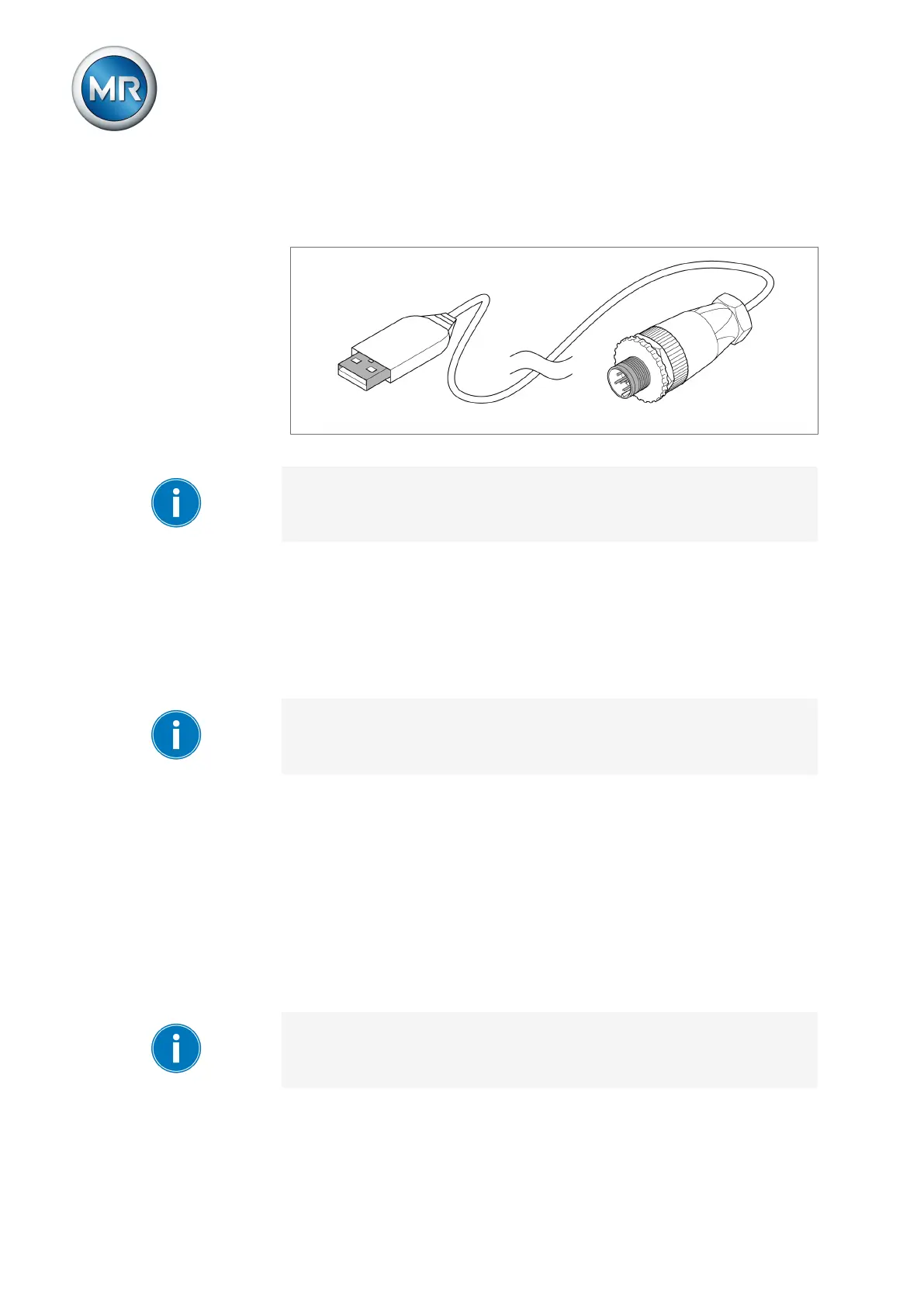
2. Connect the device service adapter USB plug to the PC or laptop on
which the MESSKO® MSET parameterization software is installed (see
corresponding operating instructions).
Figure39: USB service adapter
The MSENSE® DGA 2/3 can now be parameterized via the MESSKO®
MSET parameterization software.
7.2 Installing the MESSKO® MSET parameterization software
You can download the latest version of the MESSKO® MSET parameteriza-
tion software from the MESSKO® Download Center. To do so, you must
register once. Follow the instructions for this by clicking on the following link:
www.reinhausen.com/messko-downloadcenter
The Microsoft Windows 10 operating system is recommended for installing
the MESSKO® MSET parameterization software. The software can be run
on the operating system Microsoft Windows 7 and later.
To install the MESSKO® MSET parameterization software, proceed as fol-
lows:
1. Start the setup file MSETSetup.exe from the subdirectory \setup on the
supplied USB stick.
2. Select the language in which you want to run the installation process.
3. Follow the instructions in the setup wizard.
4. If the drivers for the USB interface have not yet been installed, select the
FTDI Driver as an additional component.
5. Upon successful installation, the program can be started via Start > All
programs > MESSKO > MSET > MSET program icon.
Detailed information on using the MESSKO®MSET parameterization soft-
ware is to be found in the corresponding operating instructions.



 To Next Page