10 Maintenance
Messko GmbH 202078 BA4001150/10 ENMSENSE
®
DGA 2/3
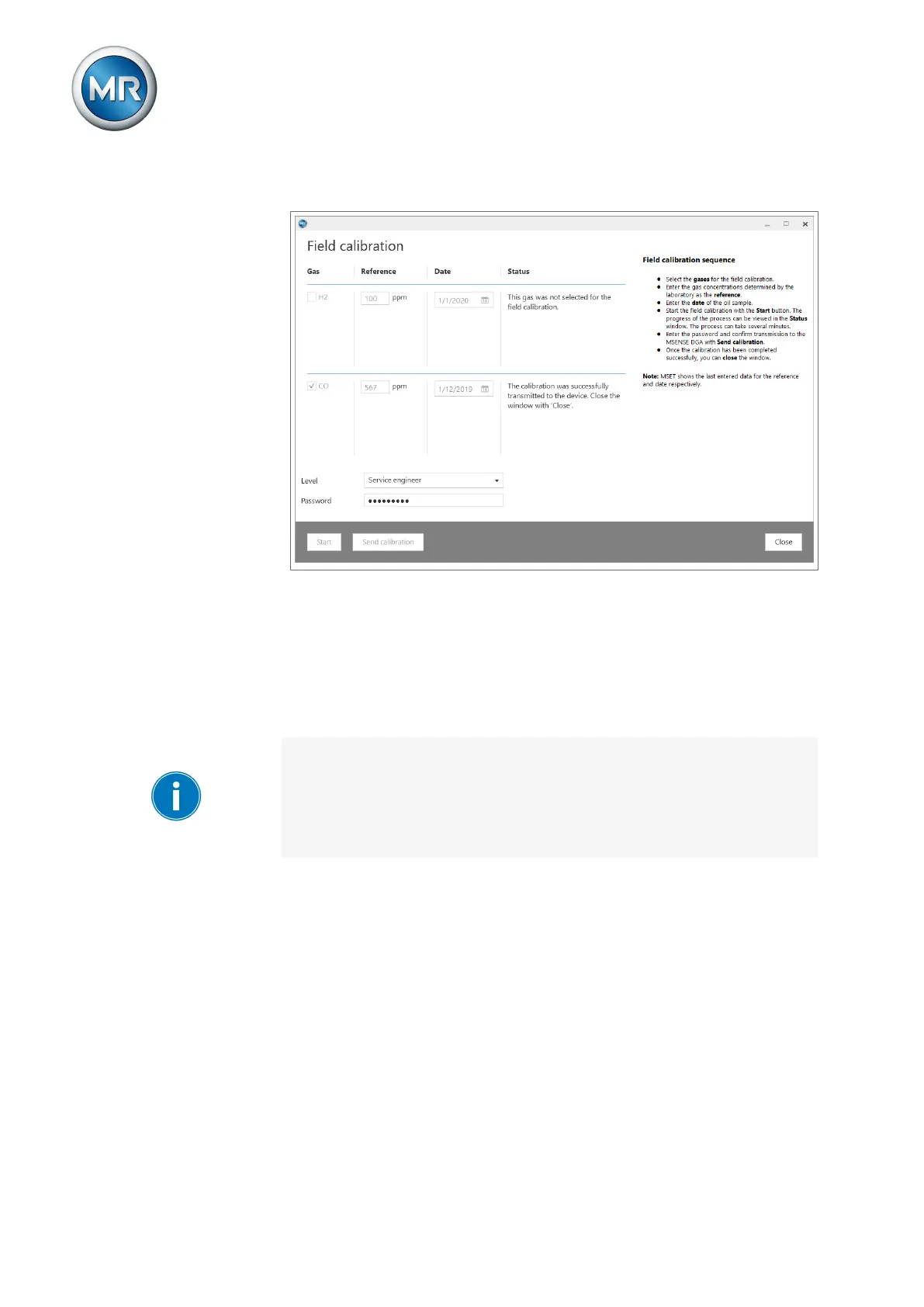
9. Wait until the result of the calibration is displayed in the status column.
Figure57: Calibration successful
10. Upon successful calibration, you can close the window and disconnect
the connection between the MSENSE DGA 2/3 and the laptop.
11. Unscrew the USB service adapter.
12. Then screw the protective cap onto the M12 socket to protect the device
against water ingress.
ð The system will set itself to the adjusted level within the next 24hours.
If you have made an incorrect entry, you can reset the parameters of the
gas analysis (H2 and CO) and the humidity (H2O in ppm) to the default cali-
bration. To do so, send a valid access authorization to the device via the
MESSKO®MSET parameterization software under Service in the area
MSENSE default calibration in accordance with the corresponding operat-
ing instructions.
10.4.3 Reading out the service database
The service database contains all information on the device status and
serves as customer-friendly advice through MRSupport. If the
MSENSE®DGA 2/3 issues a maintenance message, we recommend mak-
ing an immediate copy of the service database and contacting Maschinen-
fabrik Reinhausen GmbH Technical Service.
The following material is necessary for reading out the service database:
▪ PC with MESSKO® MSET parameterization software and up-to-date FTDI
drivers
▪ Device USB service adapter



 To Next Page