10 Maintenance
Messko GmbH 2020 79BA4001150/10 EN MSENSE
®
DGA 2/3
Proceed as follows:
1. Connect the device to the PC using the USB service adapter and open
the MESSKO®MSET parameterization software.
ð The parameterization software connects to the device. Click on Man-
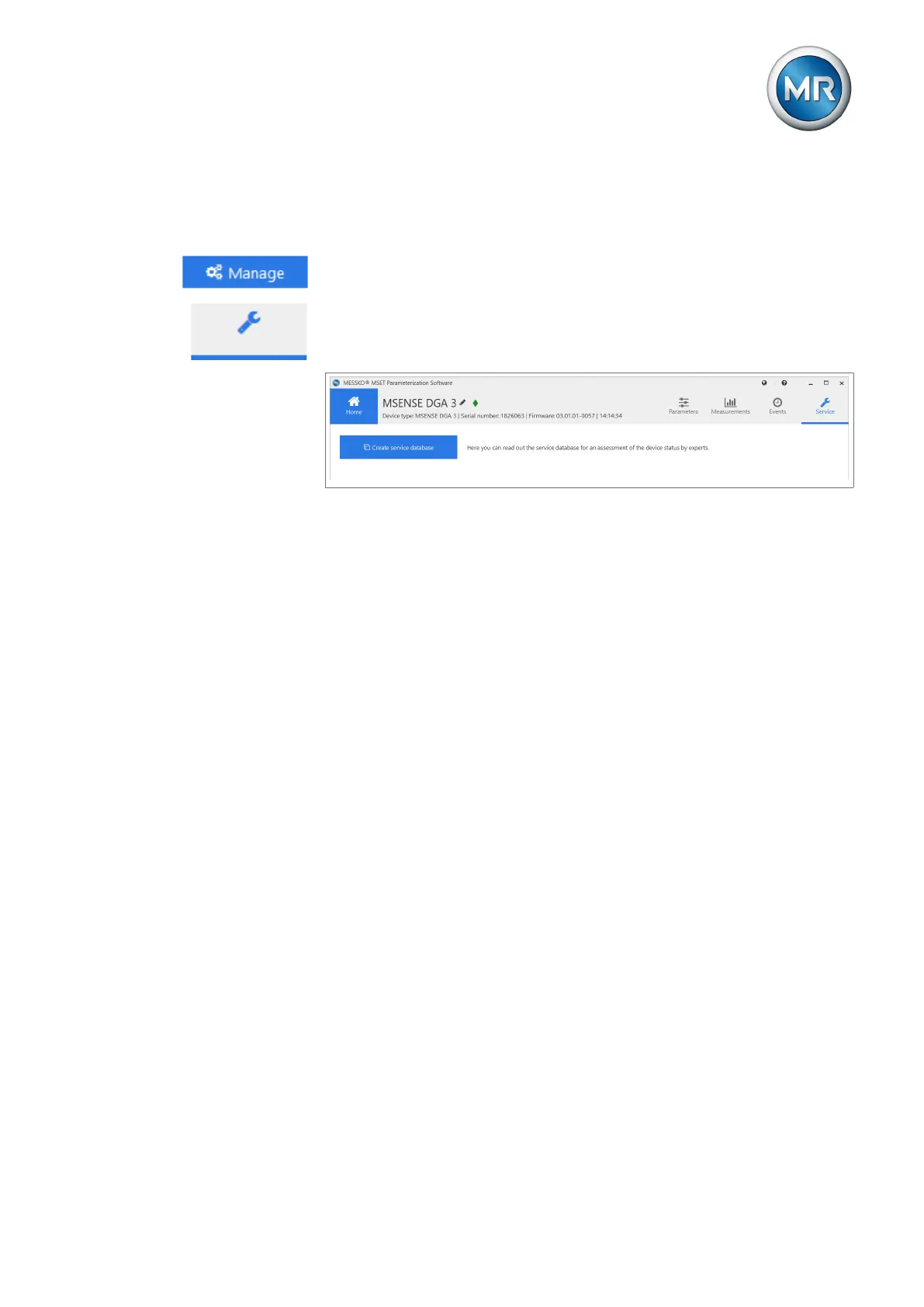
age on the left-hand side of the Home view (USB).
2. Click on Service in the top right.
3. Click on the Create service database button and save the zip file to the
laptop.
Figure58: Service database
4. Contact MR Technical Service and send the zip file.
Maschinenfabrik Reinhausen GmbH
Technical Service
Postfach 12 03 60
93025 Regensburg
Germany
Phone: +49 94140 90-0
E-mail: service@reinhausen.com
10.5 Cleaning
When necessary, the installed device can be cleaned from the outside with
water and a mild lye.
Only use a dry cleaning cloth to wipe down the measuring head of the unin-
stalled device (see chapter Design [►Section 4.3, Page 19]).



 To Next Page