10 Maintenance
Messko GmbH 2020 77BA4001150/10 EN MSENSE
®
DGA 2/3
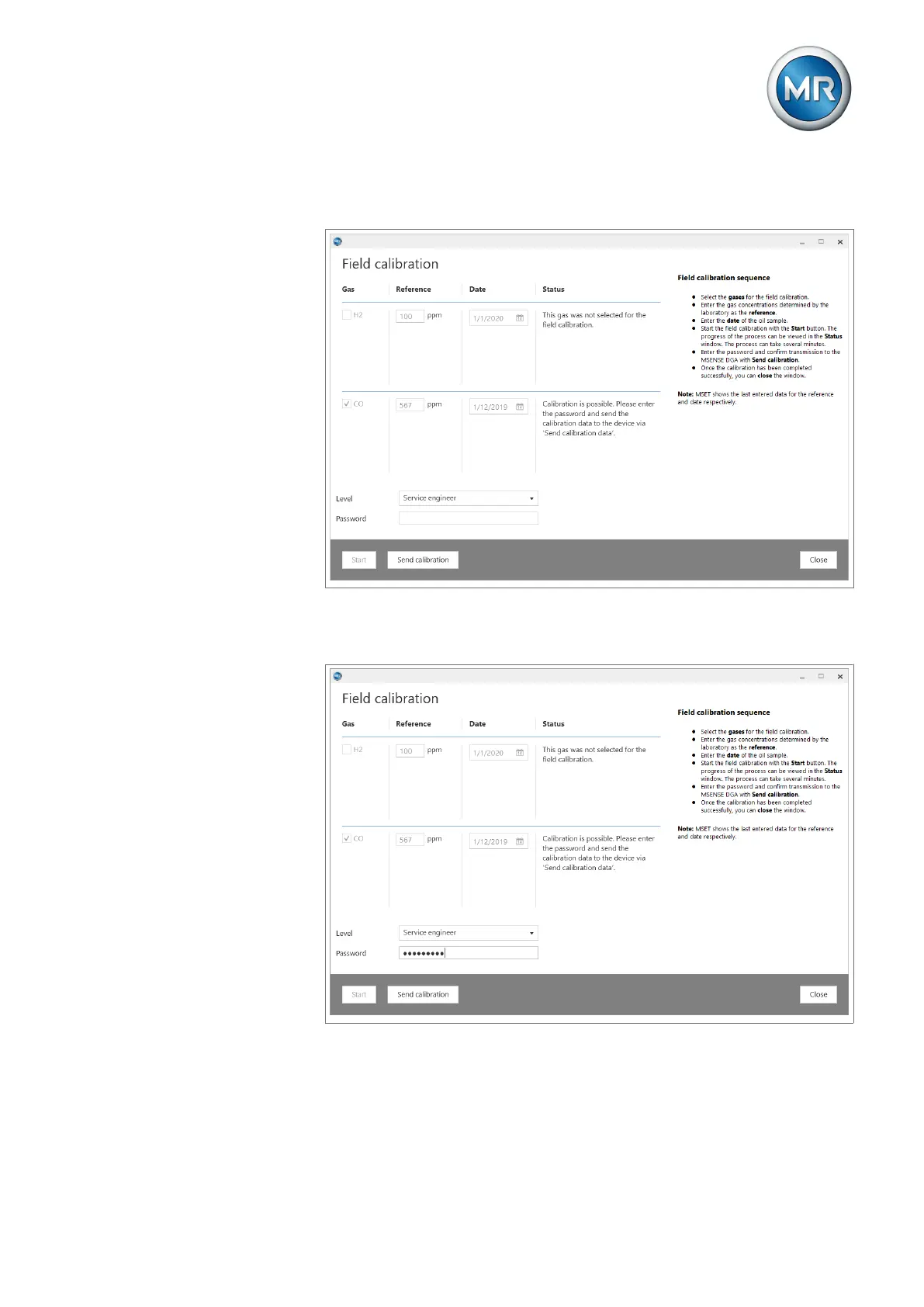
7. Wait until the status column displays whether or not the calibration is pos-
sible.
Figure55: Calibration is possible
8. If the calibration is possible, enter the password and initiate the transmis-
sion of the calibration data to the device via Send calibration.
Figure56: Password entry and sending the calibration



 To Next Page