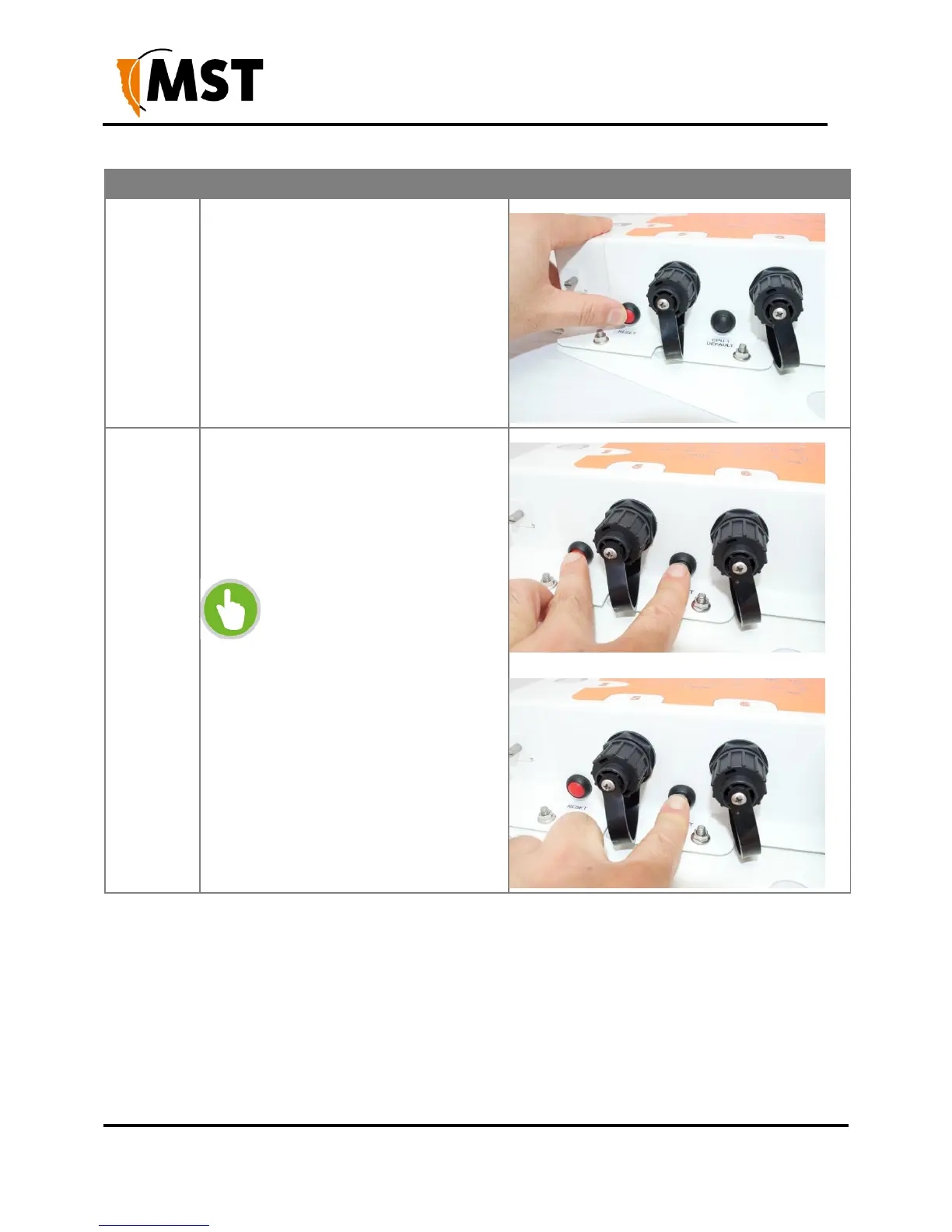
To reset the NS50 (i.e. power cycle), press
and release the Reset button whilst the unit
is powered up.
To reset to factory default settings whilst
the unit is powered up, press and hold both
the Reset and CPU Default button.
Release the Reset button while continuing
to hold the CPU Default button for another
5 seconds.
NOTE: This procedure must be
performed on each CPU to reset
it to factory default settings.


 To Next Page
 Loading...

