Appendix F: Connecting a PC to an IMPACT Network
Device
1. This Appendix specifies how to set up a PC connection (with Windows XP operating system)
to connect to an IMPACT NS50 or WAP.
2. Connect a PC to the device's Ethernet port with an Ethernet cable. If the PC is already part
of the network, note its TCP/IP configuration settings.
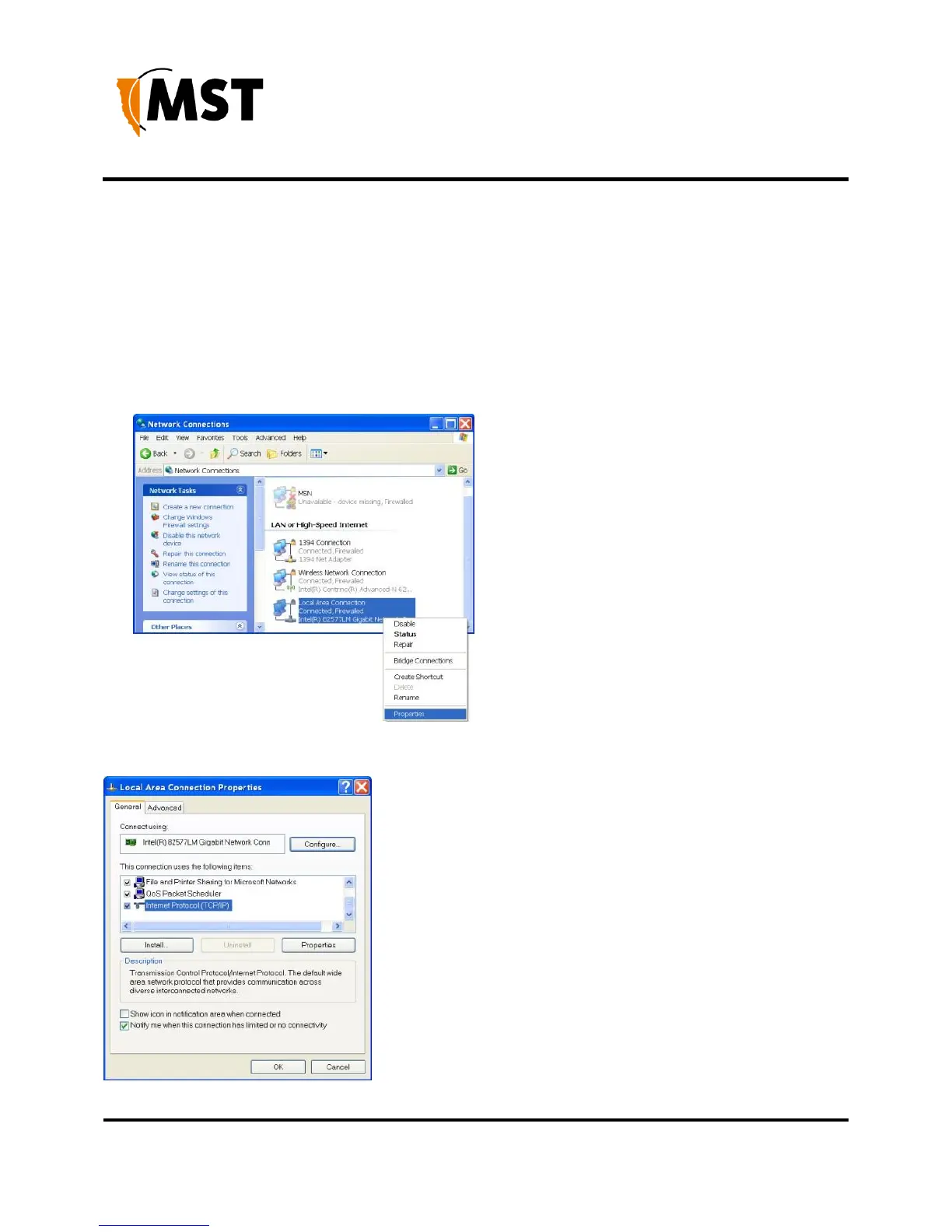
3. Click Start > Control Panel. Open Network Connections.
4. Right-click Local Area Connection and select Properties. The Local Area Connection
Properties window will open


 To Next Page
 Loading...

