6.1 Device Management Overview
The ICA Administration Console (v1.4.0 and later) supports the creation of Access Point configuration
templates. A Site Default template is created at installation and applied to all managed devices. New
templates can be copied from the Site Default and applied to selected devices, and further overrides
can also be applied to individual devices.
Some familiarity with the ICA Administration Console is assumed here. For more information, see the
ICA Administration Console User Manual available from MST.
There are three editors in the ICA Administration Console with relevant settings:
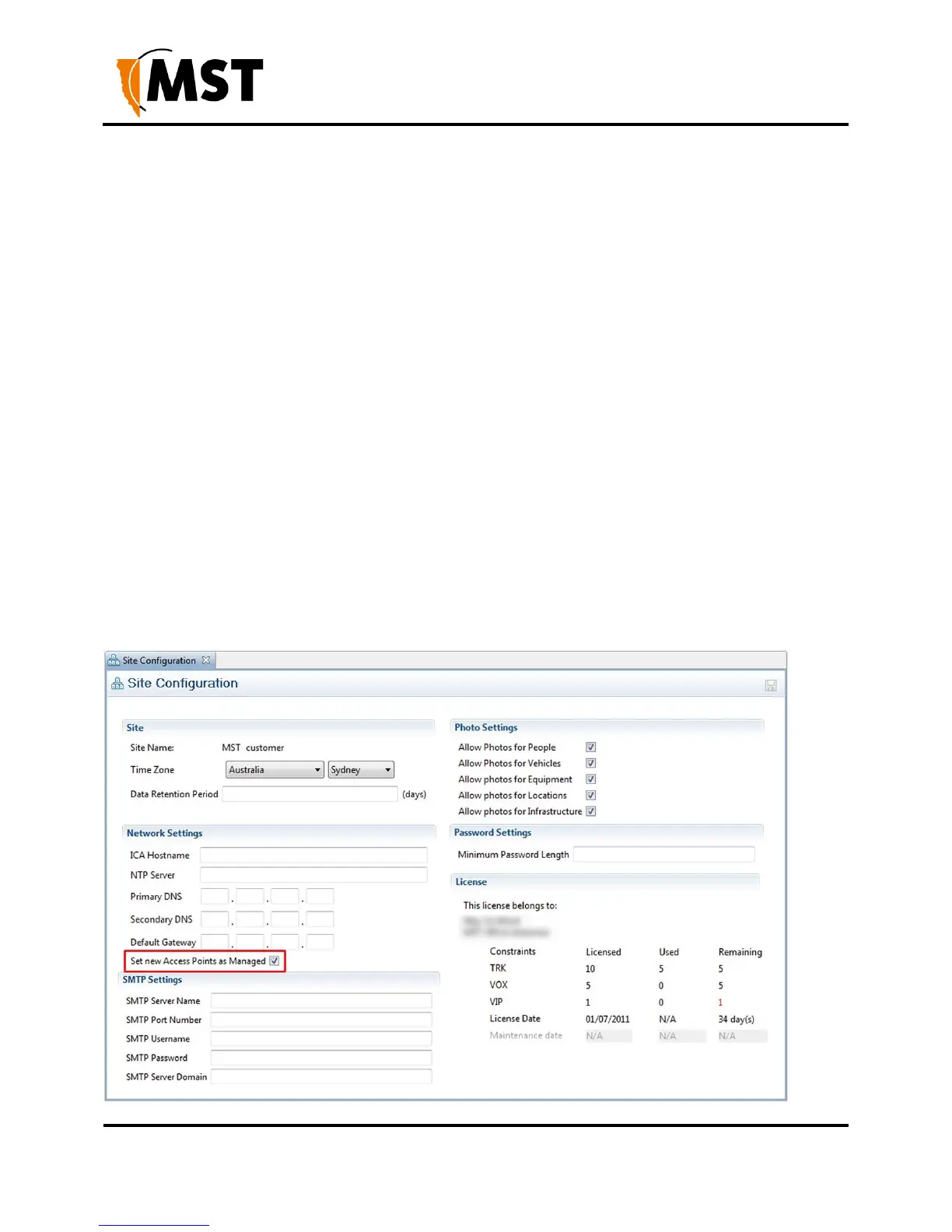
Configuration > Site Configuration
Configuration > AP Config Templates
Devices > Access Points
6.1.1 Site Configuration
This editor contains the option to Set new Access Points as Managed - If checked, all newly discovered
Access Points will be confgured according to the Site Default template by the ICA. If disabled, new APs
must either have their management settings configured in the Devices > Access Points editor, or be
configured manually.


 To Next Page
 Loading...

