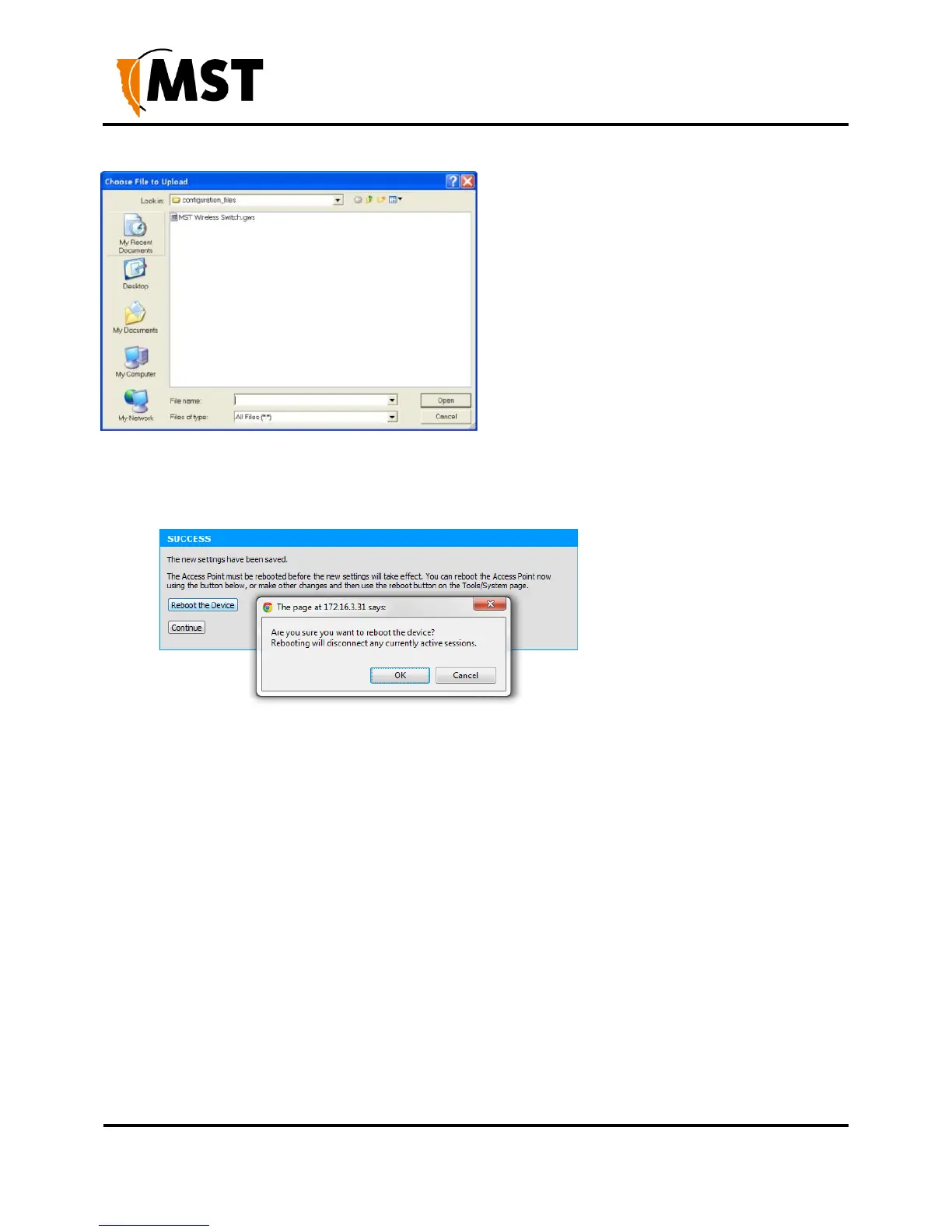
3. Click Restore Configuration from File. The device will upload the configuration file. The
SUCCESS screen is displayed.
1. Click Reboot the Device and then OK to reboot or click Continue to return to the previous
configuration screen. Rebooting the device will end the current configuration session.
5.4.2 Setting the Time
The Time configuration screen shown in Figure 27: Time configuration screen is used to define
regional time settings on the device.


 To Next Page
 Loading...

