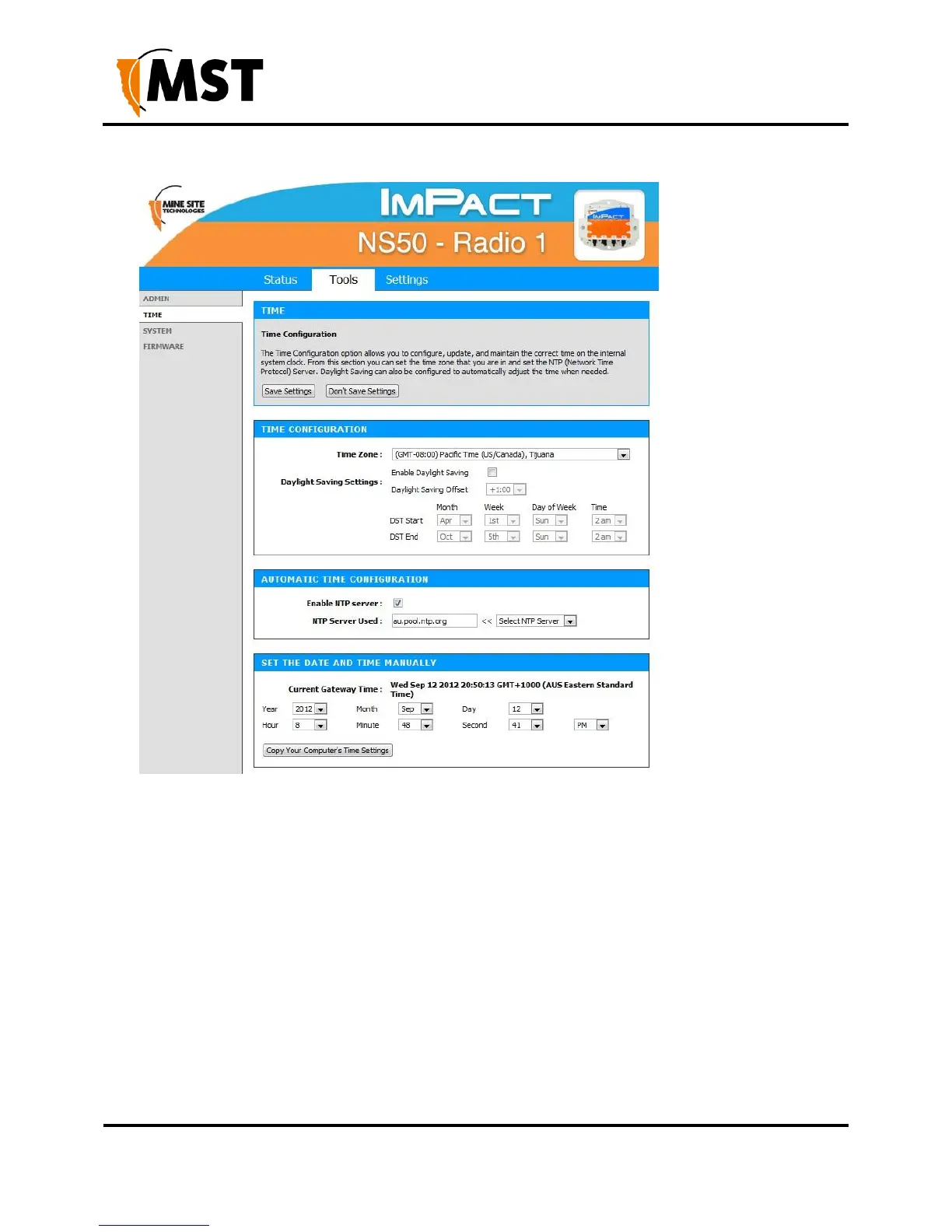
Figure 27: Time configuration screen
To set the time configuration settings:
1. Select the appropriate time zone from the Time Zone drop-down box.
2. Click Enable Daylight Saving check box if the selected region has daylight saving. Daylight
saving options will be displayed.
3. Select the Daylight Saving Offset in the drop-down box.
4. Select the region's DST Start date and DST End date.
5. Click Save Settings.
To enable Automatic Time Configuration, tick the Enable NTP server checkbox, and enter an NTP
server address or select one from the dropdown menu.


 To Next Page
 Loading...

