NOTE:
WAC 1 must be upgraded before WAC 2. Complete steps 1-4 for for every WAC on
the network
that you are upgrading, then move onto step 5.
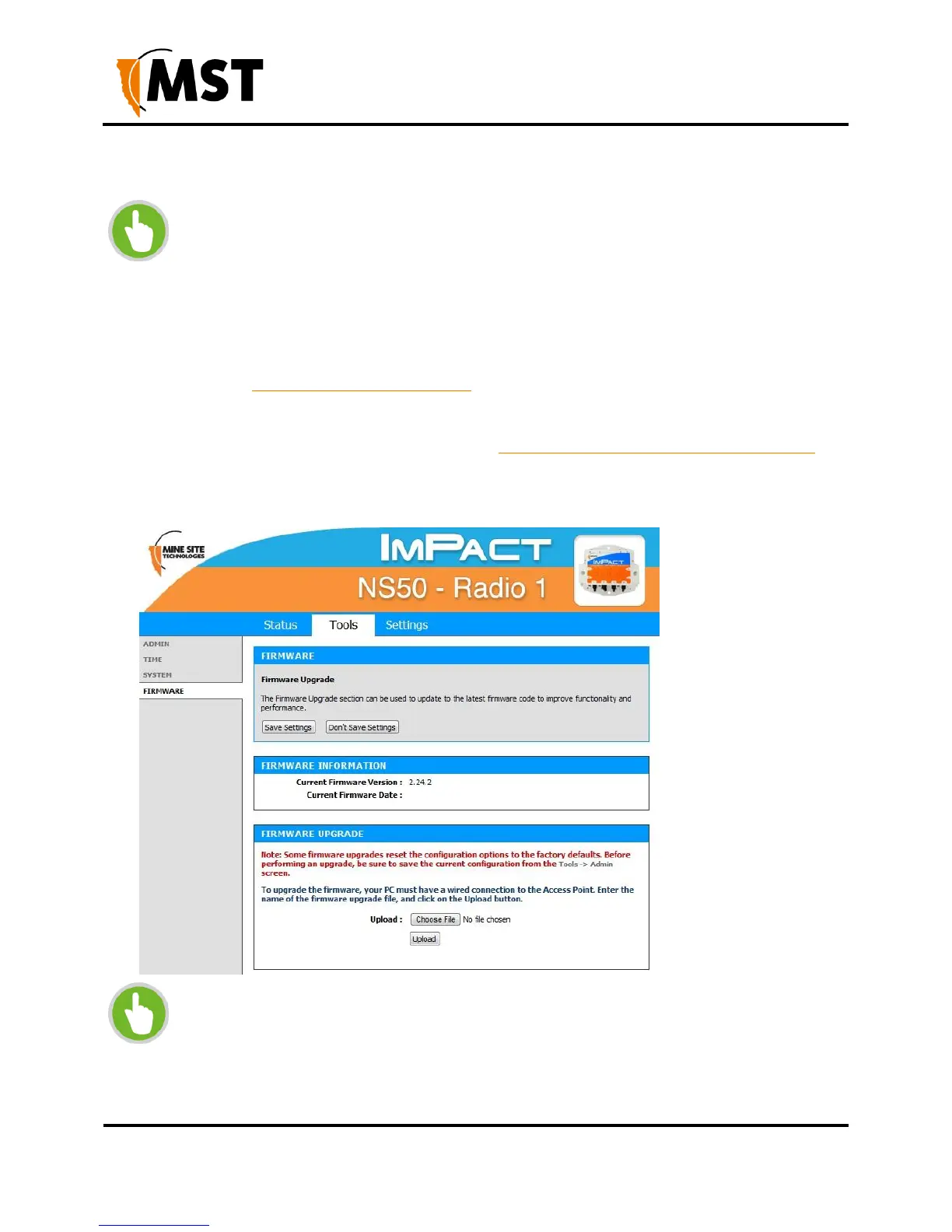
Firmware upgrades may reset the network device to default factory settings
(please refer to the firmware release notes to determine if this will occur).
It is STRONGLY recommended to install ICA 1.4.1 (or greater) at the site and use
the central configuration management capability to re-apply device settings. See
Device Management Overview on page 83 for more detailed instructions.
For devices that are not managed by the ICA, configuration settings can be saved
before updating firmware and restored after the update from the TOOLS > ADMIN
screen. For more information, see Saving and Restoring Configuration Settings on
page 52.
NOTE: Before starting this procedure, note the following
The device's MAC address (visible in STATUS > DEVICE INFO)
Settings on the device that differ from the Site Defaults


 To Next Page
 Loading...

