•Youcanchangethedefaultvalue.
“System Settings,” page 85.
• You can add frequently used functions to the basic function menu.
“Calling up Frequently Used Functions,”
page 80.
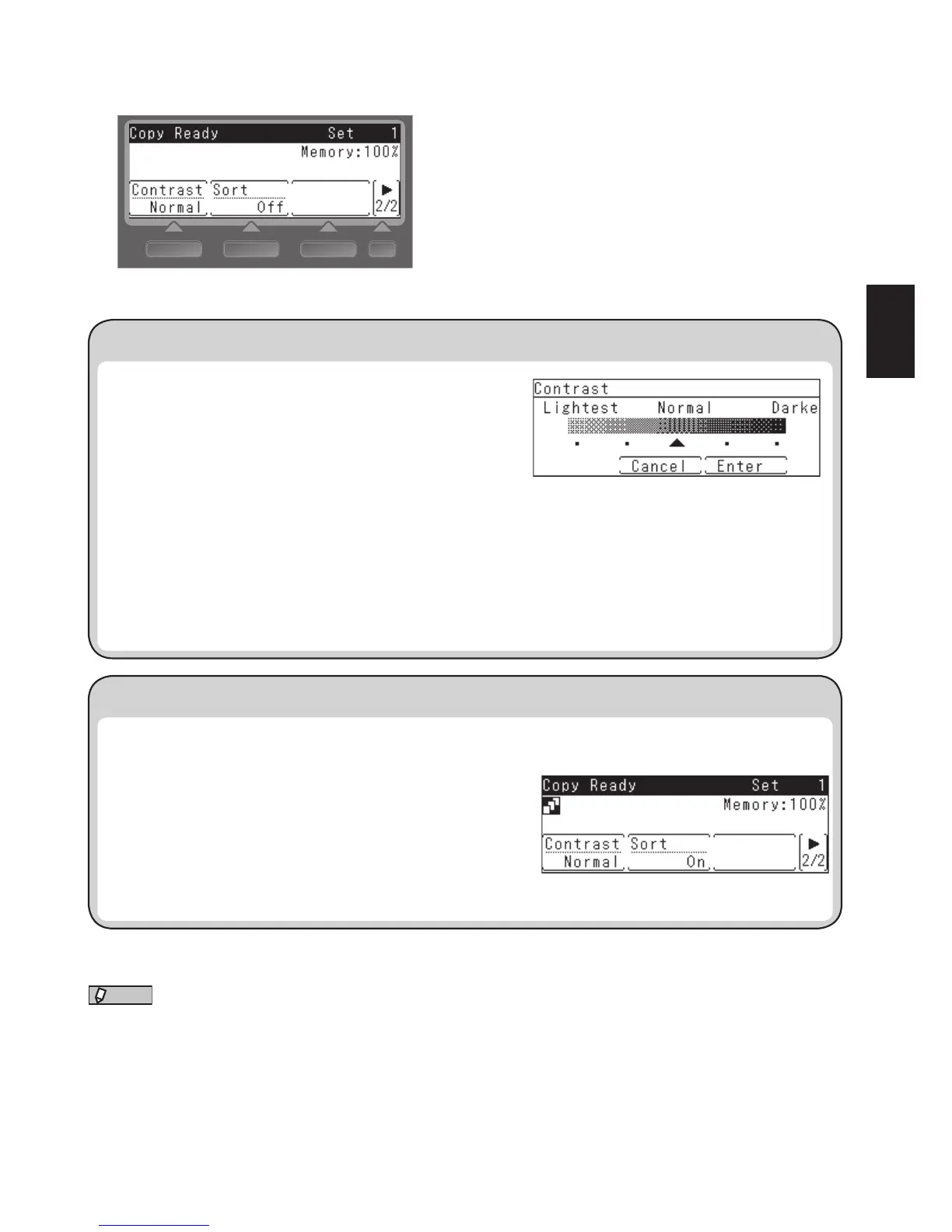
1. Press the screen switching key to switch to the second
screen.
2. Press [Contrast].
3. Select the scan contrast using the cursor keys and press
[Enter].
You can select from five levels of contrast.
•Lightest ............To scan at the lightest contrast
•Lighter*............To scan at a lighter contrast
•Normal .............For normal documents
•Darker* ............To scan at a darker contrast
•Darkest ............To scan at the darkest contrast
*: These options do not appear on the LCD.
The factory setting is “Normal”.
When making multiple copies, set “Sort” to “On” to sort the paper for each copy.
1. Press the screen switching key to switch to the second
screen.
2. Press [Sort] to set “On”.
Press [Sort] again to turn it off.
The factory setting is “Off”.











 To Next Page