53
Fax Functions
Setting the current time
1
Press <Menu> on the control panel.
2
Press [Settings].
3
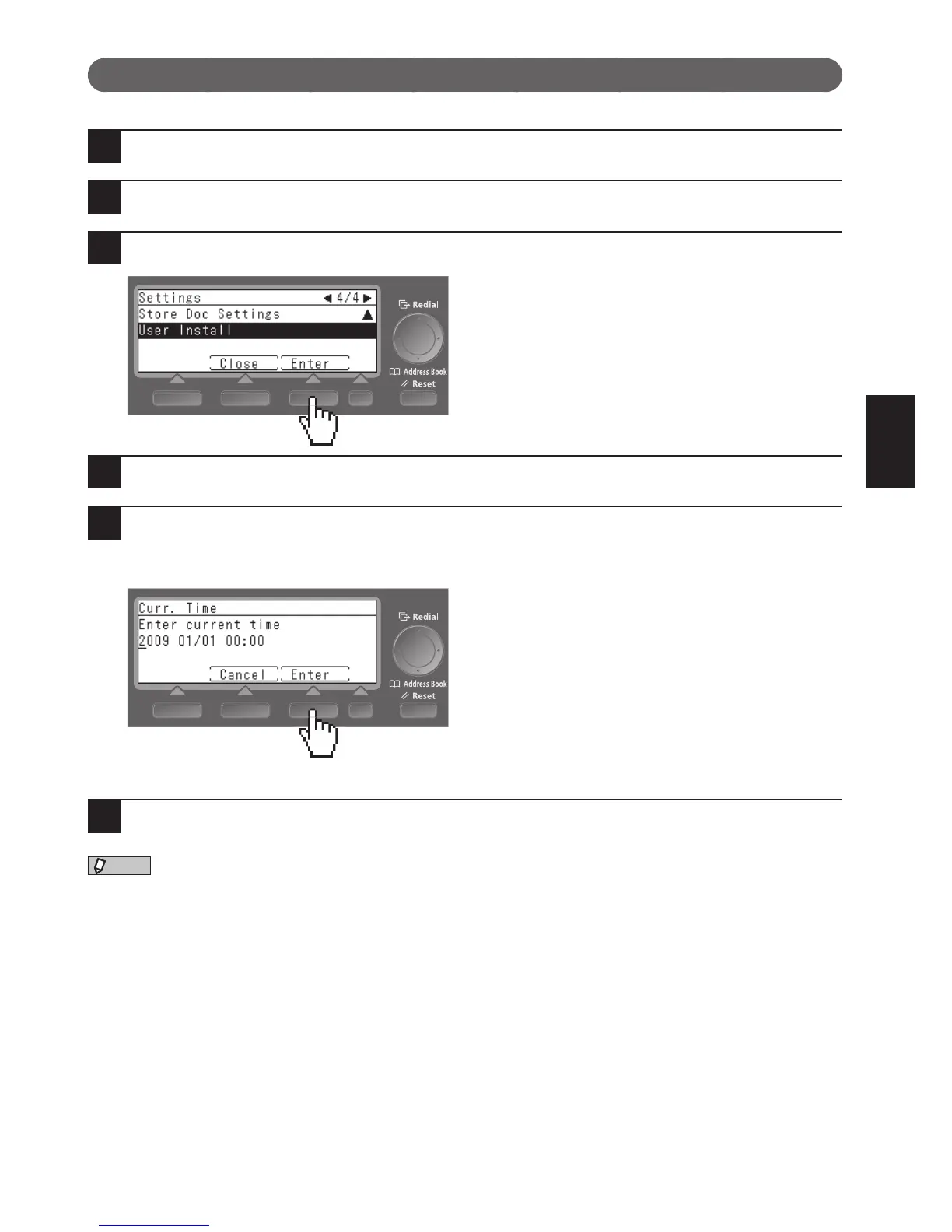
Select “User Install” using the cursor keys and press [Enter].
4
Select “Curr. Time” using the cursor keys and press [Enter].
5
Enter the current time using the numeric keys and press [Enter].
Enter the current time in the order of year (4 digits), month (2 digits), day (2 digits), hour (24-hour clock, 2
digits), and minute (2 digits).
6
Press <Reset> to exit “User Install”.











 To Next Page