System Settings
These settings allow you change the settings of the machine to suit your usage requirements, including default
settings for different functions, common function settings, and management settings.
Displaying the settings screen
1
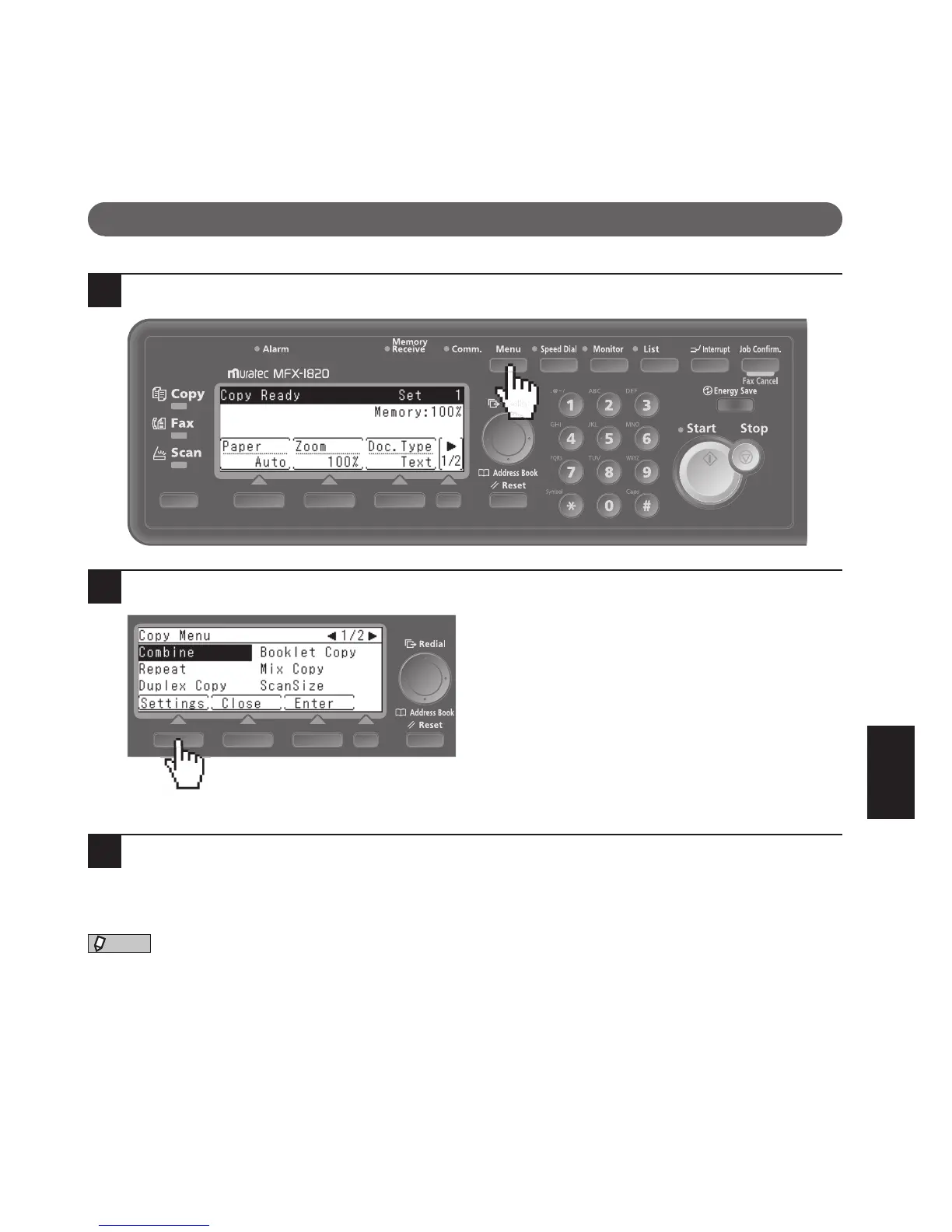
Press <Menu> on the control panel.
2
Press [Settings].
The Settings menu appears.
3
Refer to the “List of Settings” on the following page to change the machine’s set-
tings.











 To Next Page