Journal report
You can print the communication status for 100 communications, combining the most recent transmissions and
receptions.
In the Journal Report there is a “Transmission Report” and a “Reception Report”.
Printing the journal report
1
Press <Menu>, select “List” using the cursor keys and press [Enter].
2
Select “Journal” using the cursor keys and press [Enter].
3
Select “Journal Report” using the cursor keys and press [Enter].
4
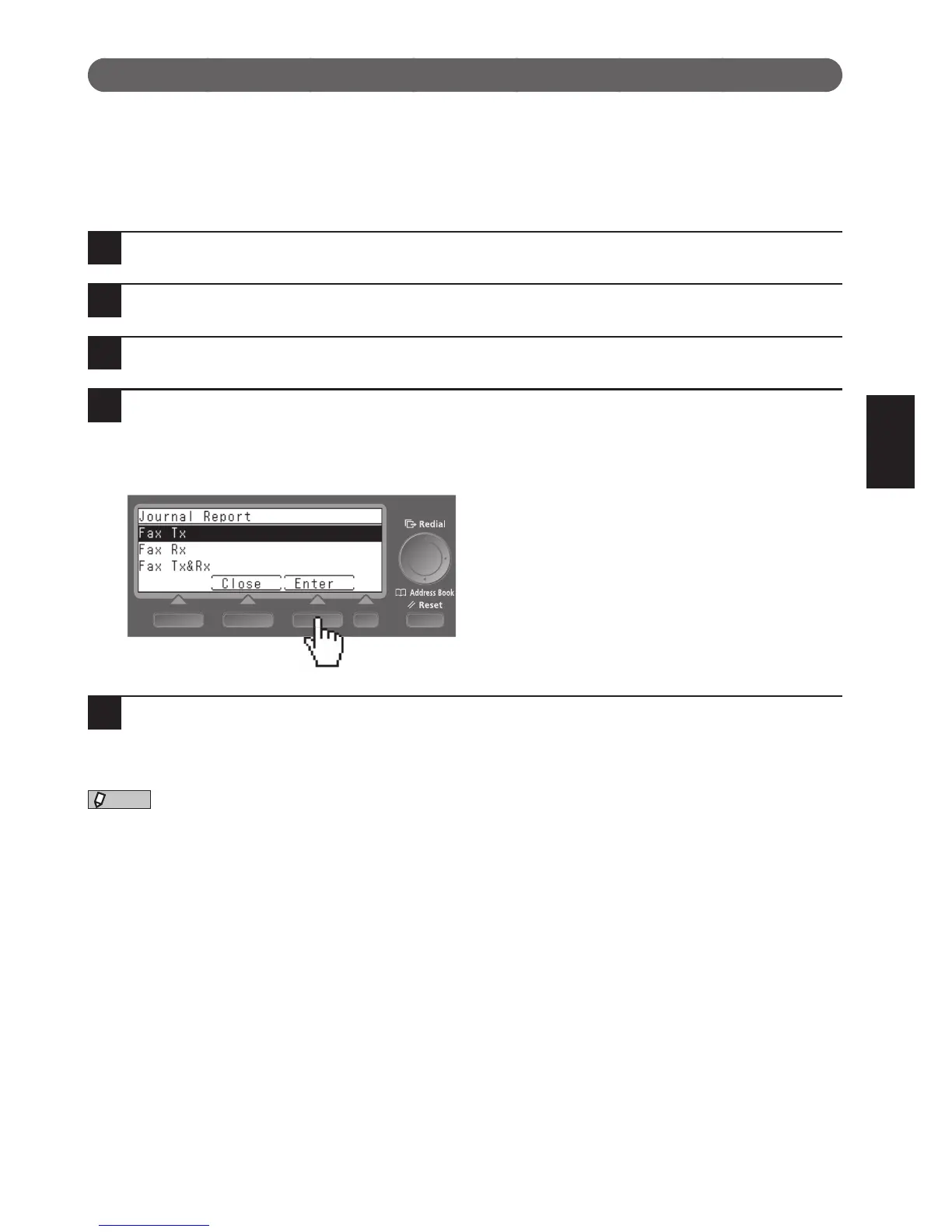
Select the journal report you want to print using the cursor keys and press [En-
ter].
To print the transmission result only, select “Fax Tx”; to print the reception result only, select “Fax Rx”. To
print both the transmission and reception results, select “Fax Tx&Rx”.
5
Press [Yes].
The journal report is printed.











 To Next Page