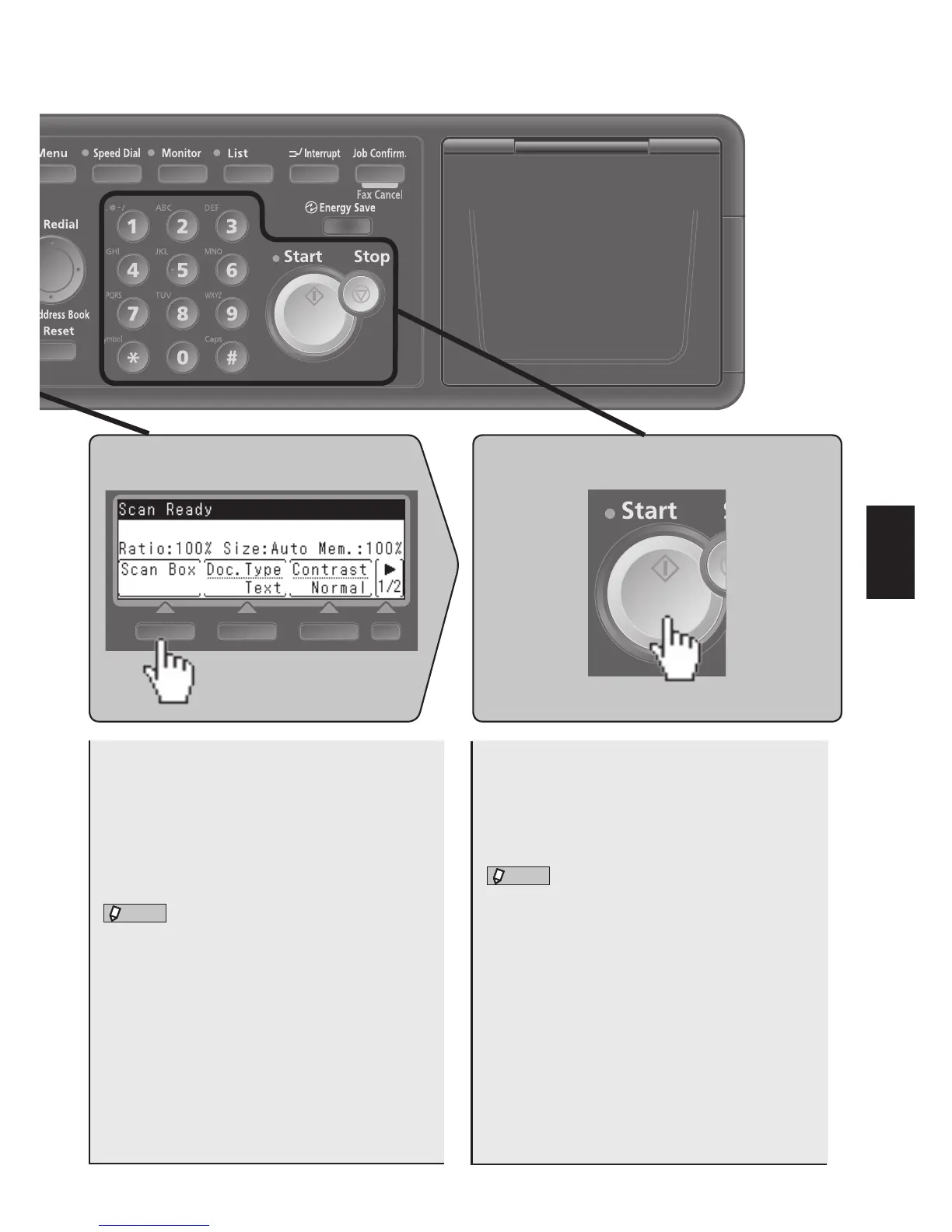
3. Select a box 4. Press <Start>
n
Selecting a box
1. Press [Scan Box].
2. Select the box and press [Enter].
The number of the box you selected appears at
the top right of the LCD.
l
Change the basic settings as necessary.
For details about basic functions, see the follow-
ing page.
The document is scanned and the data is put
into the box you selected.
l
The scanned data can be downloaded with a
TWAIN-compliant application.
You will need to install a TWAIN driver in order
to download the scanned data.
For details, refer to the Printer/Scanner Driver
Guide on the included driver CD.











 To Next Page