IOM-EZVAVINST
Date: 10-2016 Supersedes: 7-2016
Nailor reserves the right to change any information concerning product or specification without notice or obligation.
Page 25 of 48
Installation and Operation Manual
●
EZvav Digital Controls
Theairowbalancingprocedure
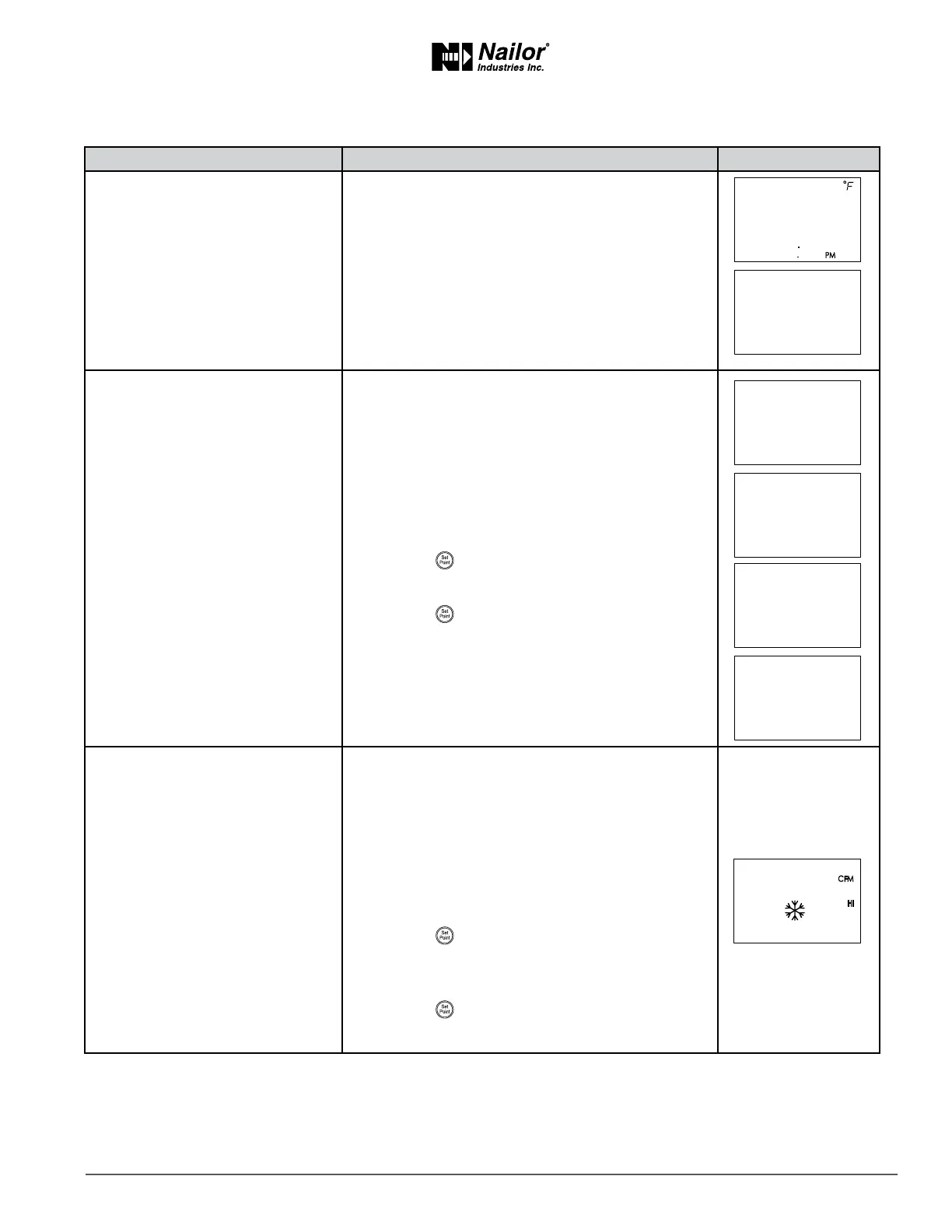
PROCEDURE STEPS STEDISPLAY
1 Starng display.
1. Start at the temperature display.
2. Press the
∆
and buons together.
• If Password 2 is not required, the display changes to
CNFG.
• If required, enter Password 2. The display changes to
CNFG when Password 2 is correct.
2 Select the CNFG display.
1. From the CNFG display, press the
∆
or buons
to advance to COMM and the BLNC display.
2. Press the
buon to select BLNC. The display
advances to PRI.
3. Press the
buon to select PRI.
3 Measure and enter the actual
maximum primary airow.
The display begins ashing PMAX and also displays
the actual airow at the boom.
Note: The airow will aempt to stabilize on the
highest value for either the cooling or heang
maximum airow even if only one mode is operaonal.
Note: The airow displayed by the STE-8000 in this
step is the actual, uncorrected airow.
1. Wait for the maximum airow value to stabilize.
2. With a ow hood, measure the actual airow.
3. Press the
buon to advance to the entry display.
PMAX stops ashing.
4. Press the
∆
or buons to enter the measured
airow.
5. Press the
buon to save the measured airow.
The display changes to PMIN.
∆
∆
∆



 To Next Page