►
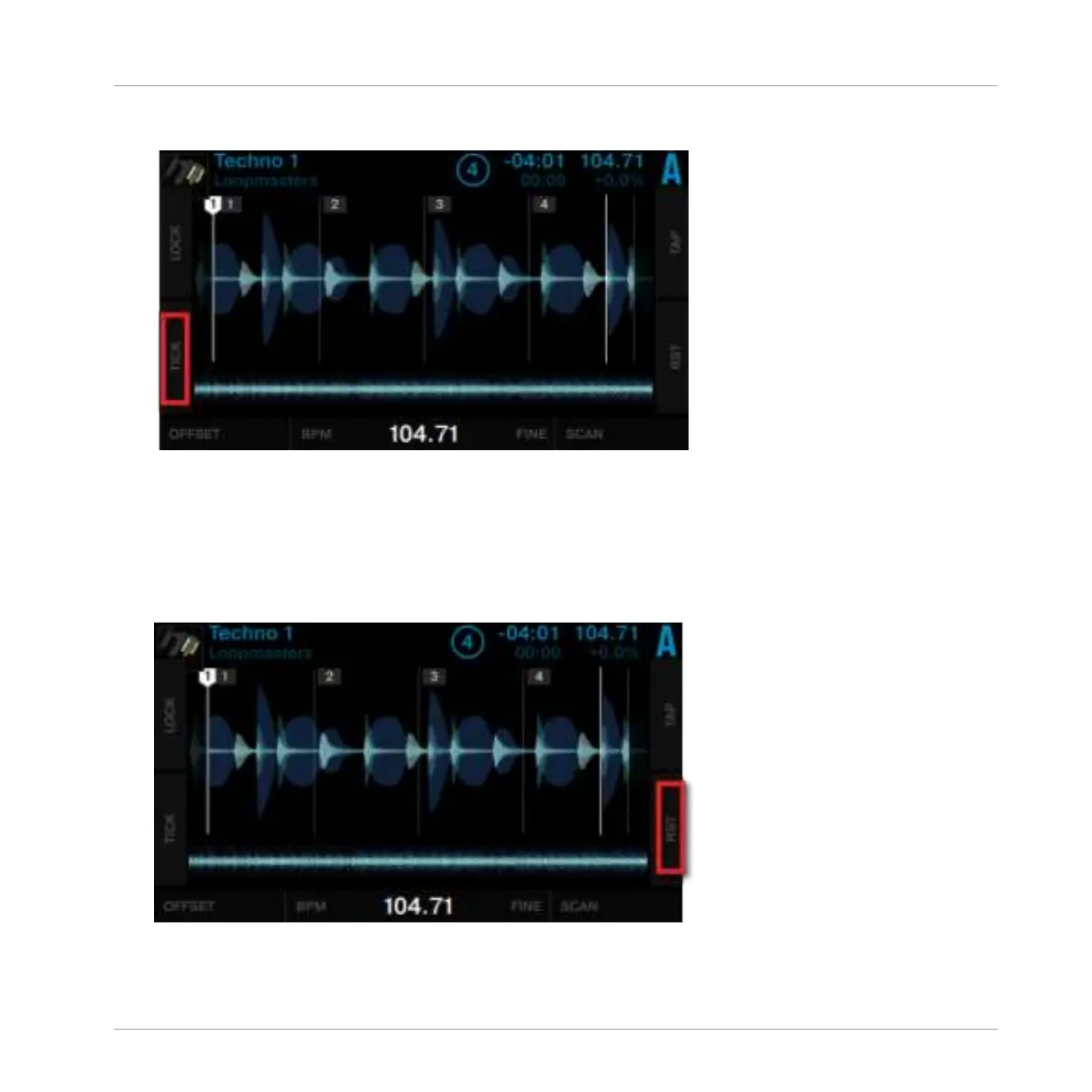
Press Display Button 2 to enable
Tick.
The beat tick will then be audible in your headphones when cued.
Reset your edits
If your edits do not produce the desired result, you can undo your edits:
►
Press Display Button 4 (
RST).
This will reset your edits to the auto-detected values.
Using Your S5—Getting Advanced
Working with Beatgrids
TRAKTOR KONTROL S5 - Manual - 140



 To Next Page