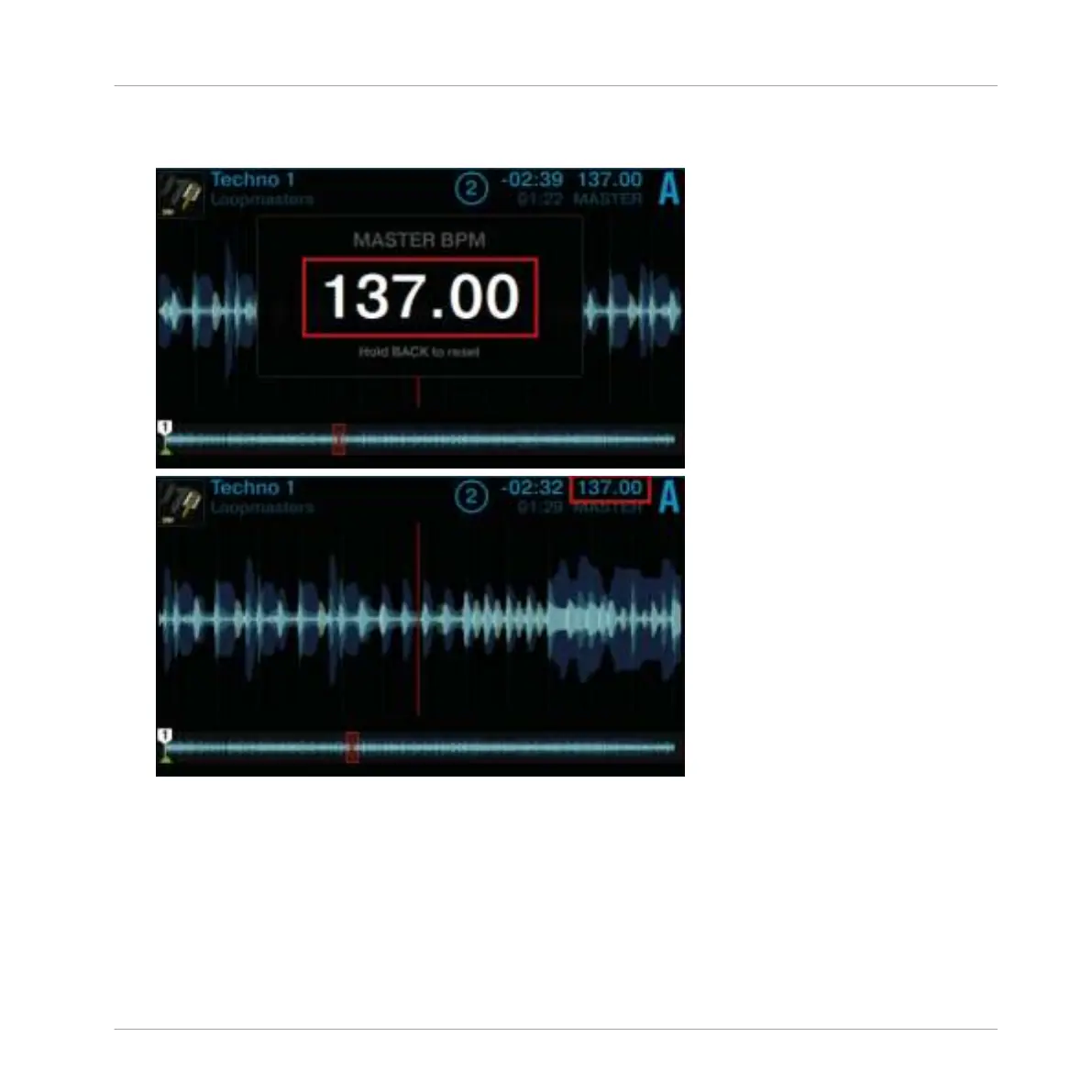
4. Now press Display Button 1 to open the BPM pop-up and adjust the track's tempo by turn-
ing the
BROWSE encoder.
You can hear the tempo change, but the track's key remains intact.
Adjusting the Key without changing Original Tempo
If you want to change just the key of a track without affecting its tempo, proceed as follows:
Using Your S5—Getting Started
Using Keylock
TRAKTOR KONTROL S5 - Manual - 62


 To Next Page
 Loading...






