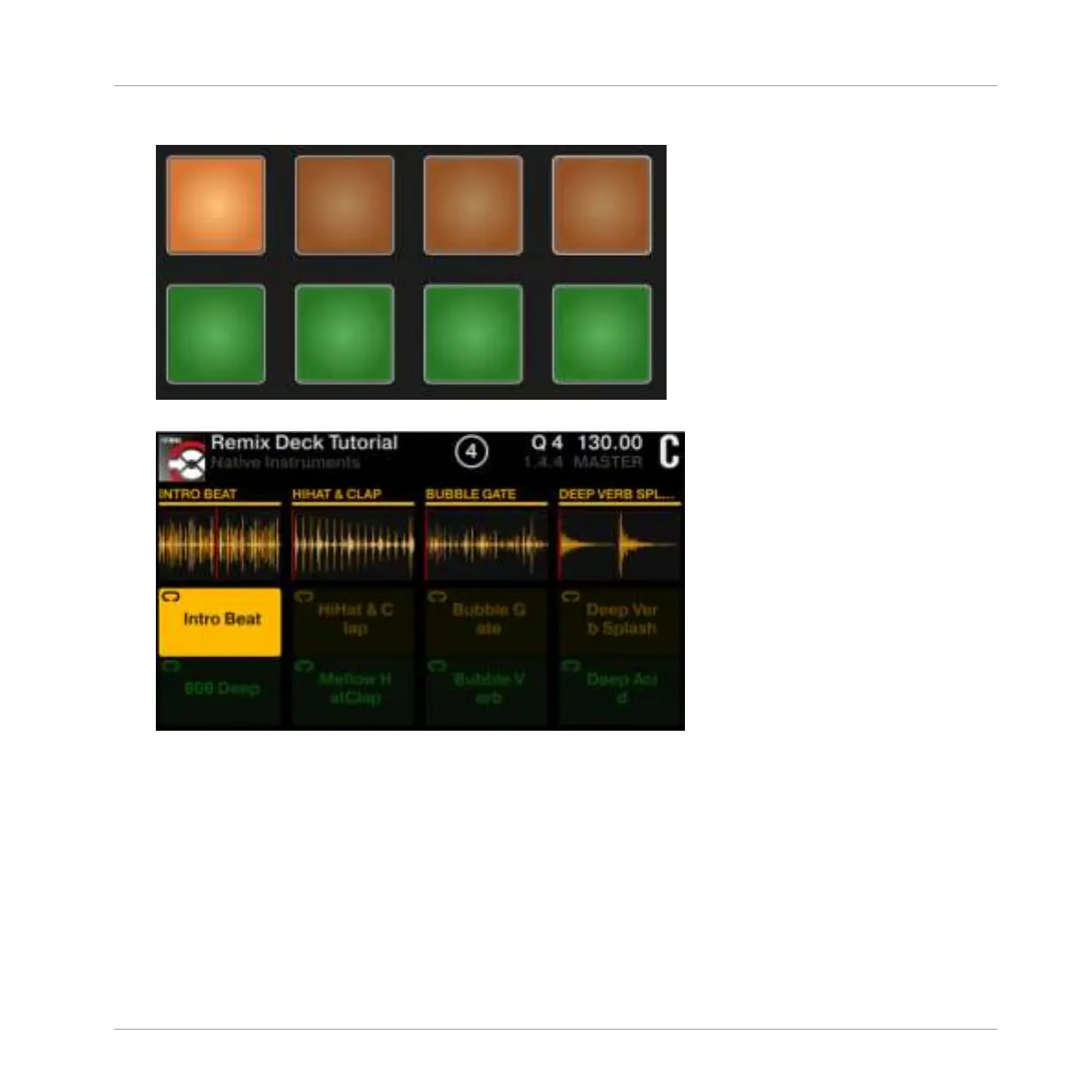
1. Press pad 1 to trigger its Sample Intro Beat. Playback of the Deck will start accordingly.
The Sample is highlighted, the Playhead of its waveform moves, and the Sample will loop.
2. Raise the channel C fader. You should now hear the Sample playing.
3. Press
SHIFT + pad 1 to stop playback.
4. Now press pad 1, pad 2, pad 3, and pad 4 to trigger their samples.
Using Your S5—Getting Advanced
Remixing with Remix Decks
TRAKTOR KONTROL S5 - Manual - 97



 To Next Page