Natus Quantum Amplifier User & Service Manual
48
8. Configuring the Natus Base Unit
8.1. Setting the IP Address
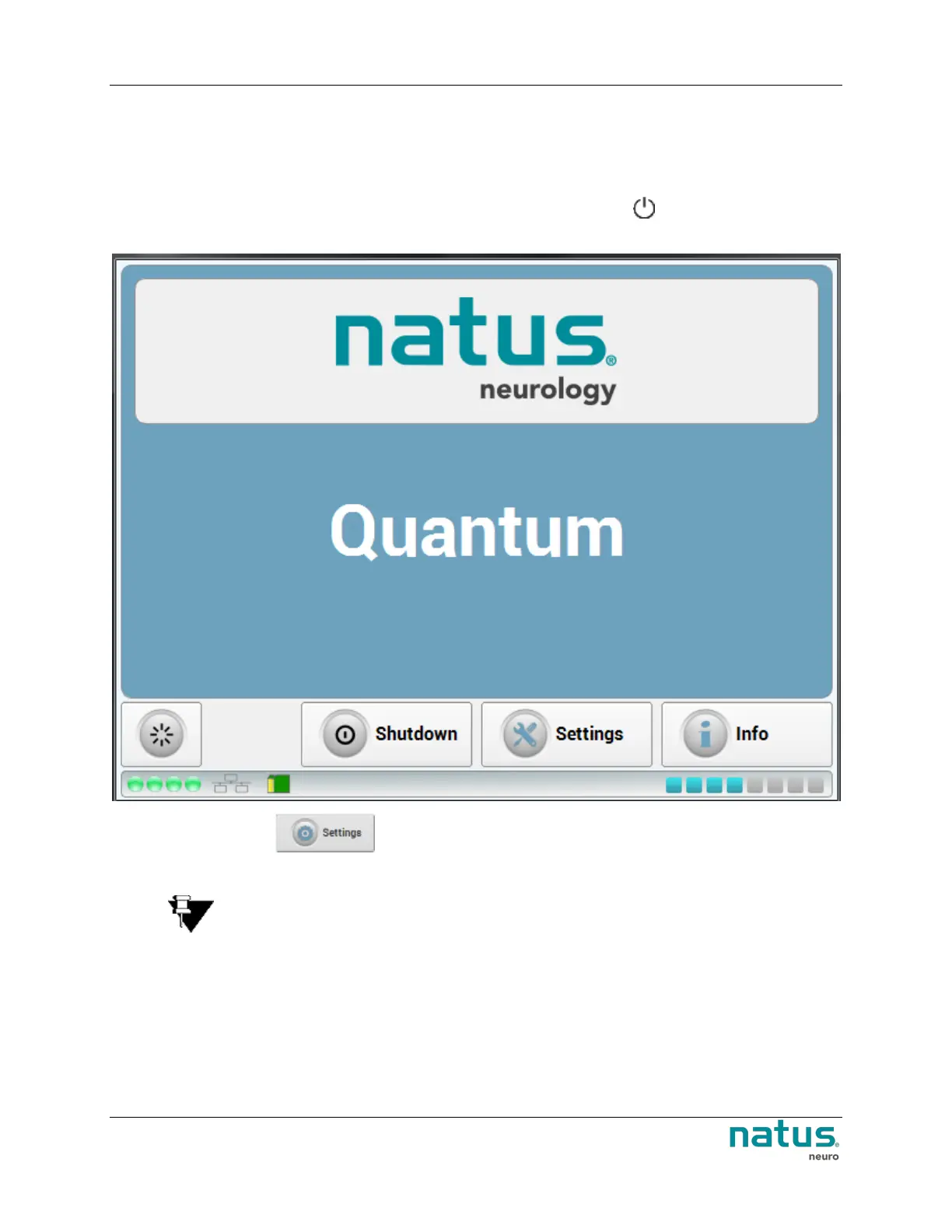
1. Once the base unit has been powered up, press and hold power button for 3 seconds. The
following user interface appears.
2. Press the Settings button on the touchscreen to access the IP Configuration.
NOTE: The amplifier supports both DHCP and static TCP/IP address configuration.
Selecting DHCP will allow the amplifier to receive TCP/IP addresses automatically from
the DHCP server.
The NeuroWorks software can scan and find available amplifiers for acquisition.












 To Next Page