User & Service Manual Natus Quantum Amplifier
59
9.6. Connecting the Nicolet Cortical Stimulator
The Quantum Breakout Boxes can be connected directly to the Nicolet Cortical Stimulator.
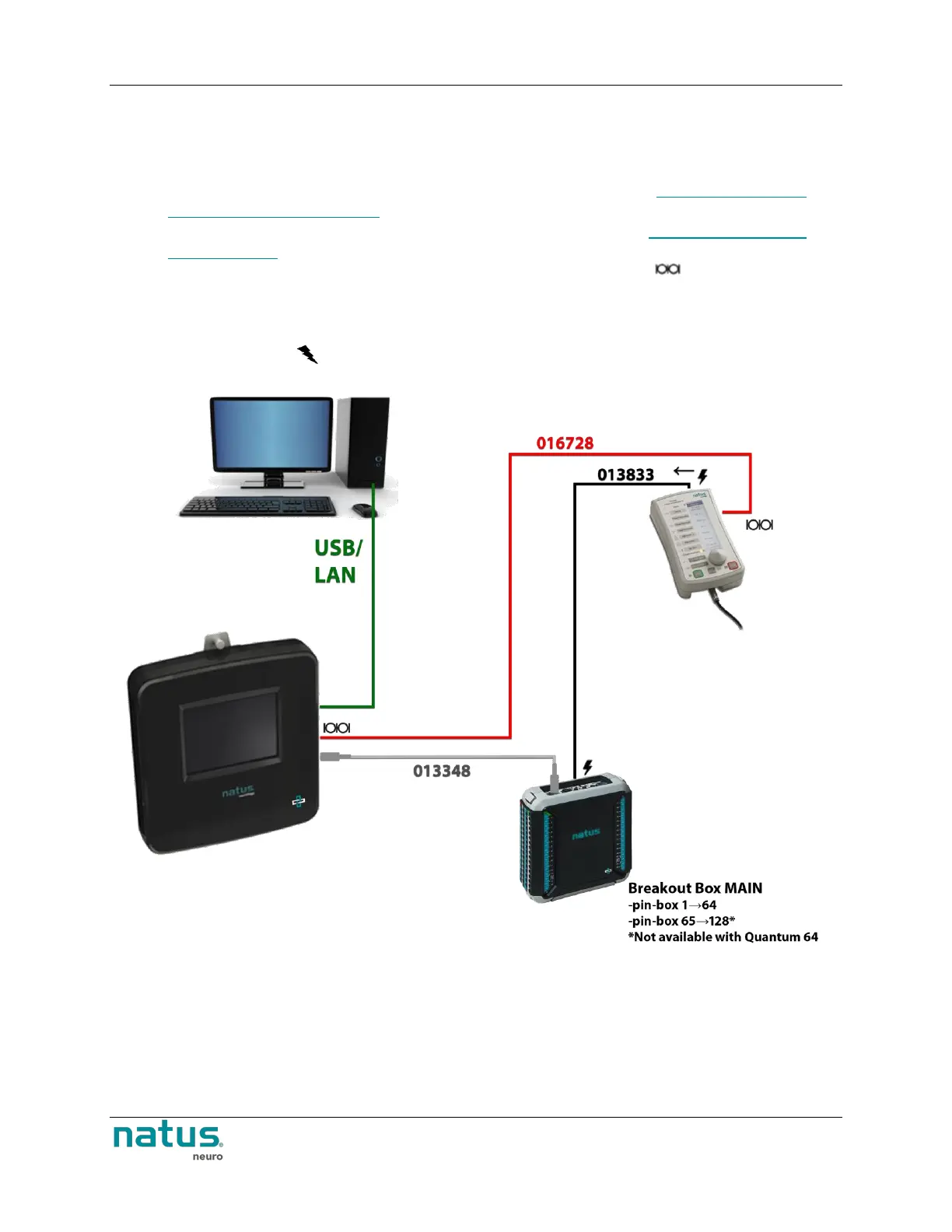
1. Connect the Natus Base unit to the computer via USB or LAN cable.
2. Connect the Quantum Main Breakout box to the Natus Base unit. See Connecting the Natus
Base Unit and Breakout Boxes for additional information.
3. Connect the Secondary Breakout box to the Main Breakout box. See Connecting Secondary
Breakout Boxes for information.
4. Connect the stimulator control cable 016728 to the connectors labeled on the Natus Base
unit and on the Nicolet Cortical stimulator.
5. If there is a single Quantum Breakout in-use, connect the Nicolet Cortical Stimulator to Breakout
Main directly using the 013833 stim input cable. The stim input cable should be connected to the
input labeled with .
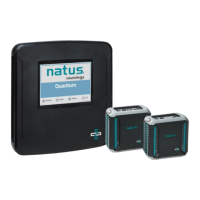
Natus Base Unit connected to the Nicolet Cortical Stimulator when one breakout box is used.











 To Next Page