Page 24 Naxa Electronics
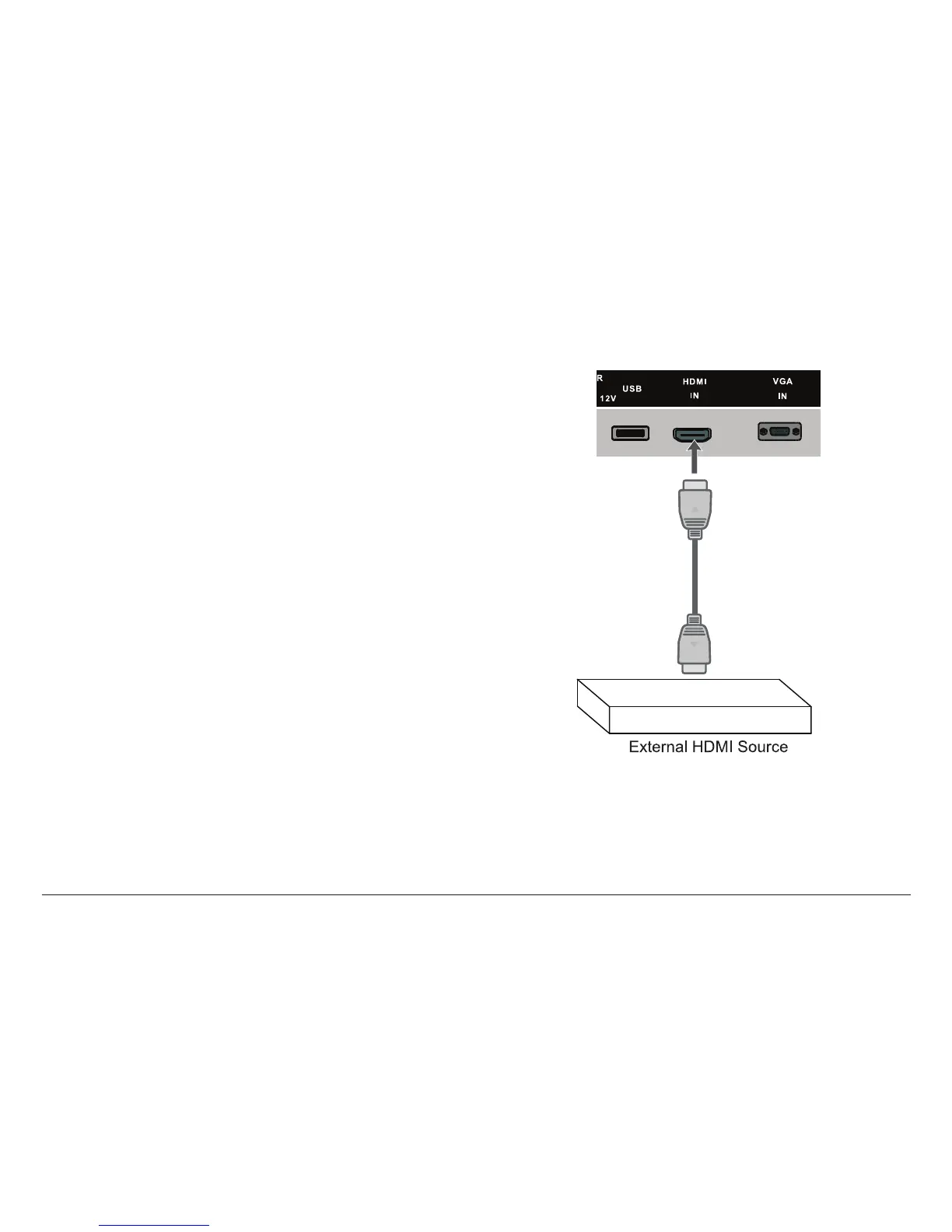
HDMI In (HDMI Source Mode)
Connection for HDMI video signals. Set the source mode
to HDMI to view this connection on the display screen.
The HDMI video connection is capabable of accepting
signals from high-denition video sources (e.g., cable/
satellite boxes, Blu-ray players, game consoles, DVD
players, etc).
• Make the HDMI connection with an HDMI cable ca-
pable of supporting HDMI 1.3 or greater.
⚠L
HDMI transmits digital audio and video
signals simultaneously over a single cable.
This HDMI connector is capable of re-
ceiving video at resolutions up to 1080p
(1080-progressive).
If the external AV device does not support
Auto HDMI, you will have to manually set
the output resolution to match the native
resolution of the TV set.
⚠⚠
Disconnect power before making this and
any other connection.



 To Next Page