www.naxa.com Page 35
Show/Hide Mark a channel to be shown or hidden in
the Channels list.
Note: You can use the ADD/ERASE key
on the remote to show or hide channels
in the Channels list.
Channel No. Change the current channel.
Channel Label Change the channel label.
DTV Signal The strength of the DTV signal is shown
when the TV is connected to an antenna
or cable TV signal source.
This item is not adjustable.
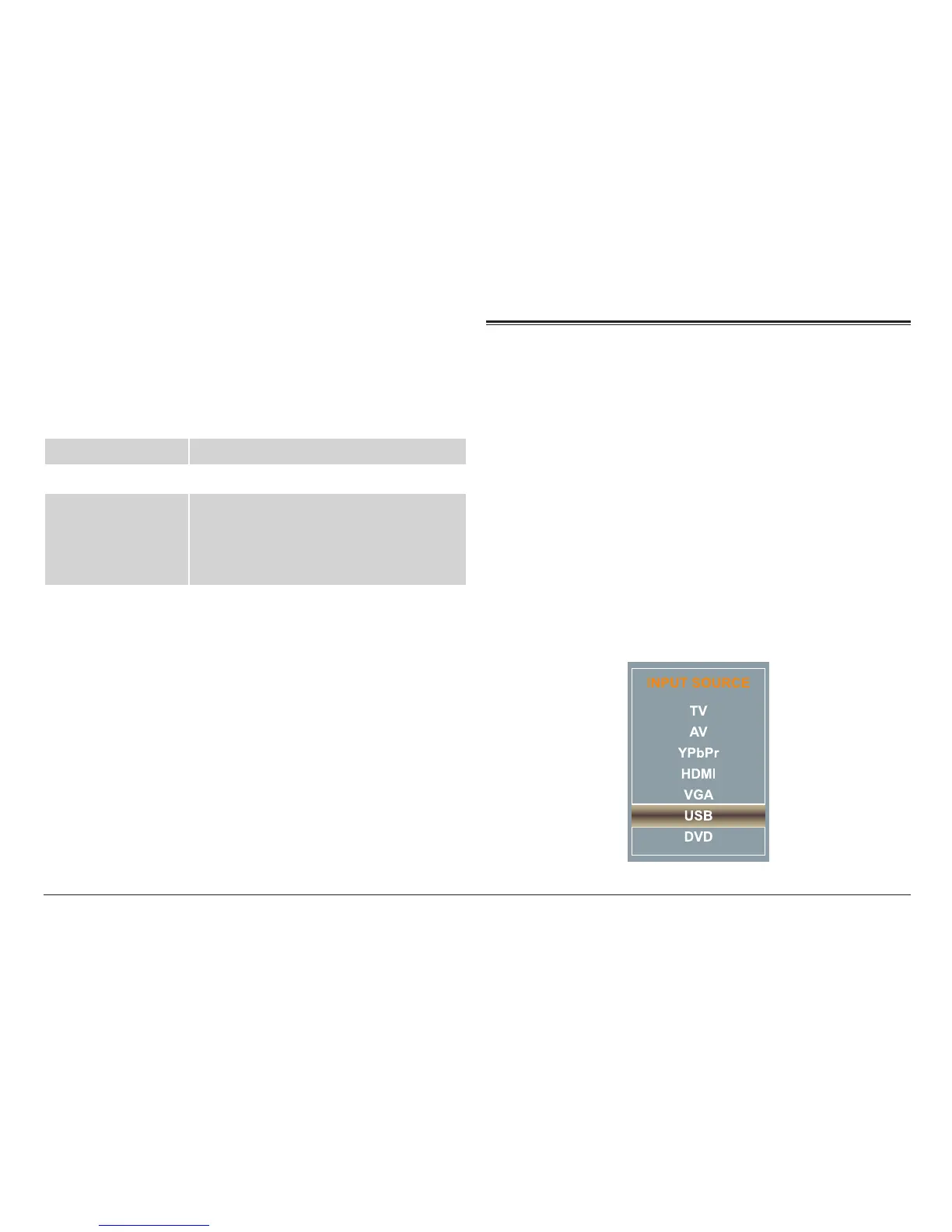
USB Source Mode
Set the input source to USB to play digital media from
the USB port [16] found on the rear panel of the TV.
⚠L
The USB port is designed for media play-
back from ash memory devices. It is not
designed to charge high-power devices.
The USB drive should contain compatible
photo/music les for playback.
Press SOURCE [8] to access the input source menu, then
press CH– or CH + [5, 6] to select USB. Press SOURCE [8]
again to conrm the selection.



 To Next Page