www.naxa.com Page 29
Sharpness Adjust the screen display sharpness.
Color Temp Adjust the screen display color
temperature.
⚠L
The tint adjustment is not compatible with
all TV systems. This option may not be
available.
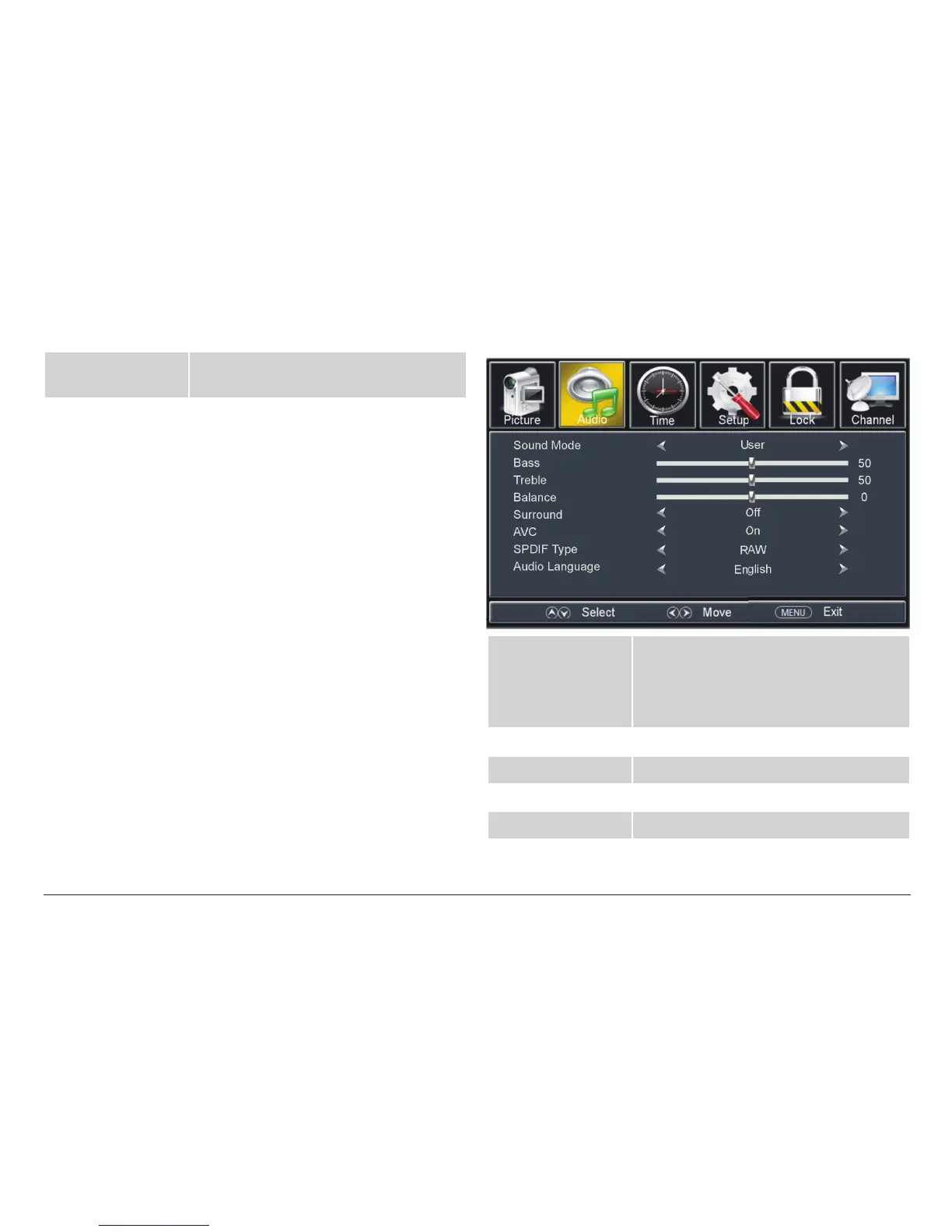
TV Audio Options
Sound Mode Adjust the sound preset options to cus-
tomize how things sound.
• Select USER to customize the sound
options.
Bass Adjust the bass level.
Treble Adjust the treble level.
Balance Adjust the balance (left/right).
Surround Turn surround effects on or off.



 To Next Page