Page 38 Naxa Electronics
loading mechanism will grasp the disc and automati-
cally nish the loading process.
⚠L
The disc slot is designed for full-sized DVD,
SVCD/VCD, or CD discs. It is not designed to
play mini optical discs. Do not try to insert
anything other than a compatible disc type.
⚠⚠
Never force a disc into the slot. If the slot
fails to accept a disc, another disc may be
loaded. Press EJECT to remove the other
disc.
Playing a Disc
When a compatible disc has been loaded in the disc
slot, the player will automatically attempt to read the
disc.
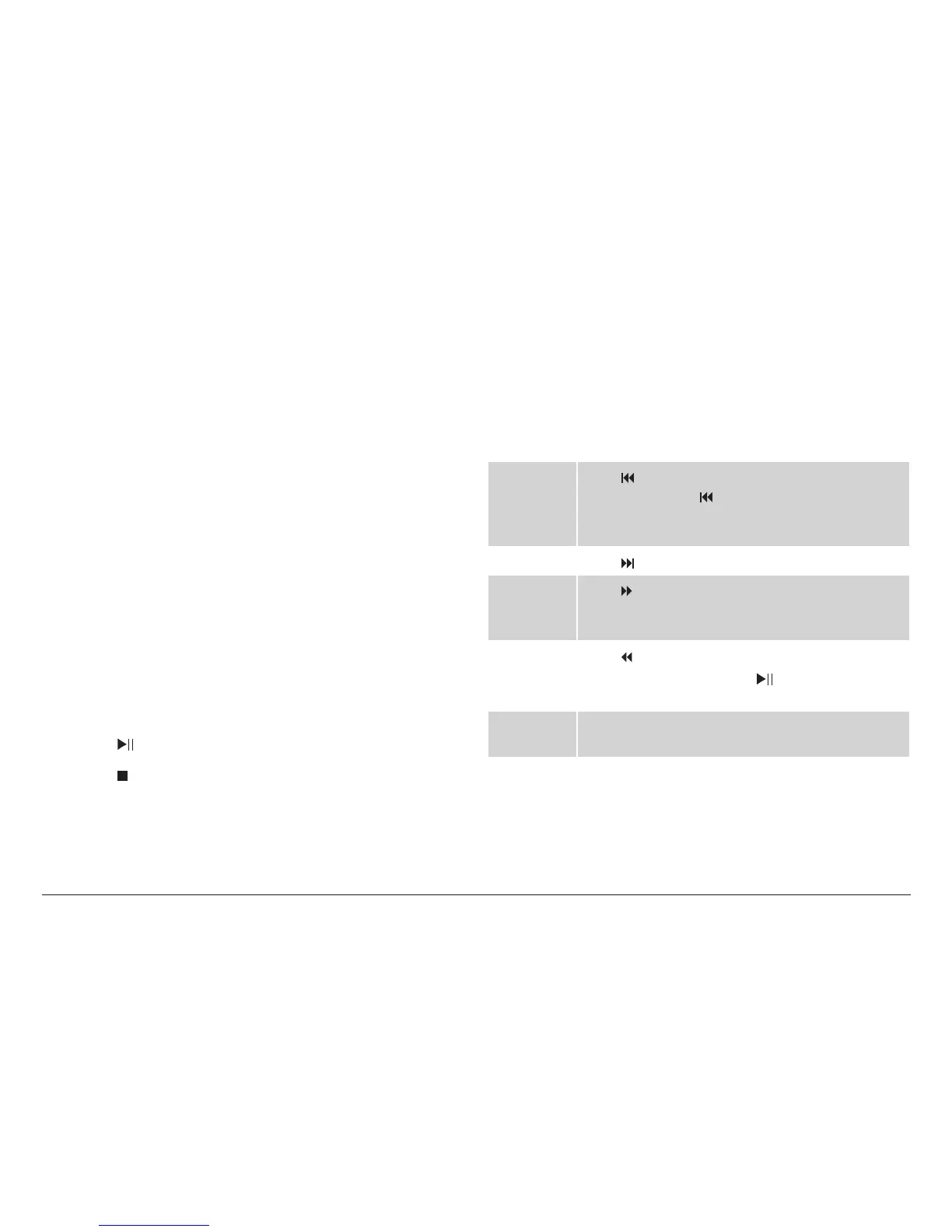
• Press to start, pause, or resume playback.
• Press to stop playback.
• Press the MENU key on the remote control to show
the root menu screen of the DVD.
• Press the TITLE key on the remote control to select
a title to play. (This function will only work with
DVDs that have been mastered with titles or chap-
ters.)
During playback:
PREVIOUS Press to return to the beginning of the chapter.
Continue to press to skip to the previous
chapter until you have reached the beginning of
the disc.
NEXT Press to skip to the next chapter.
FORWARD Press to change the rate of forward playback
(2x, 4x, 8x, 16x, 32x). Press the PLAY/PAUSE key
[11] to resume playback at normal speed (1x).
REVERSE Press to change the rate of reverse playback
(2x, 4x, 8x, 16x, 32x). Press to resume play-
back at normal speed (1x).
REPEAT Press the REPEAT key to repeat the current title/
chapter/track, or to repeat the entire disc.



 To Next Page