EasyManua.ls Logo

Naxa NTD-2255 - User Manual

Naxa NTD-2255
56 pages
Print Icon
To Next Page IconTo Next Page
Loading...
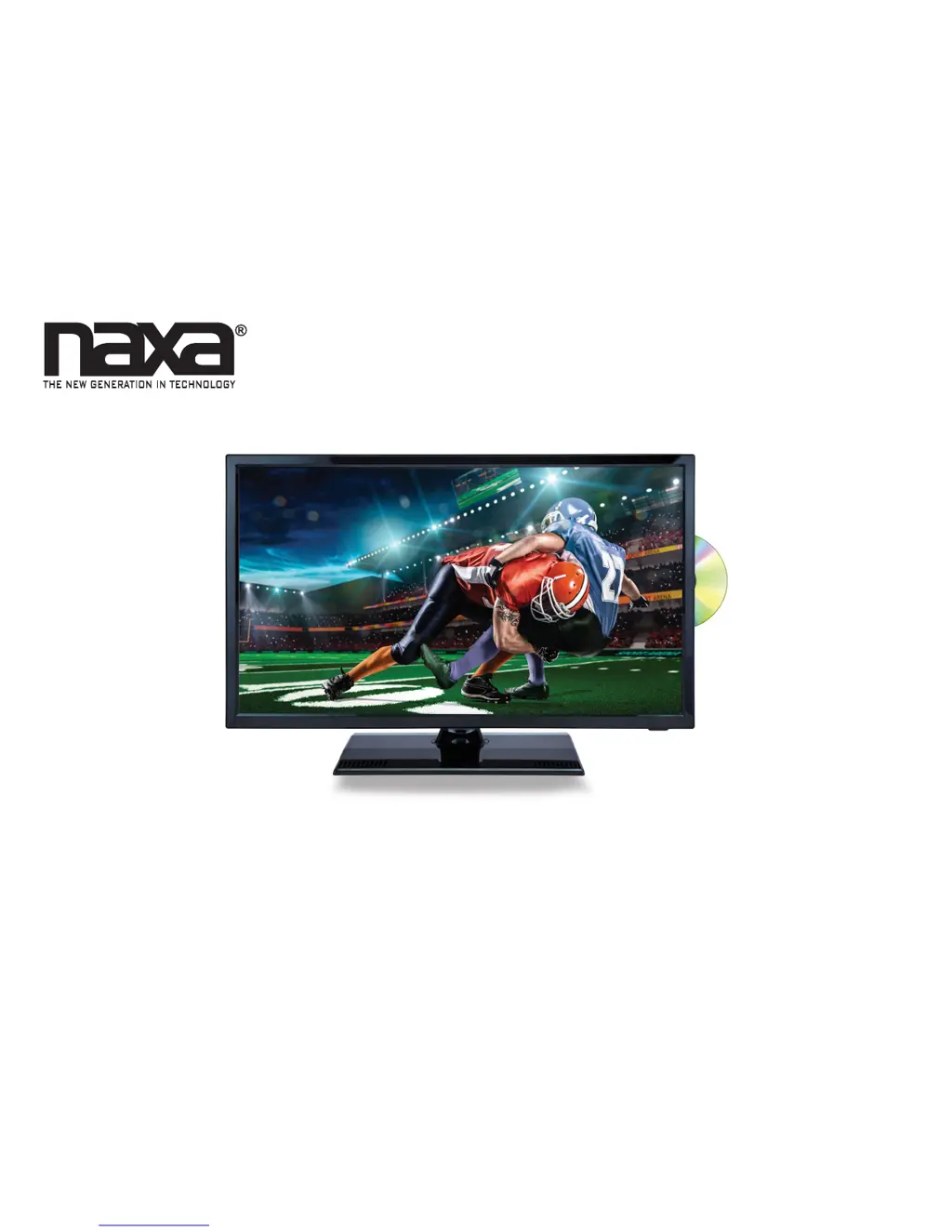
22” Class LED TV and DVD/Media Player
with Car Package
NTD-2255
Instruction Manual
Please read carefully before use and keep for future reference.

Questions and Answers

Summary

Thank You

In the Box

Installing Your TV

Attaching the Stand

Instructions for attaching the pedestal stand to the TV unit.

Wall Mounting Instructions

Guidance on mounting the TV to a wall using a wall mount kit.

At a Glance

Main Unit Overview

Overview of the physical components and controls of the main TV unit.

Remote Control Functions

Explains the functions of each button on the remote control.

Connect Power

Using AC Power Adapter

Instructions for connecting the TV to AC power using the provided adapter.

Using DC Car Adapter

Instructions for connecting the TV to DC power using the car adapter.

Basic Functions

Powering the TV On and Off

How to power the TV on, put it in standby, and turn it off completely.

Setting Input Source

Guide to selecting the active input connection displayed on the TV.

Volume and Mute Control

Instructions for controlling the TV's audio volume and mute function.

Connections

RF In (TV Mode)

Connecting antenna or cable TV signals to the RF input.

CVBS In (AV Mode)

Connecting composite video and stereo audio signals.

YPbPr In (YPbPr Mode)

Connecting component video and stereo audio signals for high-definition.

HDMI In (HDMI Mode)

Connecting high-definition audio/video signals via HDMI.

VGA In (VGA Mode)

Connecting PC video and audio signals via VGA.

Coaxial Out (Digital Audio)

Connecting digital audio output to an external receiver or sound system.

Initial Setup

TV System Menu

Accessing and navigating the TV's main system settings menu.

Picture Options

Adjusting picture settings like contrast, brightness, color, and tint.

Audio Options

Adjusting sound settings like bass, treble, balance, and surround.

Time Options

Configuring sleep timer, time zone, and clock settings.

Setup Options

Setting menu language, transparency, zoom mode, and captions.

Lock Options

Setting up parental controls, system lock, and password protection.

Channel Options

USB Source Mode

Photo Viewer

Viewing digital photos from a USB drive.

Music Player

Playing digital music files from a USB drive.

DVD Source Mode

Loading a Disc

Procedure for inserting optical discs into the DVD player.

Playing a Disc

Controls and functions for playing DVD, VCD, or CD discs.

Switching Media Source

Changing media source between DVD, USB, and card readers.

DVD System Menu

General Setup Page

General configuration settings for the DVD player functionality.

Audio Setup Page

Configuring audio output and speaker settings for playback.

About Optical Discs

Supported Disc Types

Information on supported disc formats like DVD, CD, MP3, etc.

DVD Playback Features

Disc Care and Maintenance

Handling a Disc

Guidelines for properly handling optical discs to prevent damage.

Cleaning a Disc

Instructions for cleaning optical discs to ensure optimal playback.

Warnings and Precautions

Important Safety Information

Safety Precautions

Specific safety measures to prevent electrical shock and damage.

FCC Compliance Notice

ENERGY STAR Qualification

Troubleshooting

Disc Playback Issues

Solutions for problems encountered when playing discs.

Remote Control Issues

Troubleshooting steps when the remote control is unresponsive.

Power Issues

Steps to resolve issues where the TV does not power on.

Picture Display Problems

Diagnosing and fixing problems with picture display or quality.

Product Specifications

Customer Support

Naxa NTD-2255 Specifications

General IconGeneral
BrandNaxa
ModelNTD-2255
CategoryLED TV
LanguageEnglish

Related product manuals