www.naxa.com Page 31
Daylight Saving
Time
Turn the Daylight Saving Time adjust-
ment on or off. When this option is on,
the time will be adjusted forward by one
hour.
Note: This option is only available when
the TV is connected to an antenna or
cable system.
Clock The system clock time is set automati-
cally from the antenna signal (cable or
air). This option is not adjustable.
Note: The clock time is only available
when the TV is connected to an antenna
or cable system.
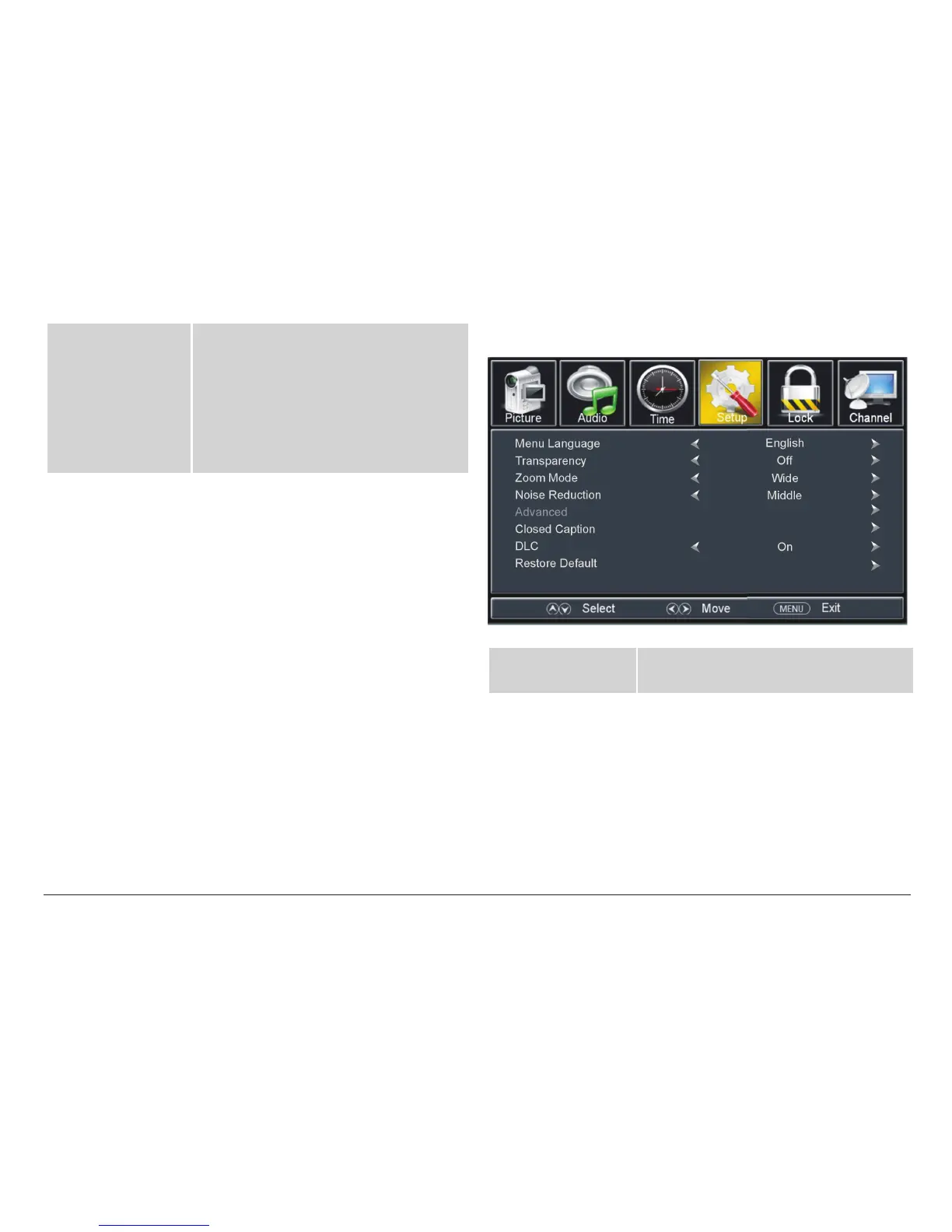
TV Setup Options
Menu Language Set the language that the system menu
appears in.
Transparency Turn the transparency effect on or off.
When set to on, the system menu and
other on-screen display items will be
slightly translucent so that you can see
items below them.



 To Next Page