Page 28 Naxa Electronics
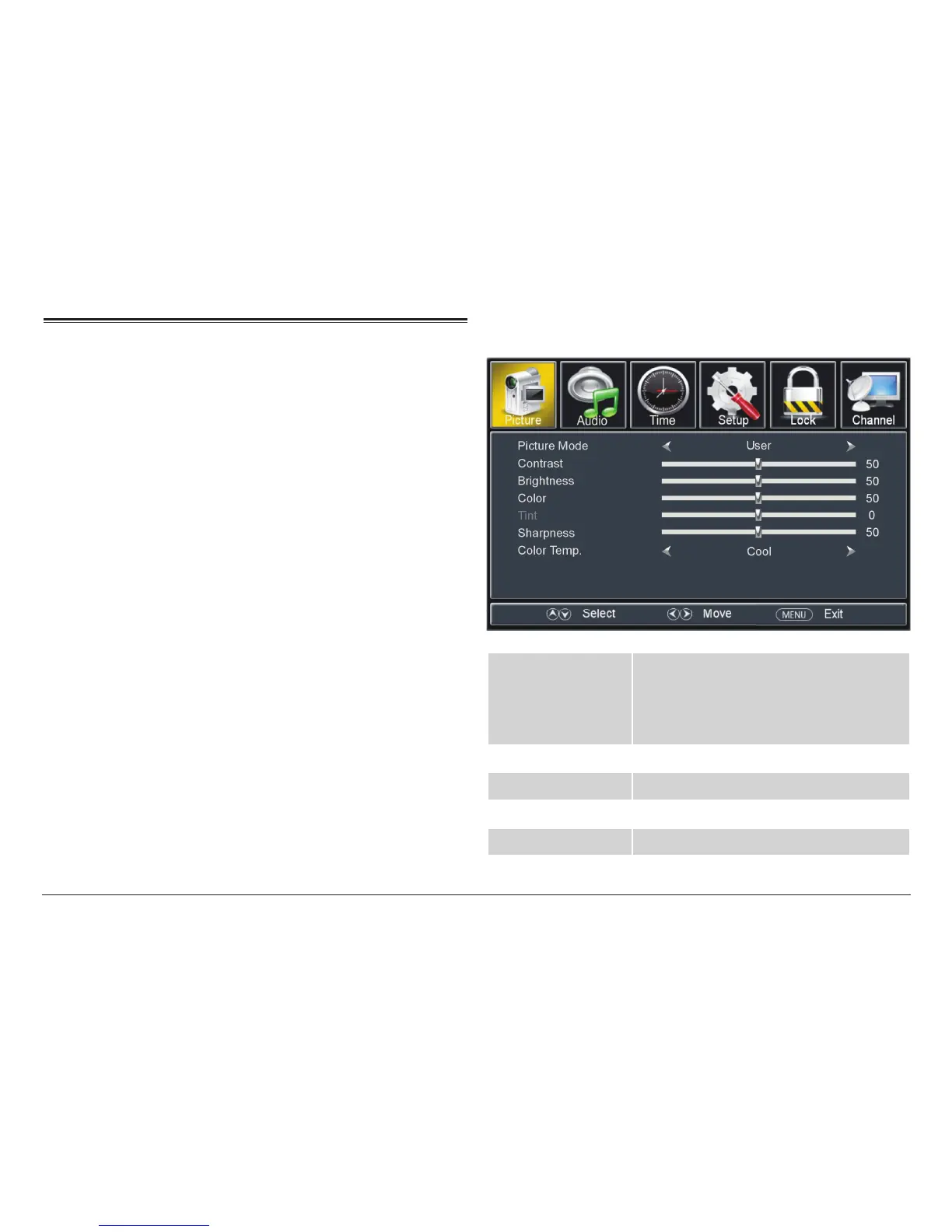
TV System Menu
Press MENU to access the TV system menu.
• Press the CH–/CH+ buttons on the TV to select an
option.
• Press the VOL–/VOL+ buttons on the TV to adjust a
selected option.
• Press MENU to return to the previous screen and to
exit the menu when you are nished adjusting the
options.
⚠L
You may also use the arrow keys on the
remote control as indicated on screen.
TV Picture Options
Picture Mode Adjust the picture preset options to cus-
tomize how things look on the screen.
• Select USER to customize the screen
display options.
Contrast Adjust the screen display contrast.
Brightness Adjust the screen display brightness.
Color Adjust the screen display color.
Tint Adjust the screen display Tint.



 To Next Page