www.naxa.com Page 37
• When playing a music le:
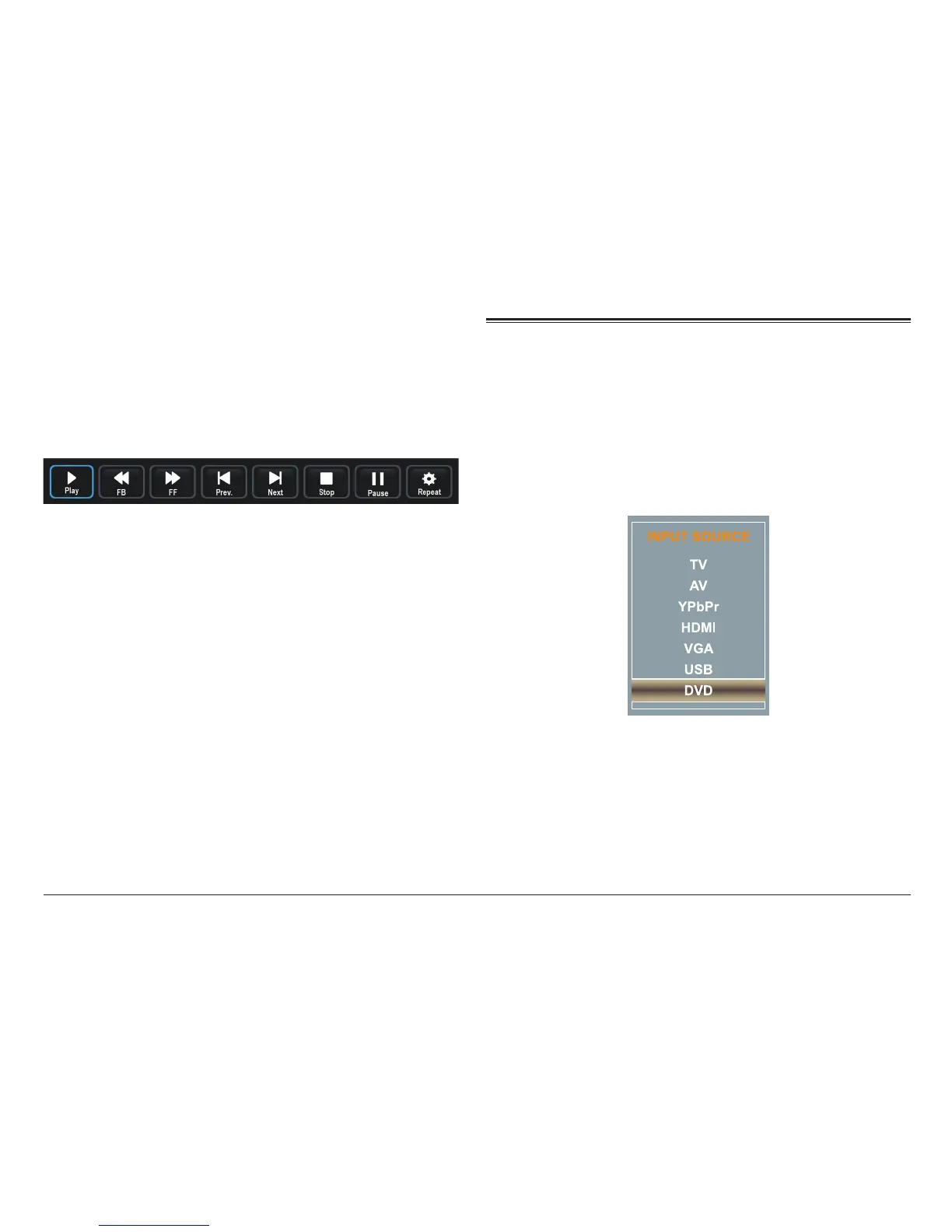
• Press DISPLAY/INFO to view or hide the control
toolbar (shown below).
• Press the LEFT/RIGHT keys to select a function
in the toolbar then press ENTER.
DVD Source Mode
Set the input source to DVD to play optical discs from
the slot [29] found on the side of the TV.
Press SOURCE [8] to access the input source menu, then
press CH– or CH + [5, 6] to select DVD. Press SOURCE [8]
again to conrm the selection.
Loading a Disc
Load compatible optical discs here (e.g., DVD, SVCD/
VCD, CD). To load a disc, gently insert the disc into the
slot with the label side facing the back of the TV; the



 To Next Page