Page 42 Naxa Electronics
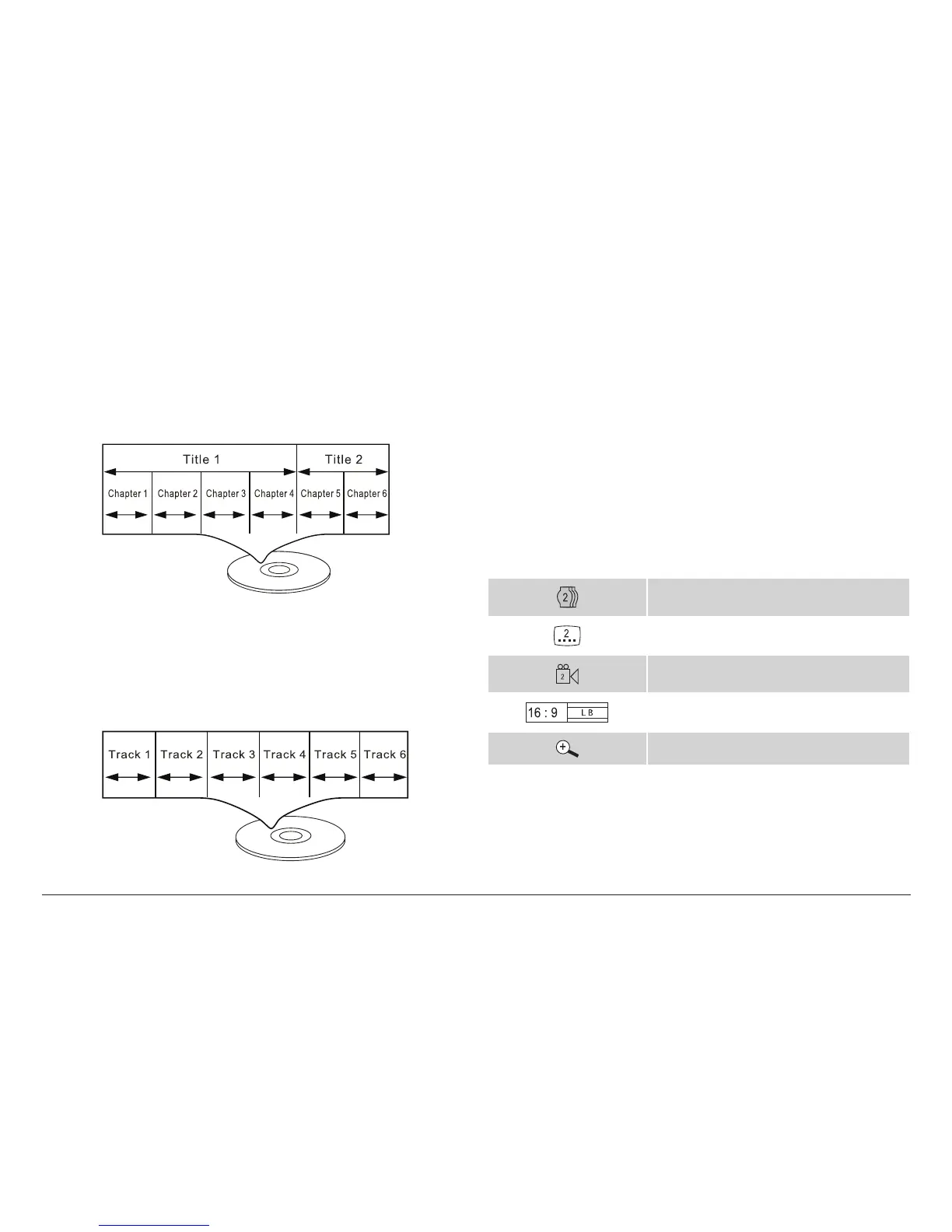
Video DVDs
Data on most DVDs are divided into sections called ti-
tles, and then into subsections called chapters; each is
given a title or chapter number.
Audio CDs
Data on an audio CD is divided into sections called
tracks; each is given a track number.
Picture CDs (JPEG)
Data on a JPEG picture CD is usually not divided into
separate folders. The picture les should appear in the
root directory.
DVD Features
Each DVD disc contains features that may vary depend-
ing upon the production of the disc. Some of the icons you
may see that represent these features are shown below.
Number of audio tracks
Number of subtitles
Angle indicator
Screen format (aspect ratio)
Zoom
⚠L
Some of the DVD features enabled by this
player depend on how the DVD was pro-
duced. Some features may not be enabled



 To Next Page