Page 36 Naxa Electronics
Photo Viewer
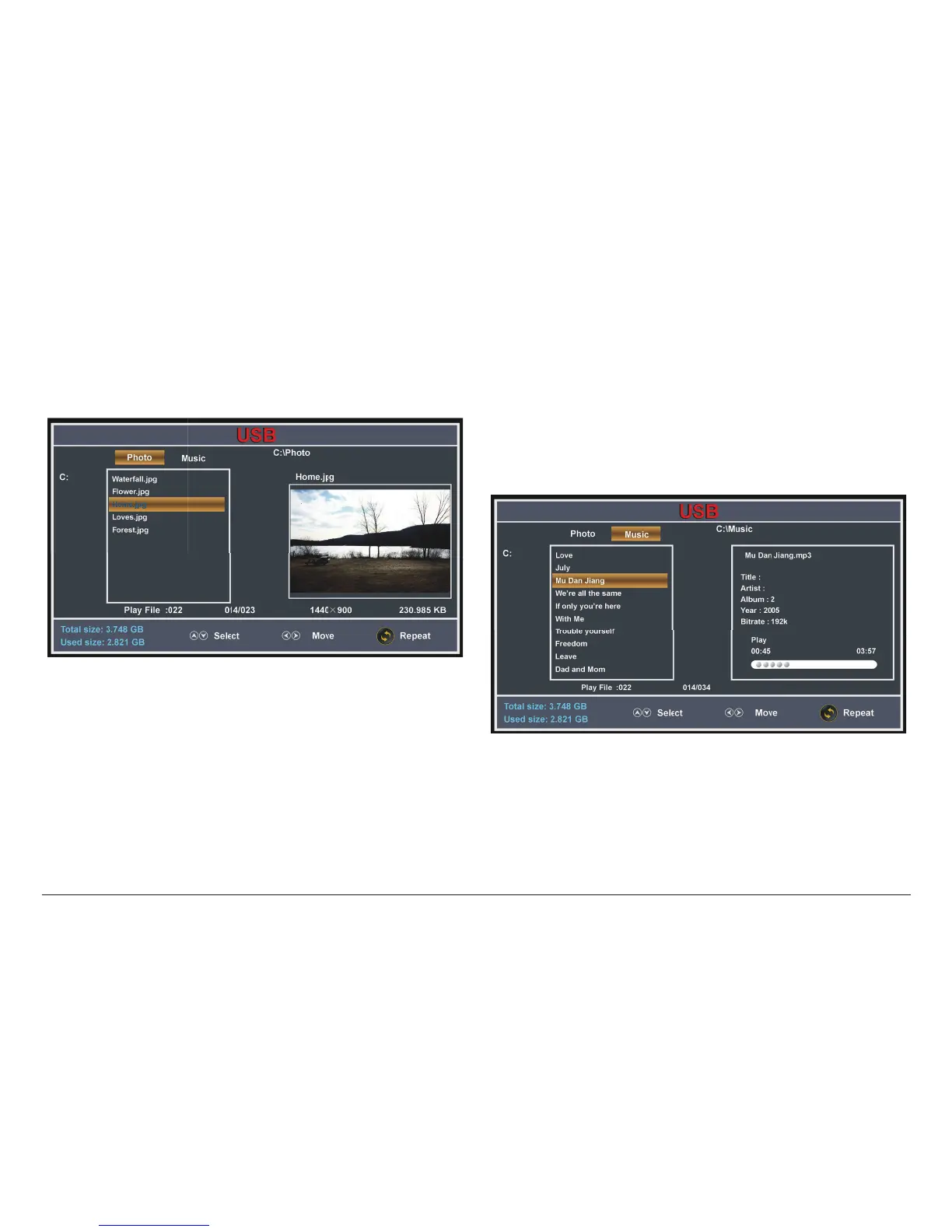
If the USB drive contains compatible photo les, you
will see the screen below.
• Press the LEFT/RIGHT keys to select the Photo tab
(highlighted in the screen above).
• Press the UP/DOWN keys to select a folder or le,
then press ENTER.
• When viewing a photo le:
• Press UP/DOWN to view the previous or next
photo.
• Press LEFT/RIGHT to rotate the current photo.
• Press SETUP/EXIT to return to the le browser.
Music Player
If the USB drive contains compatible music les, you
will see the screen below.
• Press the LEFT/RIGHT keys to select the Music tab
(highlighted in the screen above).
• Press the UP/DOWN keys to select a folder or le,
then press ENTER.



 To Next Page