Getting Started with MAXserver Access Servers
0038
28
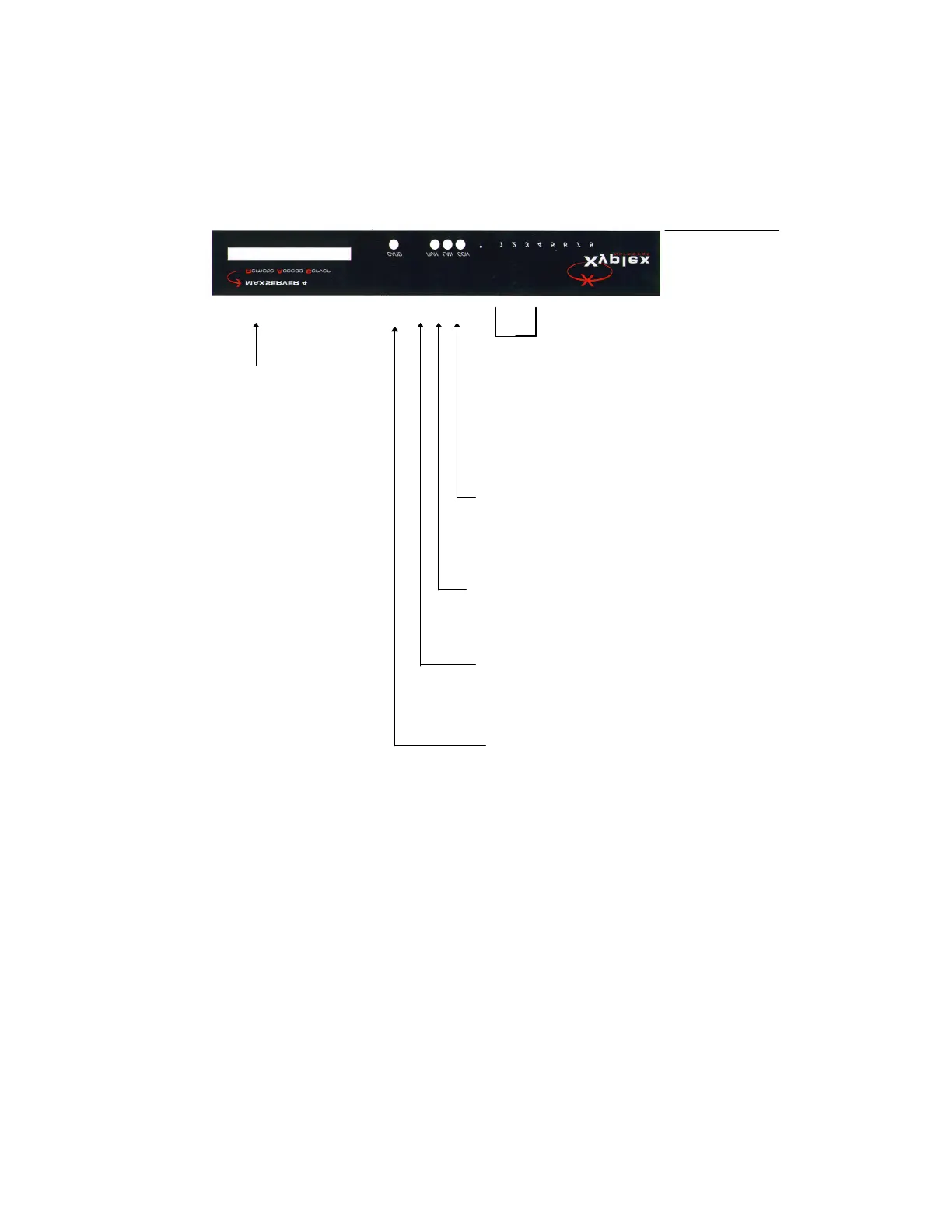
Figure 7 - MAXserver 1604 Front Panel
These lights indicate port activity.
Flashing = Activity
associated
with port.
OFF = No port connection
established.
someone is logged on to the
unit’s console port via the
network. Flashes if permanent
parameter changes have not yet
been stored
- Flashes when the
unit receives Ethernet packets.
Rapid blinking indicates heavy
network traffic to the unit. (OFF
when not connected to network
or network is faulty.)
- ON when unit is
reset. Flashes rapidly when unit
Flashes slowly when software is
- ON when Memory
card is being accessed. Do not
remove the card or power off
the unit while this light is ON.



 To Next Page