Getting Started with MAXserver Access Servers
0038
144
MAXserver Memory Requirements
Each SIMM provides 1 Megabyte of memory. SIMMs must be installed or
removed in pairs; you can install either two, four, or six SIMMs (i.e., 2, 4, or
6 Megabytes of memory). This means that the MAXserver can be configured
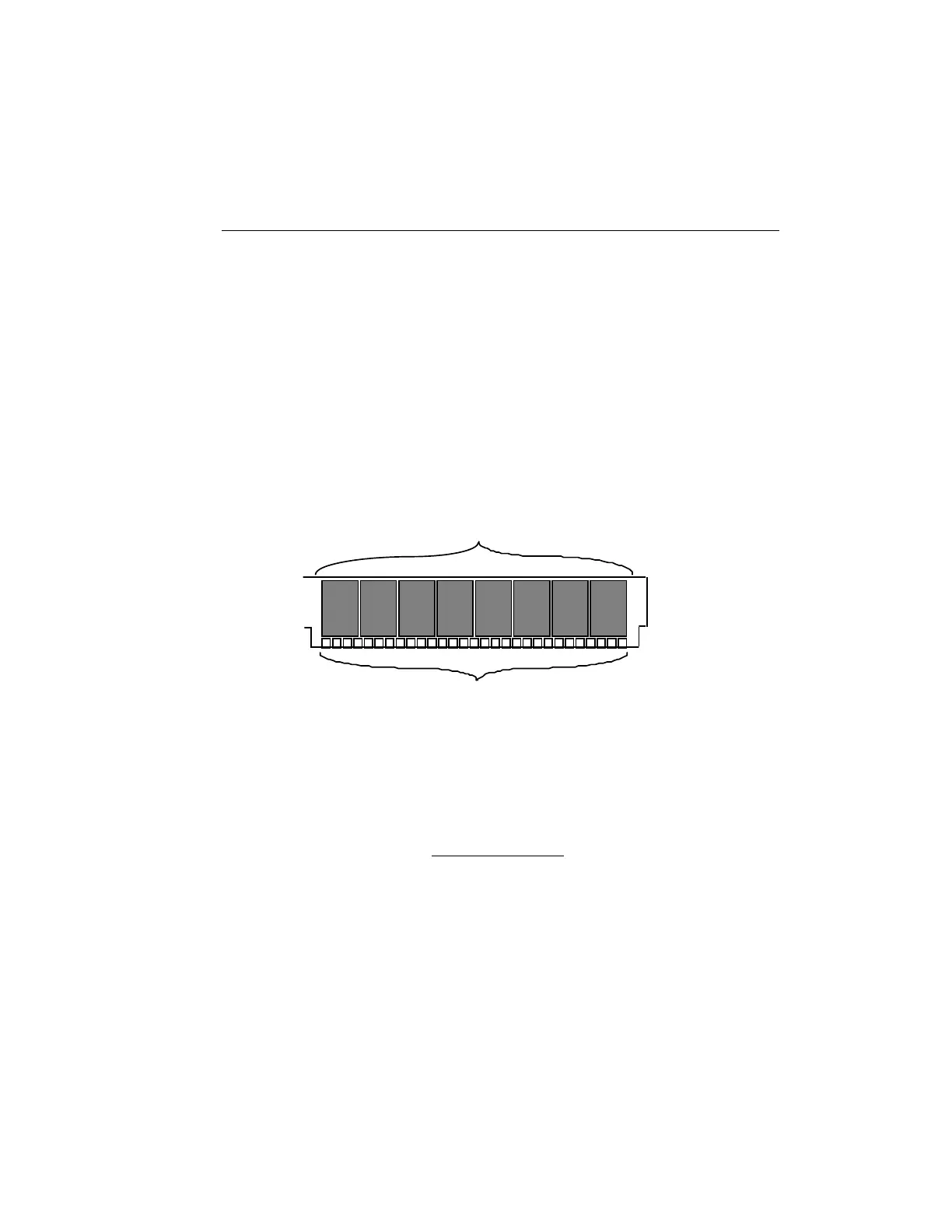
with a total of 4, 6, or 8 Megabytes of memory. Figure 36 shows a typical
SIMM. (The SIMMs you are installing might have a different number of
memory chips.)
NOTE: All MAXserver are delivered from the factory with a
minimum of 4MB installed.
1
30
Memory chips
Pin contacts
Figure 36 - Typical SIMM
Installation
+ Unplug the MAXserver before you begin the installation.
There is danger of Electrical Shock if you fail to do so.
To install the SIMMs, follow these steps:
1. Unplug the MAXserver if you have not already done so. It is not
necessary to remove the serial cables and Ethernet cable. If the
MAXserver is mounted in a rack, remove it from the rack.



 To Next Page