55
Remove the Adjustment plates. Step 1)
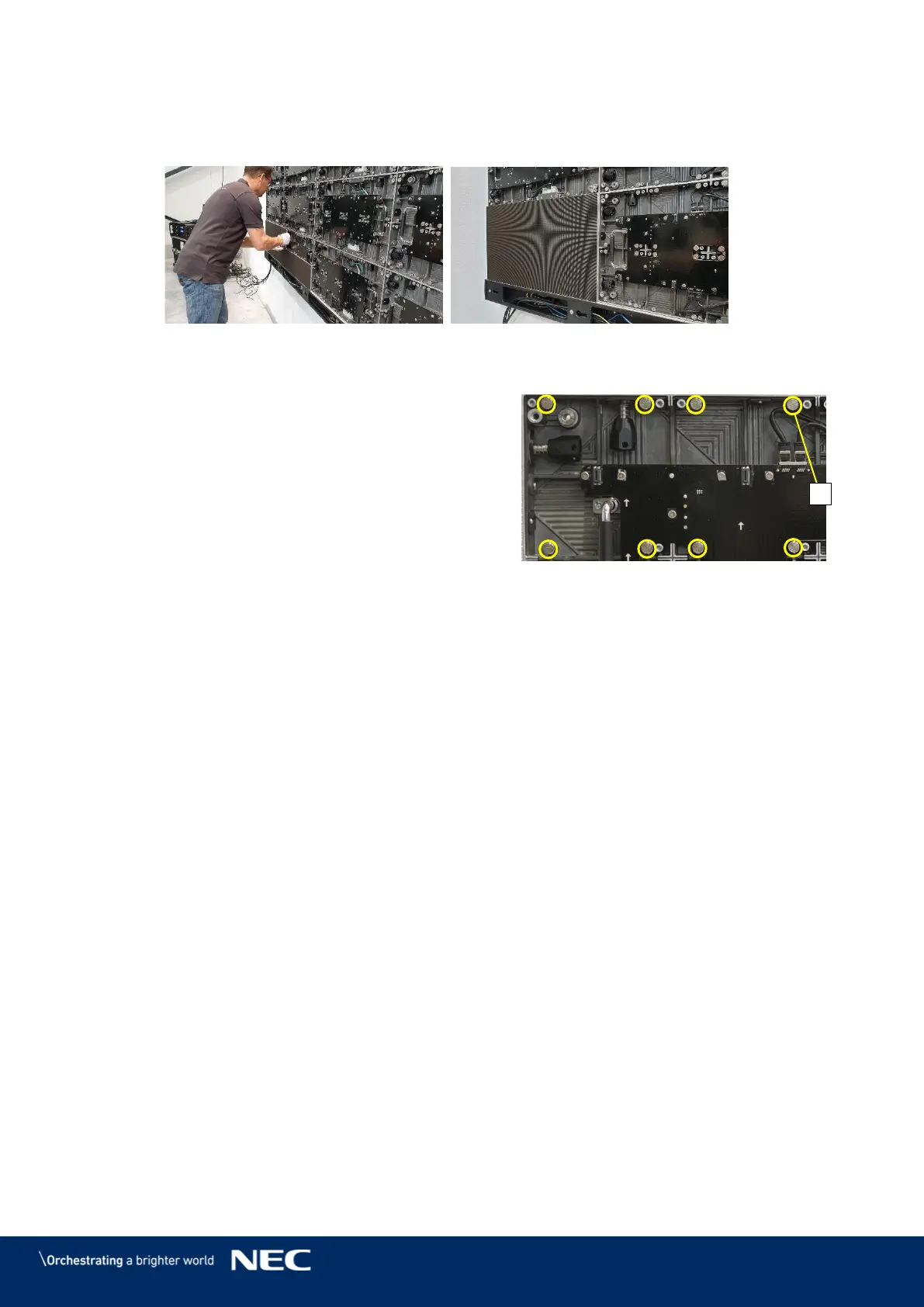
Install the Pixel cards. Step 2)
Mount 4 × 2 Pixel cards onto each cabinet. Start with the bottom row, then top row.
Figure 67: Installing the Pixel Cards
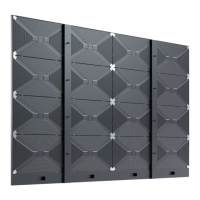
Ensure that the surface of the LED Wall is even. Step 3)
If a Pixel card sticks out, minimize the
protrusion with the level screws (A) in the
cabinet.
Remove the Pixel card with the Service
tool (Figure 115, p. 85).
Adjust the level screws in the cabinet.
Re-install the Pixel card and check if it is
level to the other Pixel cards.
The LED Wall is completely installed.



 To Next Page