92
12
TROUBLESHOOTING
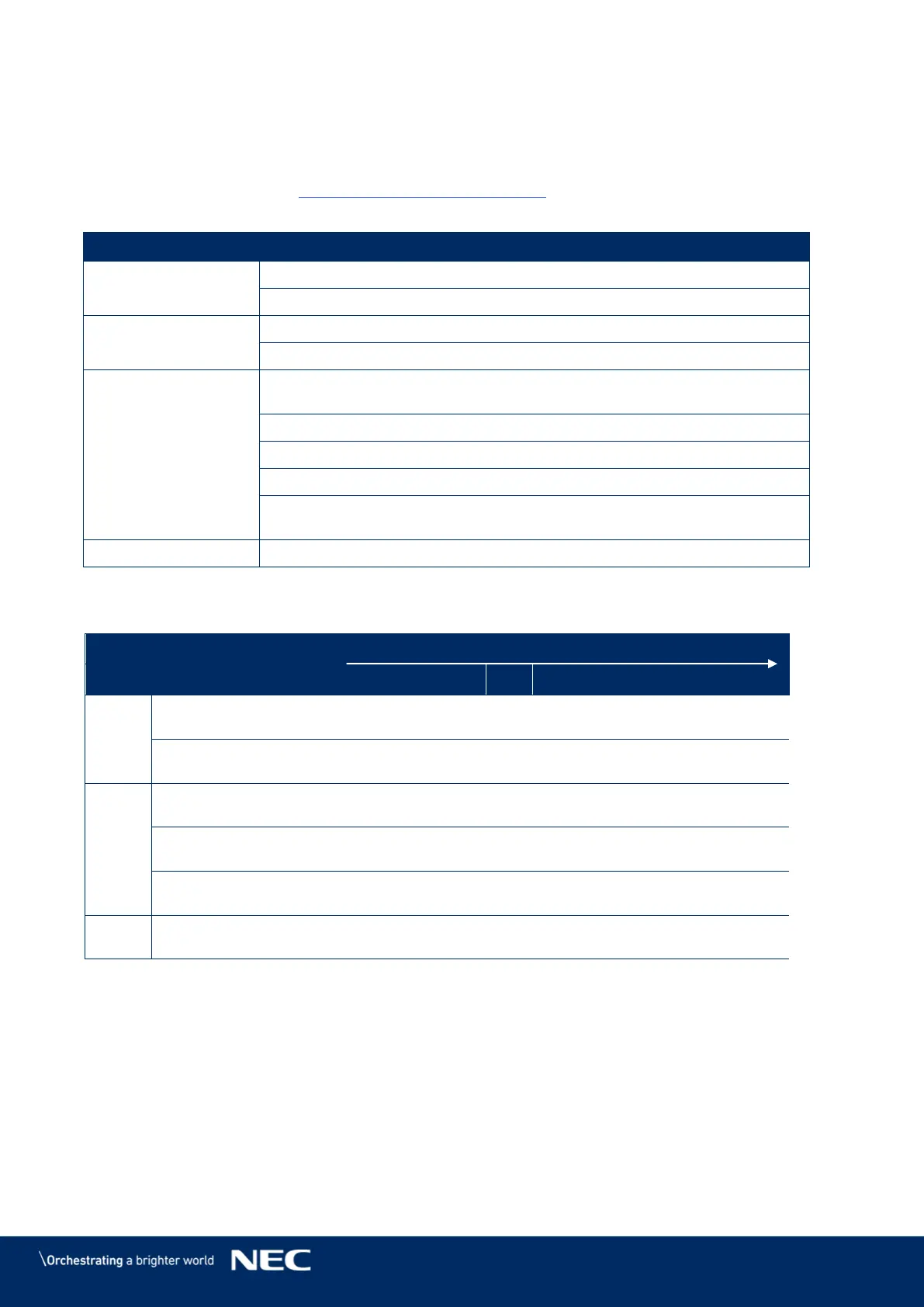
Table 15 summarizes the most common problems you could encounter with the appliance.
If you are unable to solve the problem with the information below, contact the NEC DISPLAY
SOLUTIONS service team: LED-support@nec-displays.com
Table 15: Troubleshooting Solutions
Check if electric power is switched on.
Check if screen is connected properly to the electric power system.
Adjust the contrast and brightness settings.
Check if the screen saver is activated.
Check the green LED of the Receiving card is flickering regularly or not
(fast flickering means no signal).
1. Check if the cable connector assembly is stable.
2. Check whether the cable is short-circuited.
3. Check the power of the Receiving card.
In case the above three points do not fix the problem, please exchange
the Receiving card.
Use a multimeter to test the module. The voltage should be 4.2 V.
Table 16: Signal Light Codes
Signal on Controller
lost



 To Next Page