70
Send the data from the computer to the backup reception card. Step 12)
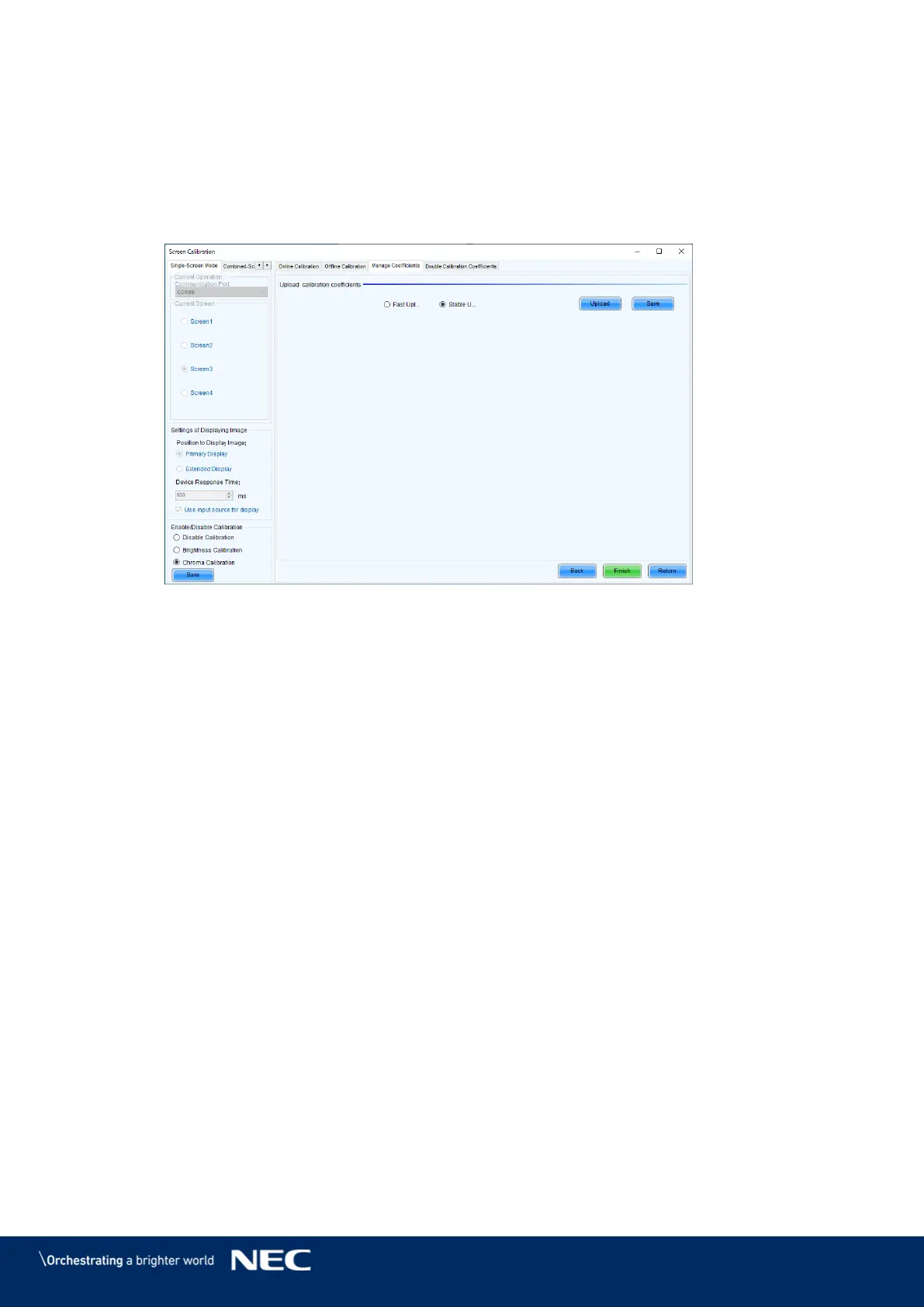
Select Stable upload , and then click Upload (Figure 95).
The data transfer begins. The transfer takes approximately 1 hour and 10 minutes.
When the screen indicating that the transfer finished successfully is displayed, click OK.
Click Save (Figure 95).
Click Finish (Figure 95).
Figure 95: End of the transfer
The transfer is complete.
Follow the same procedure for the other screens you want to create a backup for.



 To Next Page