65
Check the calibration-state in the bottom left corner of Screen Calibration window: Step 10)
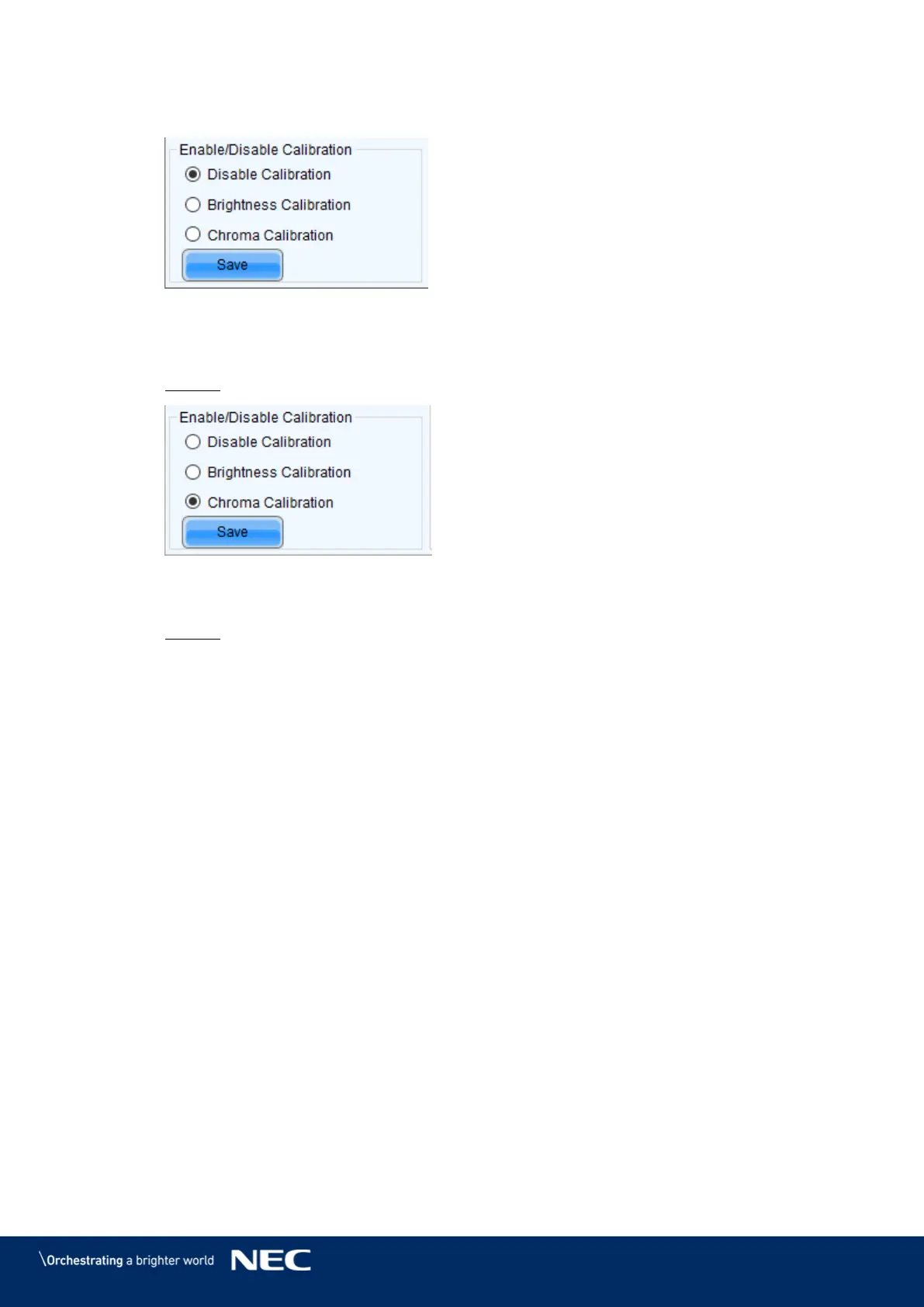
Enable/Disable Calibration (see Figure 85).
Figure 85: Calibration is disabled
If calibration-setting Disable Calibration is chosen, switch to Chroma Calibration to Step 11)
enable calibration and click on the Save button (see Figure 86).
Result: While switching you will already see calibration effect.
Figure 86: Calibration is enabled
Close Screen Calibration windows by clicking on the X. Step 12)
Result: The Screen Calibration has been finished for both screens.



 To Next Page