64
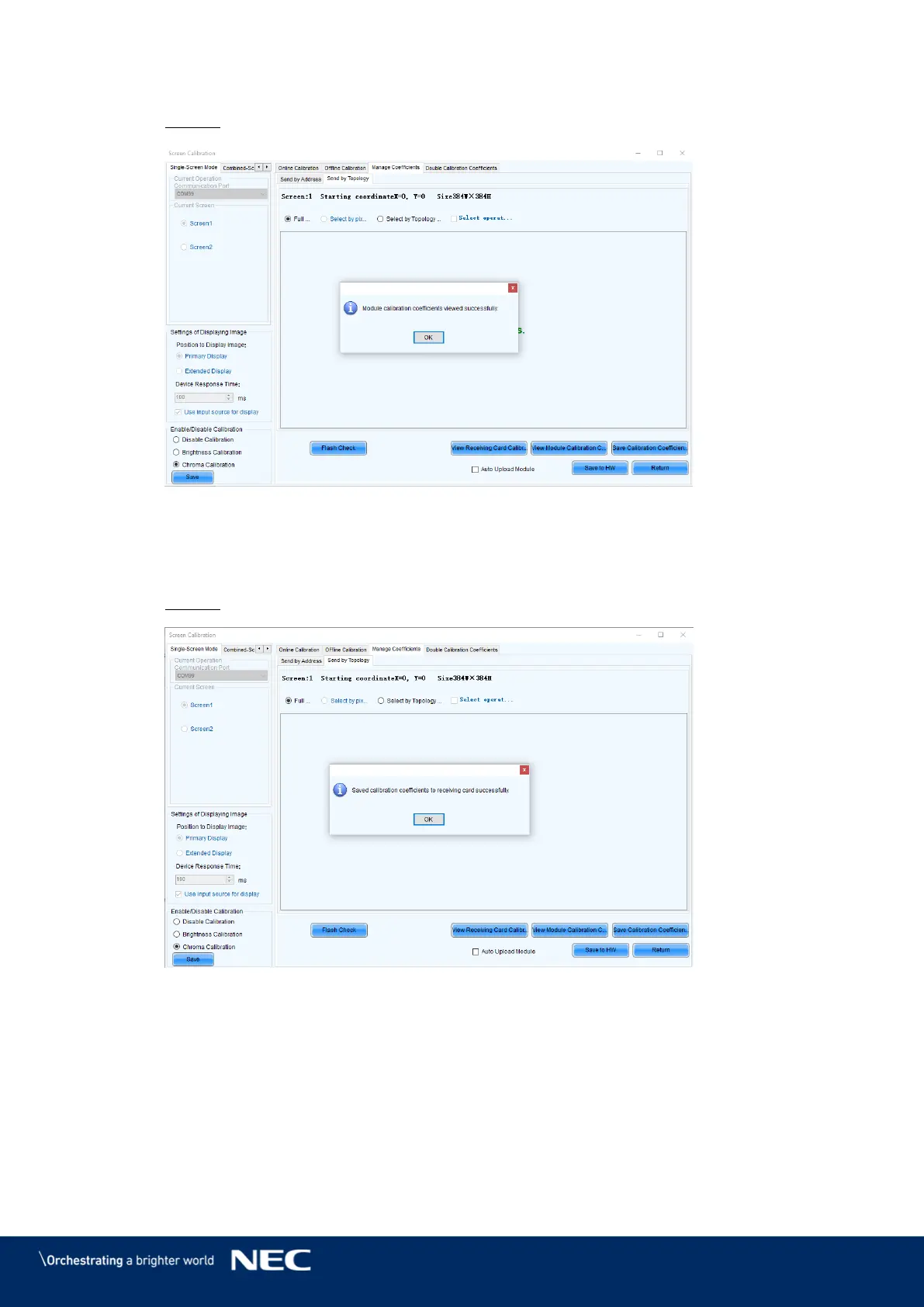
Click the View Module Calibration Coefficients button. Step 6)
Result: Pop-up message opens (see Figure 83).
Figure 83: Flash Module after loading Module Calibration Data
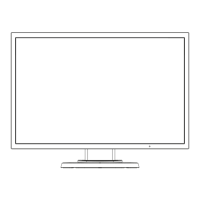
Click Save Calibration Coefficients to Receiving Card. Step 7)
The pop-up message, that the data has been successfully stored to the Receiving cards,
will appear (see Figure 84).
Result: The screen with the exchanged Pixel cards should look calibrated now.
Figure 84: Flash Module after saving Module Calibration Data
Click on Save to HW button and go back to main window by clicking X button. Step 8)
Repeat all steps for Screen 2. Click on the Return button to be able to select Screen 2 Step 9)
and re-open Module Flash



 To Next Page