NMC-Junior Pro Installation Manual
Page 54
In clock starts the minimum time is the delay between start of a cycle until the start of the next cycle.
For example if Clock Start is set to 2, the set Run Time is 30 minutes and the Min. Time is 45 minutes.
The second cycle will start 15 minutes after the end of the first cycle.
• Max. Time: The maximum time between two subsequent cycles. This value is used to limit the time between
two cycles when using dynamic irrigation triggers such as Rad/VPD Sum or the Condition program. When the
specified Max. Time from the beginning of the previous cycle has elapsed; irrigation will take place regardless
of the Rad/VPD Sum level or the Condition program status.
• Valve #: The NMC-Junior Pro can operate valves in any required order. Set the valve number and press
enter. The following window appears:
_
Select ‘blank’ and press ENTER to set the valve to operate alone, or ‘+’ (plus) to operate together with the next
valve. Several valves can be set to work together, as a group. A valve set (group) will have the same Run Time
program and the same dosing program. Each irrigation program can include a maximum of 100 valves
(columns) in any required order (all of them together, one after the other, a few groups-max. 100 groups, etc.).
The same valve can be entered several times with different settings.
• Run Time #: attach a Run Time Program to a valve or a group of valves. When setting valves to work
individually, a Run Time Program should be set for each valve. When setting a few valves to work together
(“+” mark between them) a Run Time Program should only be set for the first valve, the rest of the valves will
follow this setting.
Note: The quantity set in the Run Time Program will be the quantity given for all valves set to operate together,
not per valve (for further specifications of the Run Time Program see Water Run Time, page 55).
• Dosing Program: Attach a Dosing Program to a valve or a group of valves. When setting valves to work
individually, a Dosing Program should be set for each valve. When setting a few valves to work together (with
“+” mark between them) a Dosing Program should only be set for the first valve, the rest of the valves will
follow this setting.
• Day (xx/xx): Allows defining whether the program should irrigate water only, dose or be turned off on different
days.
(xx/xx): The right setting defines the day’s cycle.
(xx/xx): The left setting defines the current day of the cycle.
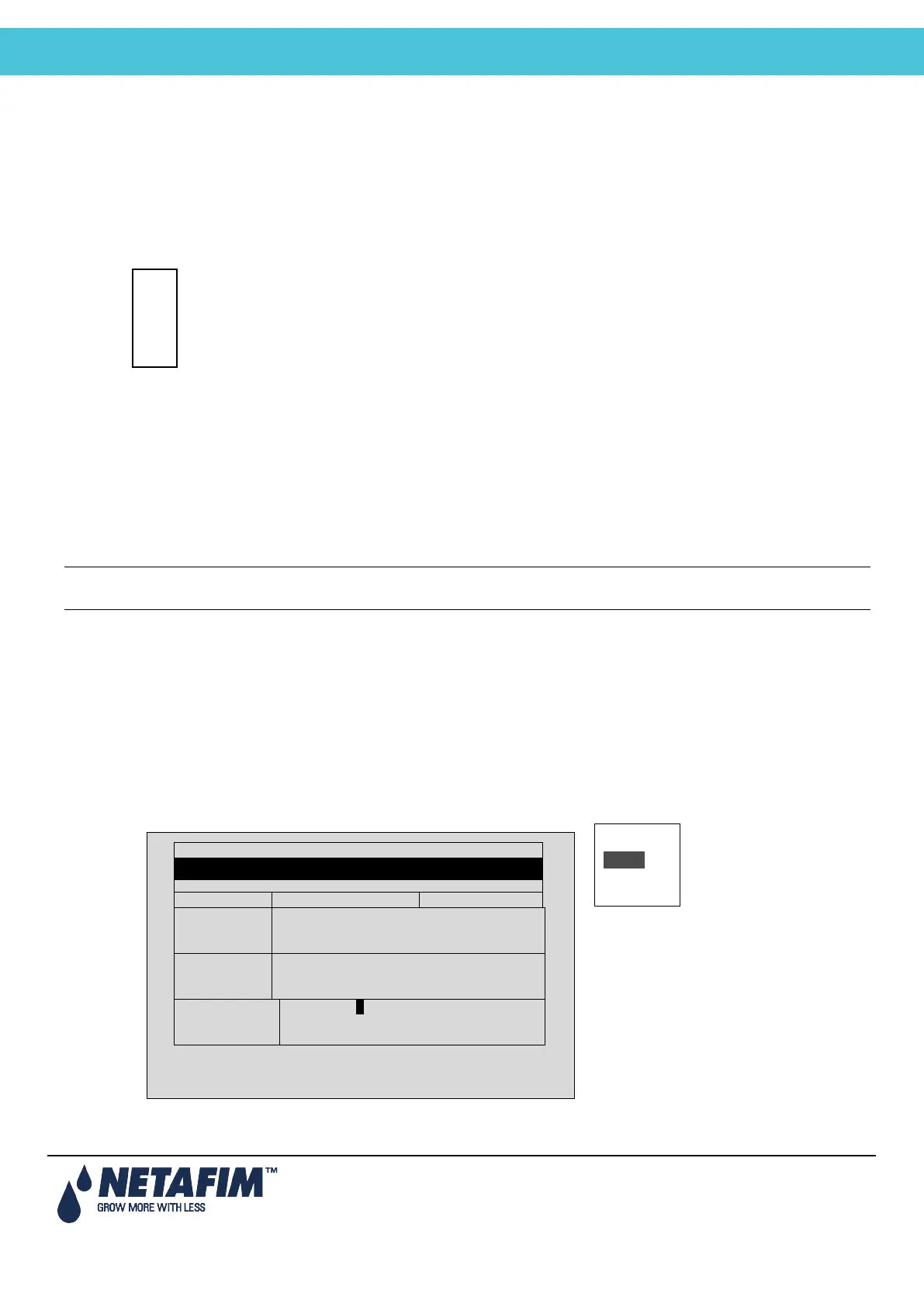
Select Dose, Water or None and press ENTER. ‘Dose’ means Fertigation (water + dosing), ‘Water’ means
irrigation without dosing and ‘None’ means the program is idle in that day.
Water
None
DATE : 1-May-12 TIME : 10:12:09
IRRIGATION PROGRAM
Clock Start
2
1
1
Run Time #
1 1
2 2
2
--2
Dose / Water
D W - D
W D



 To Next Page