E2600 Controller-Drive Tray Installation Guide 59
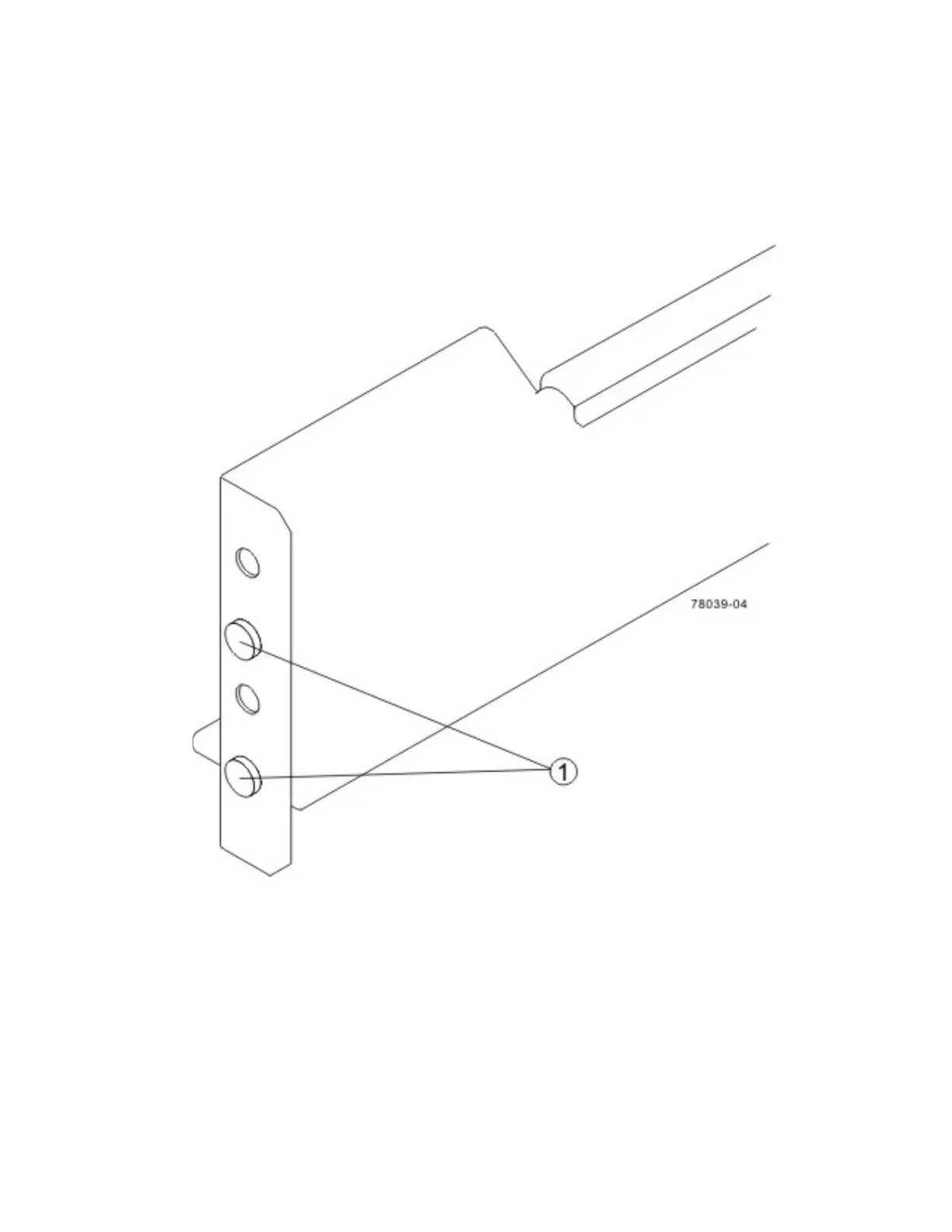
c. Make sure that the alignment spacers on the front flange of the mounting rail fit into the mounting
holes in the cabinet.
The front flange of each mounting rail has two alignment spacers. The alignm
ent spacers are designed to
fit into the mounting holes in the cabinet. The alignment spacers help position and hold the mounting rail.
Figure 52 Alignment Spacers on the Mounting Rail
1. Alignment Spacers
d. Insert one M5 screw through the front of the cabinet and into the top captured nut in the mounting
rail. Tighten the screw.
e. Insert two M5 screws through the rear of the cabinet and into the captured nuts in the rear flange in
the mounting rail. Tighten the screws.
f. Tighten the adjustment screws on the mounting rail.
g. Repeat substep a through substep f to install the second mounting rail.



 To Next Page