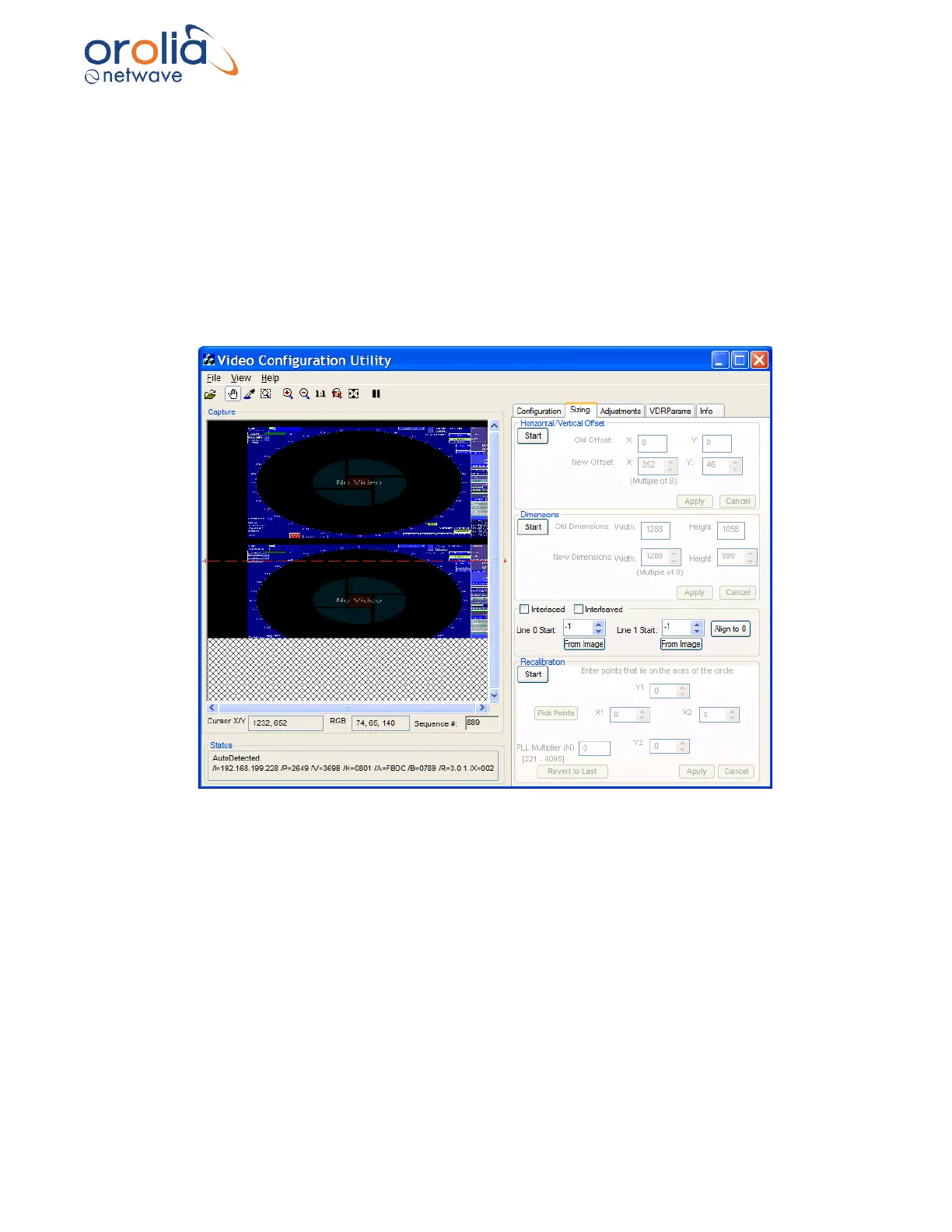
4. If the images captured are not fully visible, then the image height must be adjusted.
i. Click the Sizing tab to open the Sizing page.
ii. Click the Start button in the Dimensions section.
iii. Increase the image height to make this lower image visible.
iv. Adjust the Image Dimensions as written above; and
v. Adjust the height as necessary.
Figure 10.18.2 - Interlaced image with height too small



 To Next Page