HX4E/MX8A Series Voice Gateway User Manual
New Rock Technologies, Inc. 17
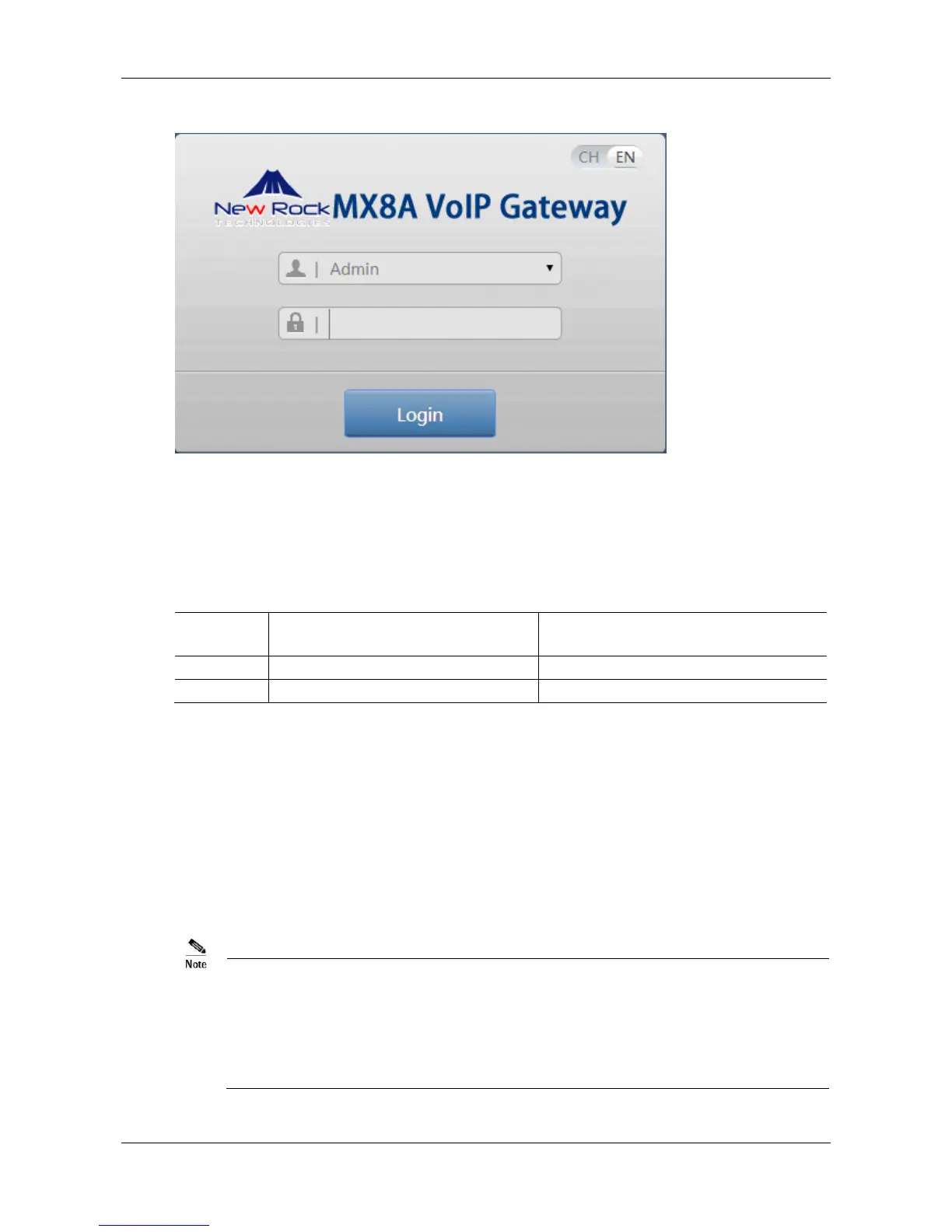
Figure 2-7 Login Interface for MX8A Gateway Configuration
2.1.3 Gateway Administrator and Operator Rights
Logon users are classified into administrator and operator. The default password is shown in Table 2-2.
The password is shown in a cipher for safety.
Table 2-2 Default Passwords of Gateway
Default Administrator Passwords
(lowercase letters required)
Default Operator Password
The administrator can browse and modify all configuration parameters, and modify login passwords.
The operator can browse and modify a subset of the configuration parameters.
The gateways allow multiple users to log in if needed.
If both an administrator and operator have logged in, the administrator can modify the configuration,
while the operator is limited to browsing.
When multiple users with the same level of permission log in, the first can modify, while others may
only browse.
The system will confirm timeout if users do not conduct any operation within 10 minutes after login.
They are required to log in again for continuing operations.
Upon completion of configuration, click the Logout button to return to the login page, so as not to
affect the login permission of other users.
To ensure system security, please choose Tools > Change password and change the password
when you log in for the first time. For details, see 2.10.1 Change Password.



 To Next Page