User Manual HX4E/MX8A Series Voice Gateway
32 www.newrocktech.com
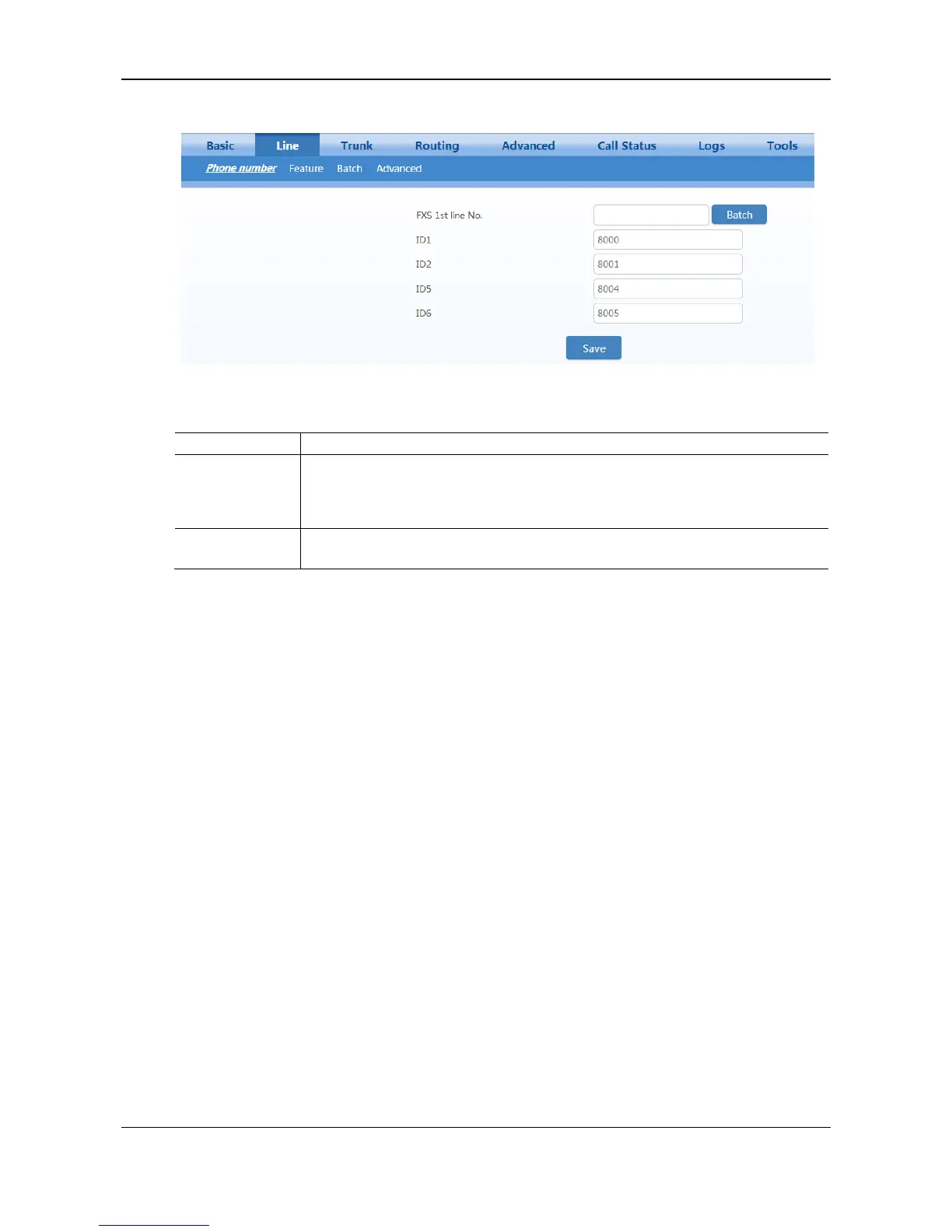
Figure 2-16 Configuration Interface for Phone Number
Table 2-11 Configuration Parameters of Phone Number
This number is used for the batch setup of consecutive number of subscriber line.
Click Batch after filling in initial number, the number of Line 1 adopts initial number;
that of Line 2 increases 1 progressively based on that of Line 1, and so on. You
needn’t fill in if you do not use batch configuration or the number is not consecutive.
Fill in the telephone number associated with the subscriber line n (FXS port). This
should be manually performed if Batch mode is not used.
2.4.2 Subscriber Line Features
Only a gateway with FXS ports can display this interface.
After login, click Line > Feature tab to open the configuration interface.



 To Next Page