User Manual HX4E/MX8A Series Voice Gateway
54 www.newrocktech.com
The refresh time must be filled in here when choosing dynamic NAT or STUN
traversal. Refresh time interval shall be determined by giving consideration to the NAT
refresh time of the LAN router where the gateway is located. Gateway’s NAT holding
function and STUN function will carry out periodic operation according to this
parameter. With seconds as its unit, default value of 60 seconds.
NAT IP Address: apply NAT public address into the transmitted SDP;
Local IP Address: apply the gateway’s IP address into the transmitted SDP.
Note: The parameter NAT IP Address should come into effect only on condition that
gateway successfully obtained NAT public address.
2.7.2 Auto Provision
After login, click the label of Advanced > System to open this interface.
For specific configurations, see:
http://website.newrocktech.com/Files/MX%20Gateway%20Auto%20Provisioning%20Configuration%20
Manual.pdf.
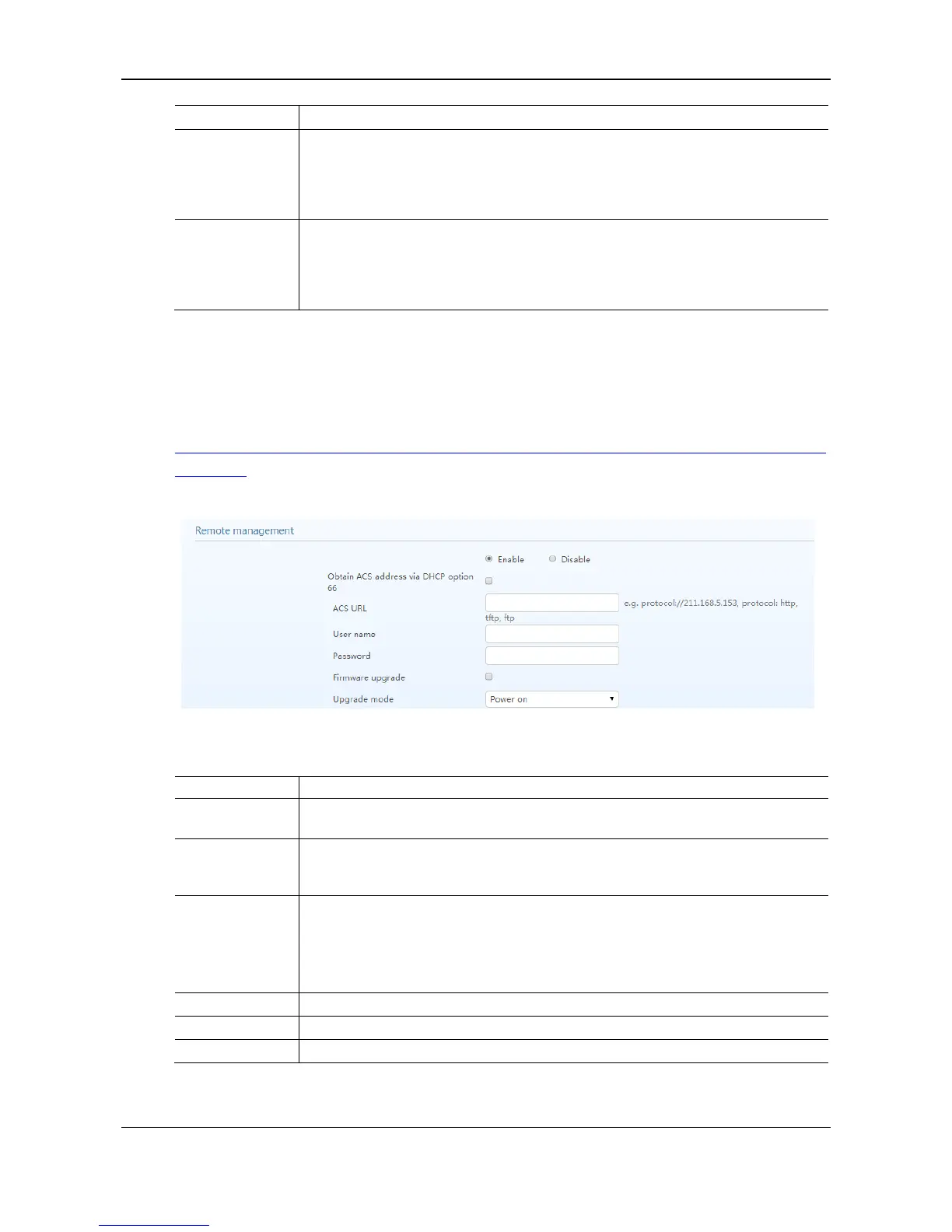
Figure 2-28 Interface of system advanced configuration (Remote management)
Table 2-22 Remote Management Configuration Parameters
This parameter specifies whether to enable or disable auto provisioning.
Obtain ACS
address via DHCP
option 66
ACS (Auto Provisioning Server) address is obtained by using option 66 of the DHCP.
Manually configure the ACS address, which can be the TFTP, FTP, or HTTP server.
tftp://ACS address
ftp:// ACS address
http://ACS address
Input a user name for accessing the ACS.
Input a password for accessing the ACS.
Supports firmware download and update using ACS.



 To Next Page