User Manual HX4E/MX8A Series Voice Gateway
18 www.newrocktech.com
2.2 Buttons Used on Gateway Management Interface
Save buttons are at the bottom of the configuration screens. It is used to submit configuration information.
Users click the Save button after completion of parameter configuration on a page. A success prompt will
appear if configuration information is accepted by the system; if The configuration takes effect after
the system is restarted dialog box appears; it means that the parameters are valid only after a system
restart. It is recommended that users press the Reboot button on top right corner to enable the
configuration after changing all parameters to be modified.
2.3 Basic Configuration
2.3.1 Status
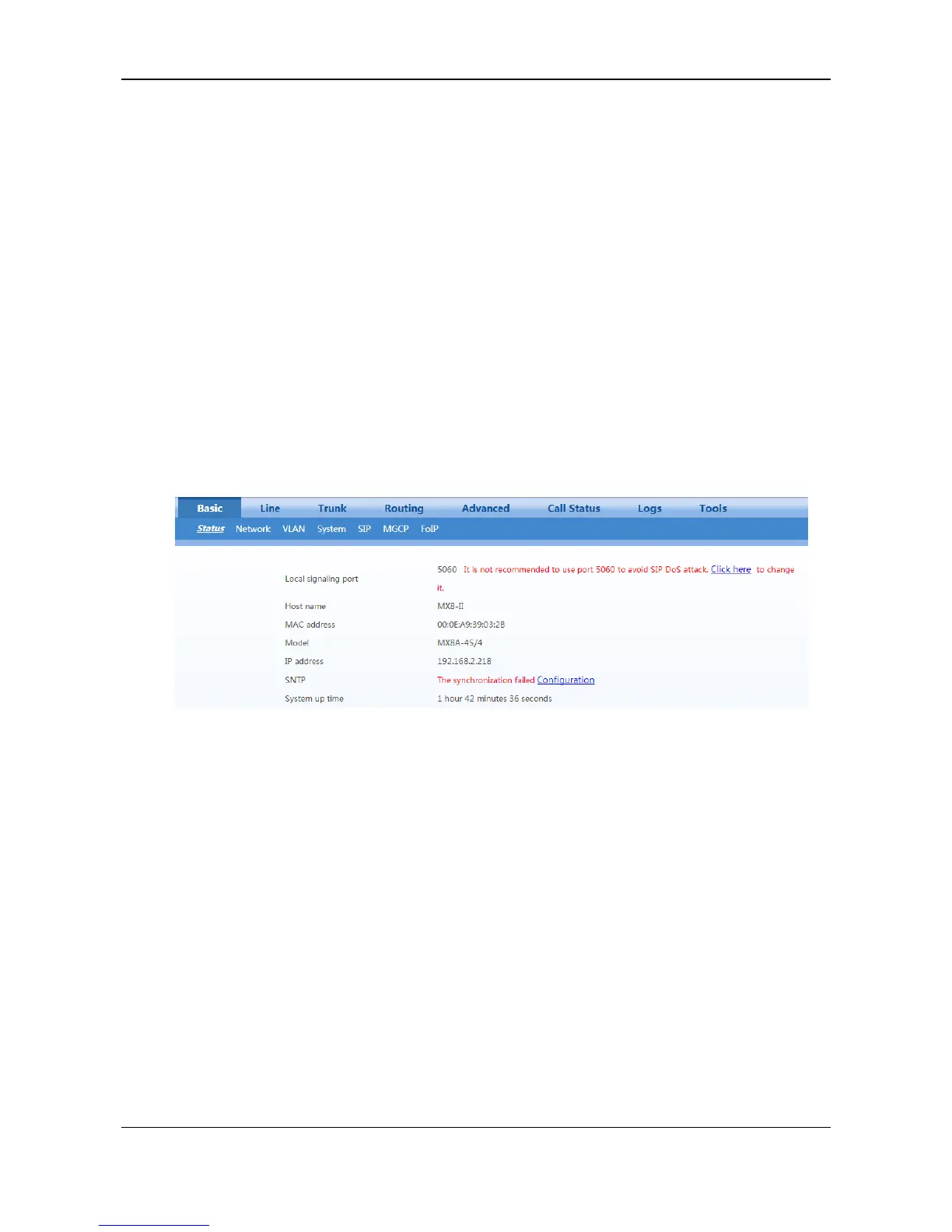
After login, open the Basic tab page to view device information. When the SIP port of the device is 5060,
you are advised to modify it.
Figure 2-8 Status Interface
2.3.2 Network
After login, click Basic > Network tab to open the configuration interface.



 To Next Page