User Manual HX4E/MX8A Series Voice Gateway
22 www.newrocktech.com
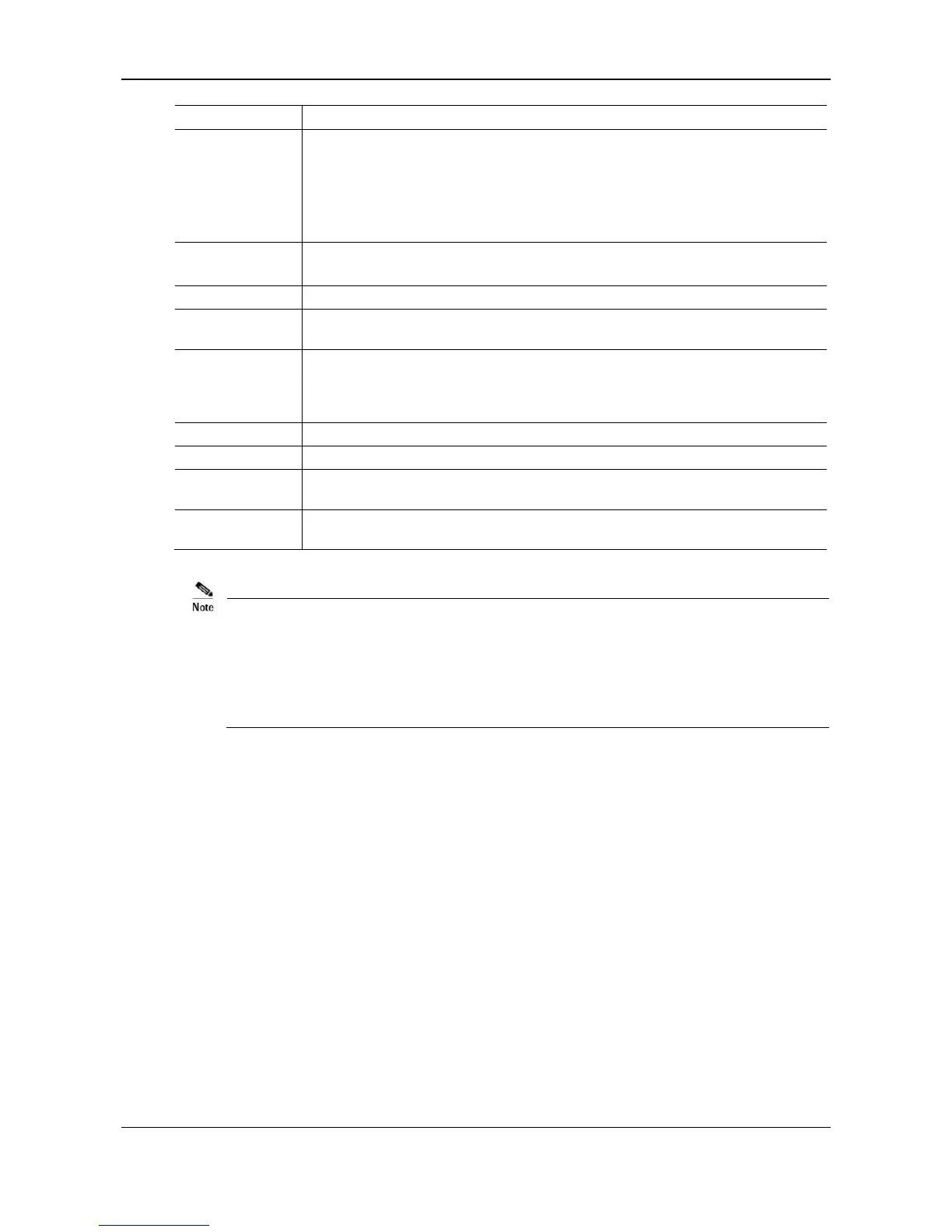
VLAN to which the voice service (SIP signaling and RTP/T.38 media stream)
belongs.
None: disable the voice VLAN
Mode 1: SIP and RTP/T.38 are on the same VLAN
Mode 2: SIP and RTP/T.38 are on different VLANs
Selected: enable the management VLAN
Deselected: disable the management VLAN
Tag of the VLAN. The value ranges from 1 to 4094.
Priority of the VLAN. The value ranges from 0 to 7. A larger value indicates a higher
priority of a to-be-sent data packet.
Type for obtaining the IP address of the VLAN interface.
Static: set the IP address to a static IP address
DHCP: automatically obtain an IP address by using the DHCP protocol
IP address of the VLAN interface
Subnet mask of the VLAN interface
IP address of the gateway of the VLAN interface
Maximum Transmission Unit value of the VLAN interface. The value ranges from
576 to 1500. The default value is 1500.
A reboot is required to enable the VLAN configuration.
After a VLAN is configured, only PCs in the same VLAN can access the device.
The device address used to log in to the Web GUI can be obtained by connecting a phone to an
FXS (Phone) port of the device, and dialing "##". In the case of a single VLAN, the IP address of
the single VLAN is voiced; in the case of a multi-service VLAN, the IP address of the
management VLAN is voiced.
2.3.4 System
After login, click Basic > System tab to open the configuration interface.



 To Next Page