HX4E/MX8A Series Voice Gateway User Manual
New Rock Technologies, Inc. 33
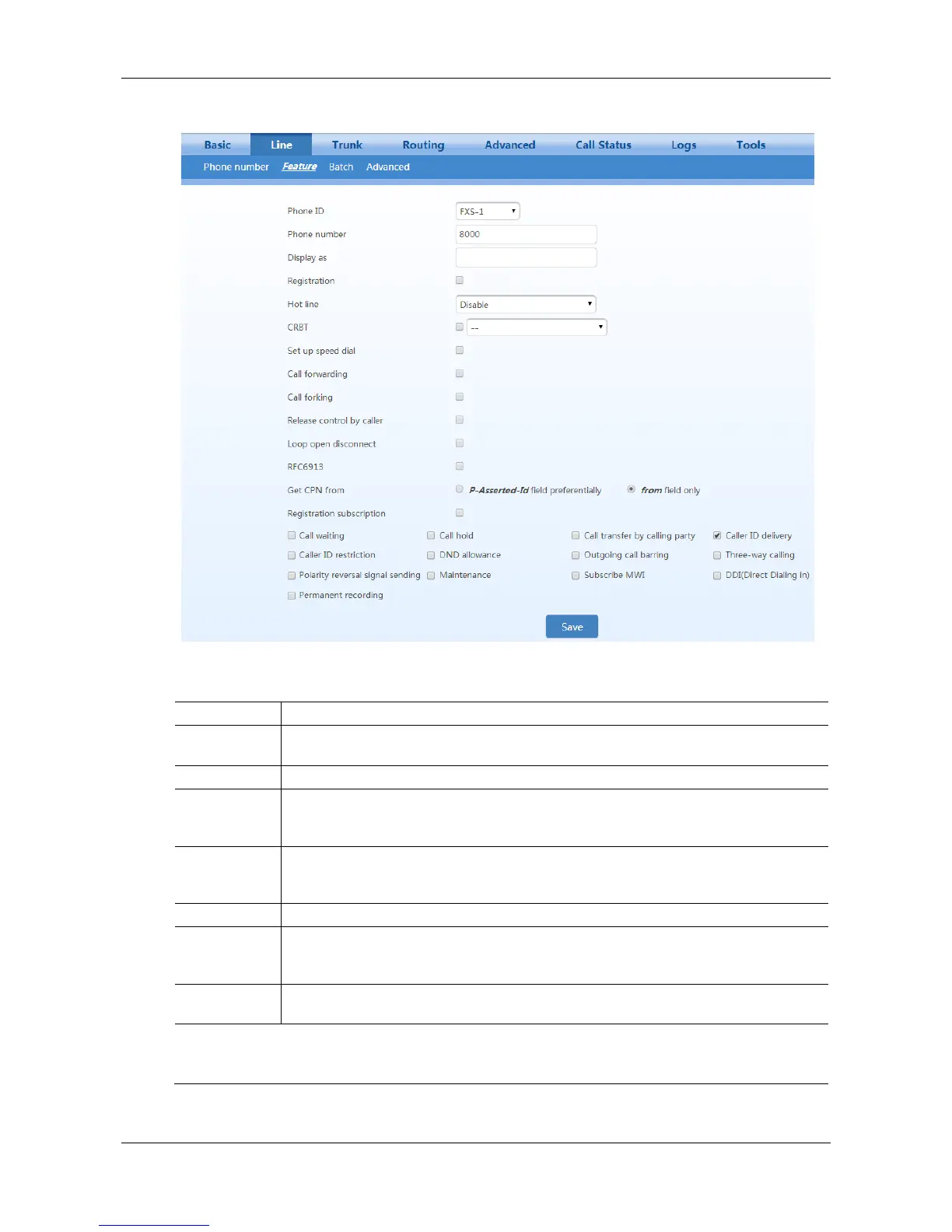
Figure 2-17 Subscriber Line Features Configuration Interface
Table 2-12 Subscriber Line Features Configuration Parameters
Fill in the phone number associated with this port. “FXS-n” corresponds to the Line >
Phone Number > ID n.
Fill in the name associated with this port.
Fill in the display name which will be contained in the From field of SIP message. e.g.
From: "Bob " <sip:8000@127.0.0.1>;tag=14340047091433920745-1, Bob is the display
name.
This parameter is displayed only when multi port is selected in page Advanced > SIP.
Set the port used for receiving and sending SIP messages associated with the line.
If this parameter is not specified, the local port configured in Basic > SIP is used.
Select if this line is required to register to a softswitch. This is selected as default.
If Registration is selected, users must enter the user name for registering the line here.
This is not mandatory. If this parameter remains blank, the phone number of the extension
set is used.
If Registration is selected, users must enter the authentication password for registering of
this line here.
Note:
The following features are valid only in SIP protocol. When the gateways use MGCP protocol, features are
controlled by the proxy server without the need for setting on the gateway.



 To Next Page